Our Photo Album System
I was on a mission: what is the cheapest, easiest and best way to make photo albums for my family.
After literally years of researching and testing different photo book companies, I believe I figured out the best way to create intentional, affordable and stunning photo albums.
Here’s the quick backstory.
When we first got married and started our family, I made family yearbooks. The ritual brought me so much gratitude and joy, and I loved it.
I printed those first yearbooks using the the website mixbooks. But eventually my books started falling apart and ultimately I felt like the style didn’t reflect the quality I was hoping for.
I wanted linen covers and thick spines. I wanted my books to feel luxurious, but instead they were falling apart (and didn’t have the thick spines and linen covers.)
So I started researching and experimenting with other printing companies.
I was in for a rude awakening. It seemed like if I was going to get my linen covers and thick spines, I’d have to pay a fortune. Like over $500 per book…which just didn’t seem reasonable for our young, growing family.
But I kept searching, hoping I could find something that fit my taste and my budget.
Finally, I discovered the photo book company blurb.
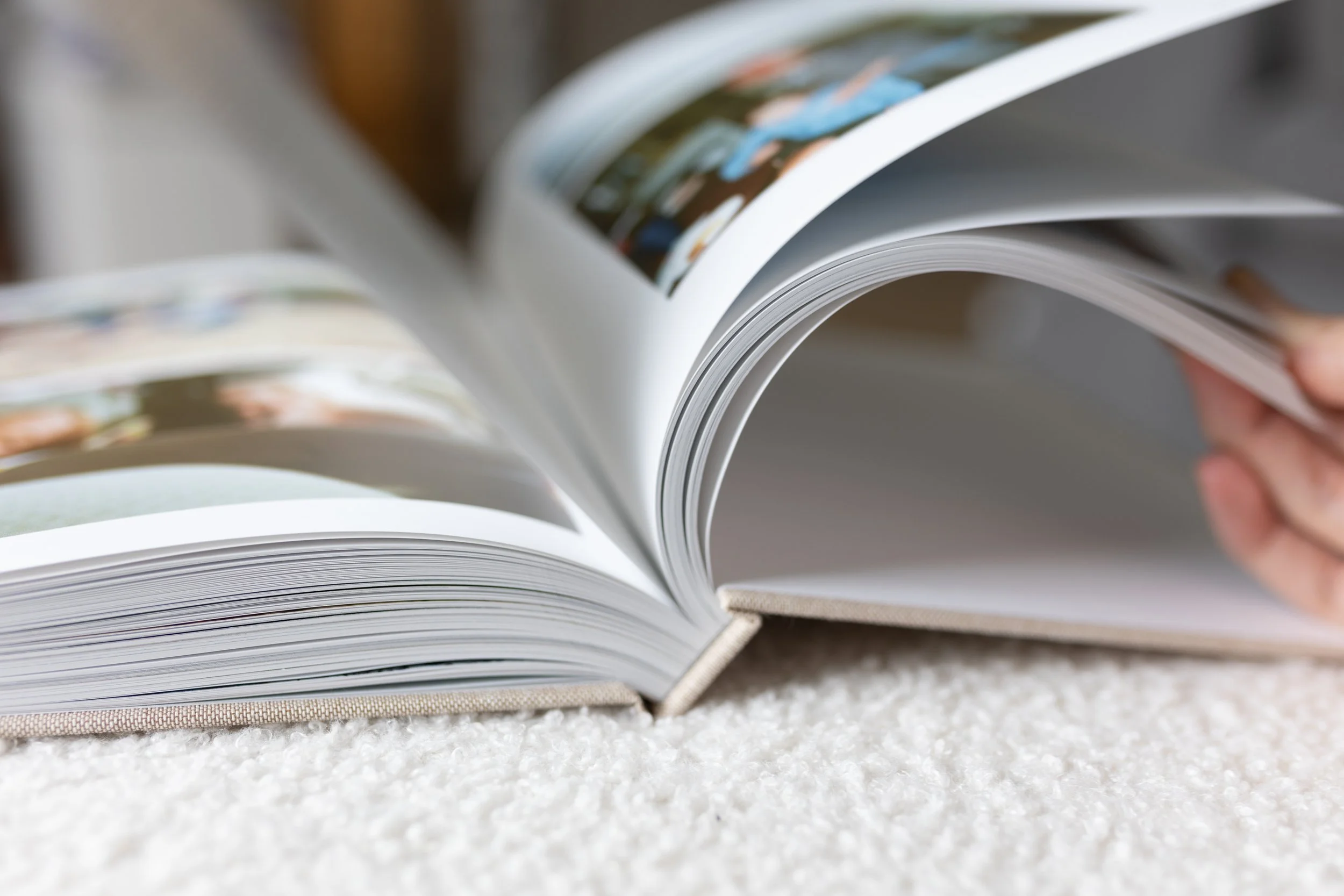
Blurb had everything I dreamed about. It had linen covers and the highest page count I’ve ever seen a photo book service offer. (Hello thick spines!!)
And all of it was a fraction of the prices I was seeing on other photo book websites.
For example, to print a 220 page hardcover photo book with Artifact Uprising you’ll pay between $500-750 per book.
Using blurb, you’re able to print 440 pages for around $150!
Blurb also offers the best free editing software (bookwright) I’ve ever used.
I’ve tried out virtually every single photo book editing software out there and I can confidently say bookwright is the best. It does have a small learning curve, but its customization is incredible, especially if you’re adding longer journal entries to your photo book.
(I’ve even tried the popular expensive professional photo book design software SmartAlbums…and bookwright is still better!)
After discovering Blurb and realizing I could make a photo book with 440 pages, it dawned on me that I could combine multiple years together, instead of printing a yearbook every year. That means…
Less books to store
Less pressure to create an album every single year (who wants to always feel behind??)
It’s more affordable
It’s the ultimate catch up project!! This system of combining multiple years into one volume is the best way for moms who are multiple years “behind.”
Thus the Photo Book Archive was born!
Instead of creating a yearbook for each year we’ve been married, a wedding album, and multiple baby albums…I decided to keep things simple and include everything our volume set.
So, I spent all my spare time in the month of January designing our three photo book volumes; spanning 8 years, four babies and ultimately our entire marriage.
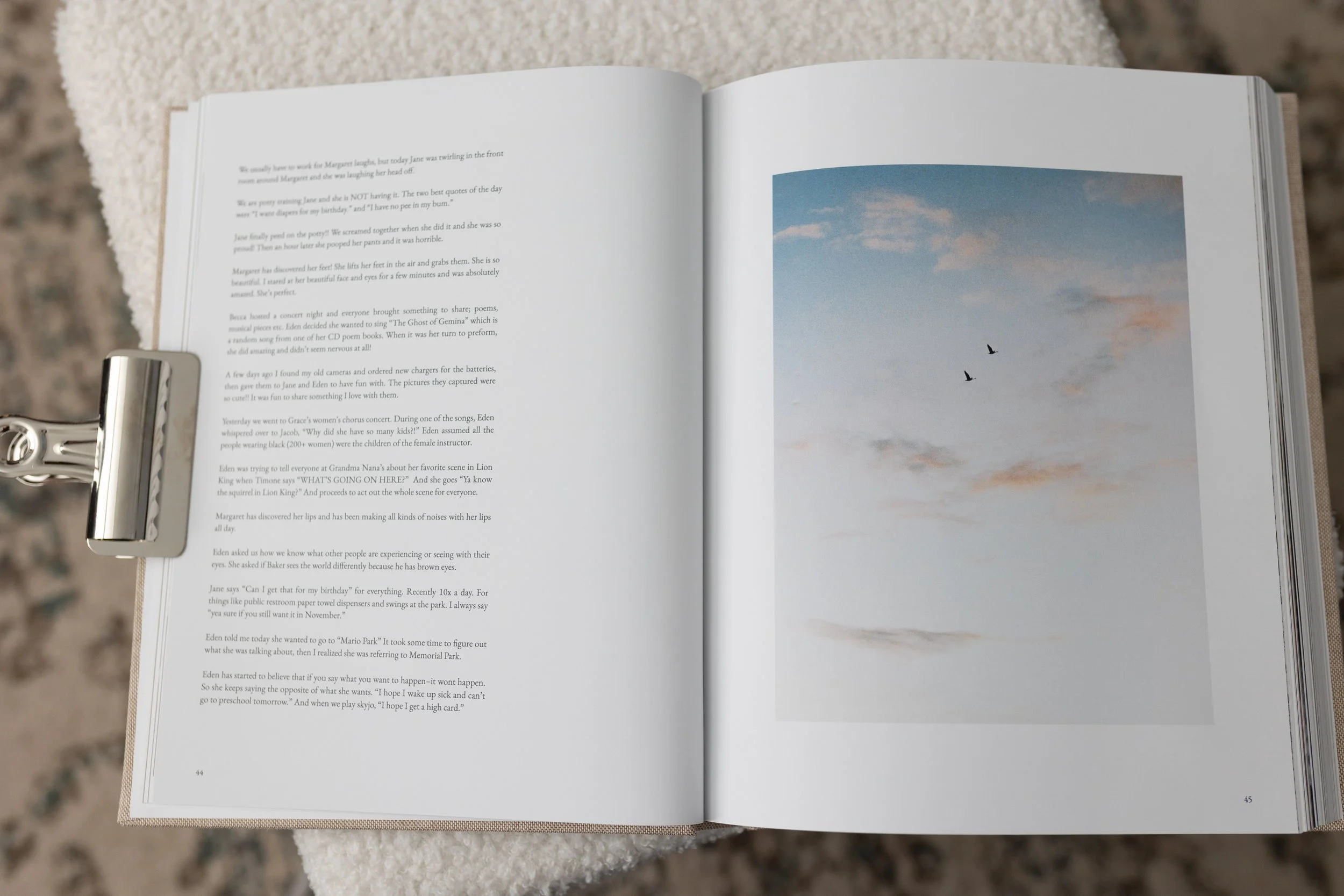
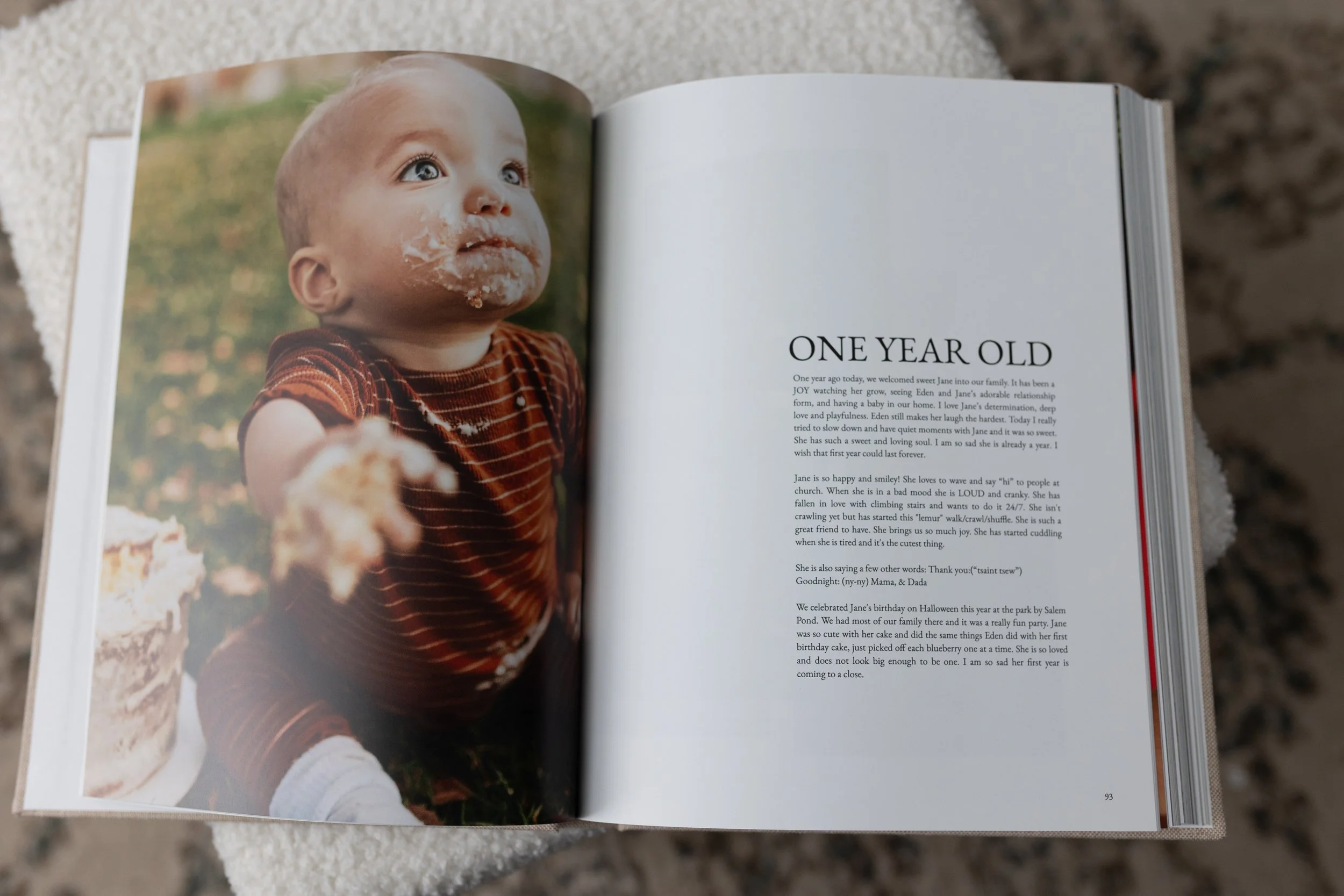
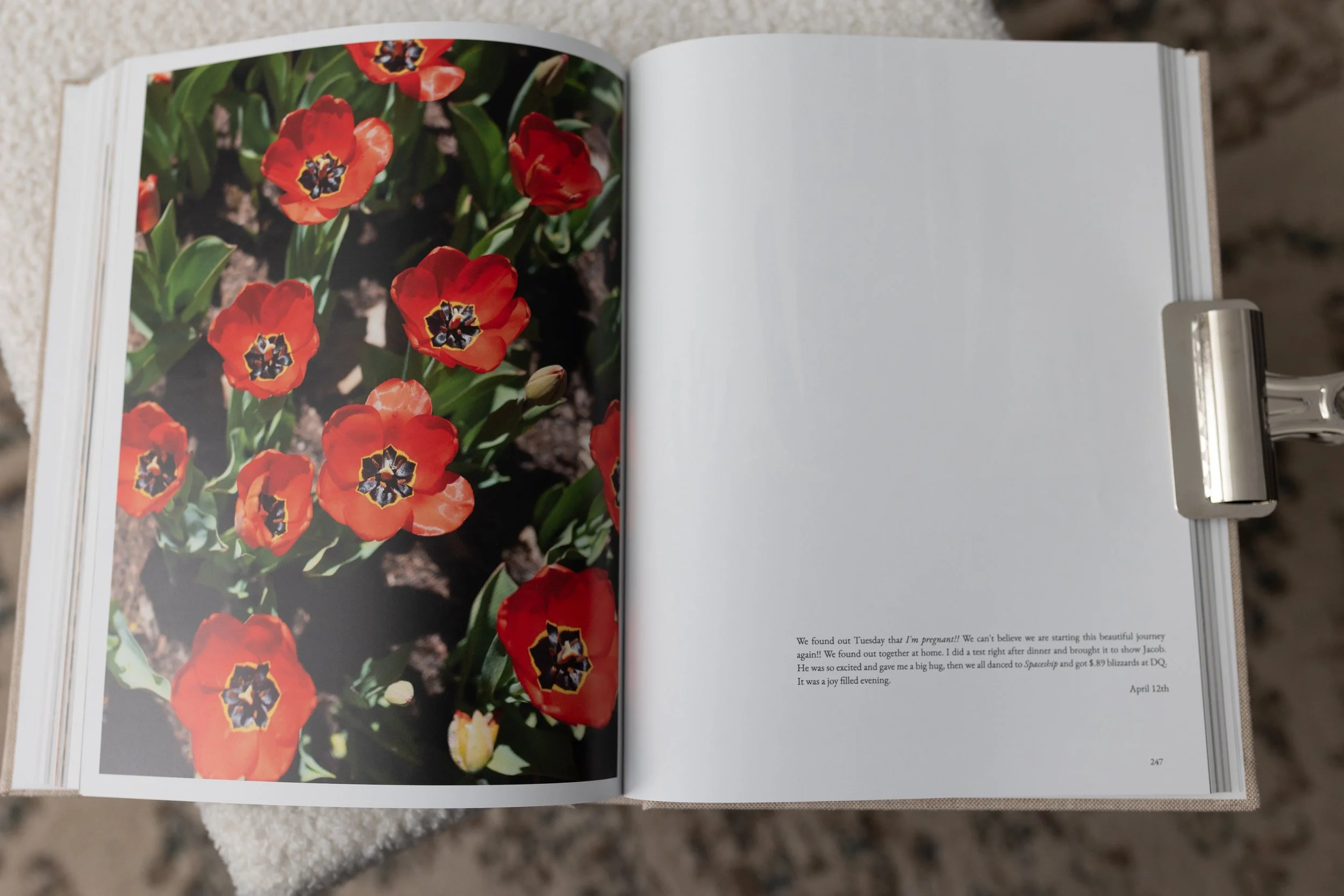
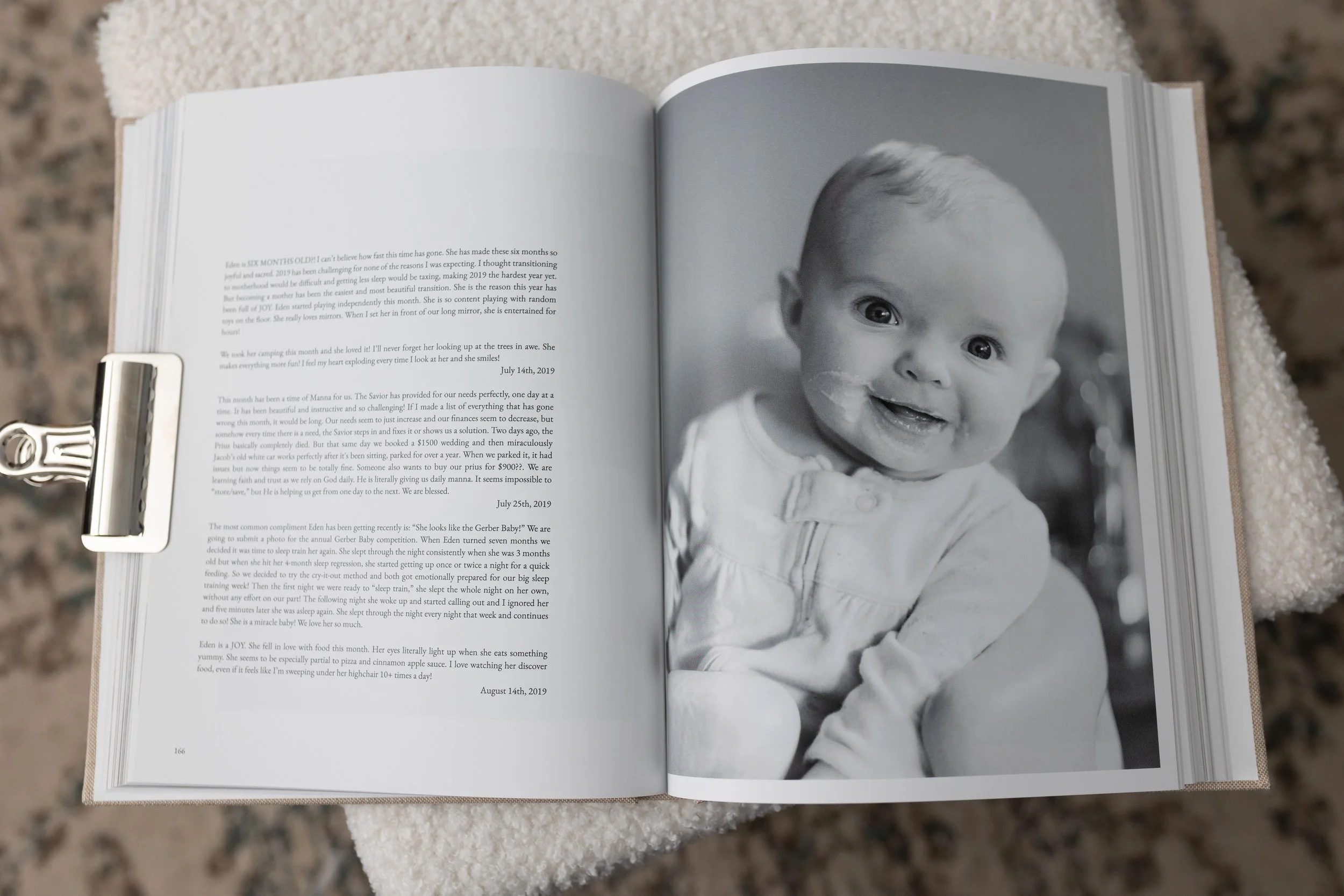
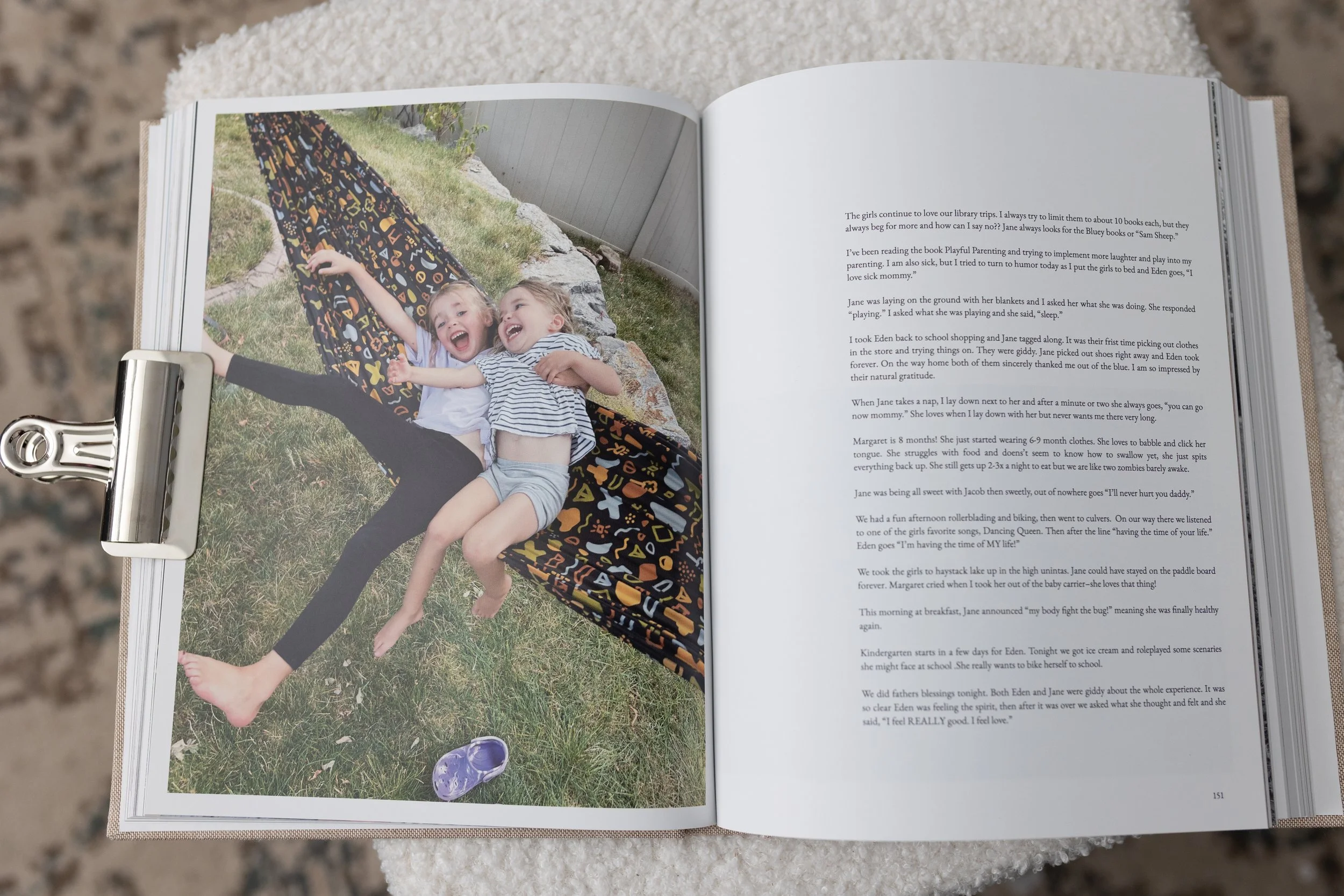
I included our favorite photos but also tried to tell our families story by including meaningful journal entries, birthday updates and my Motherhood365 journal.
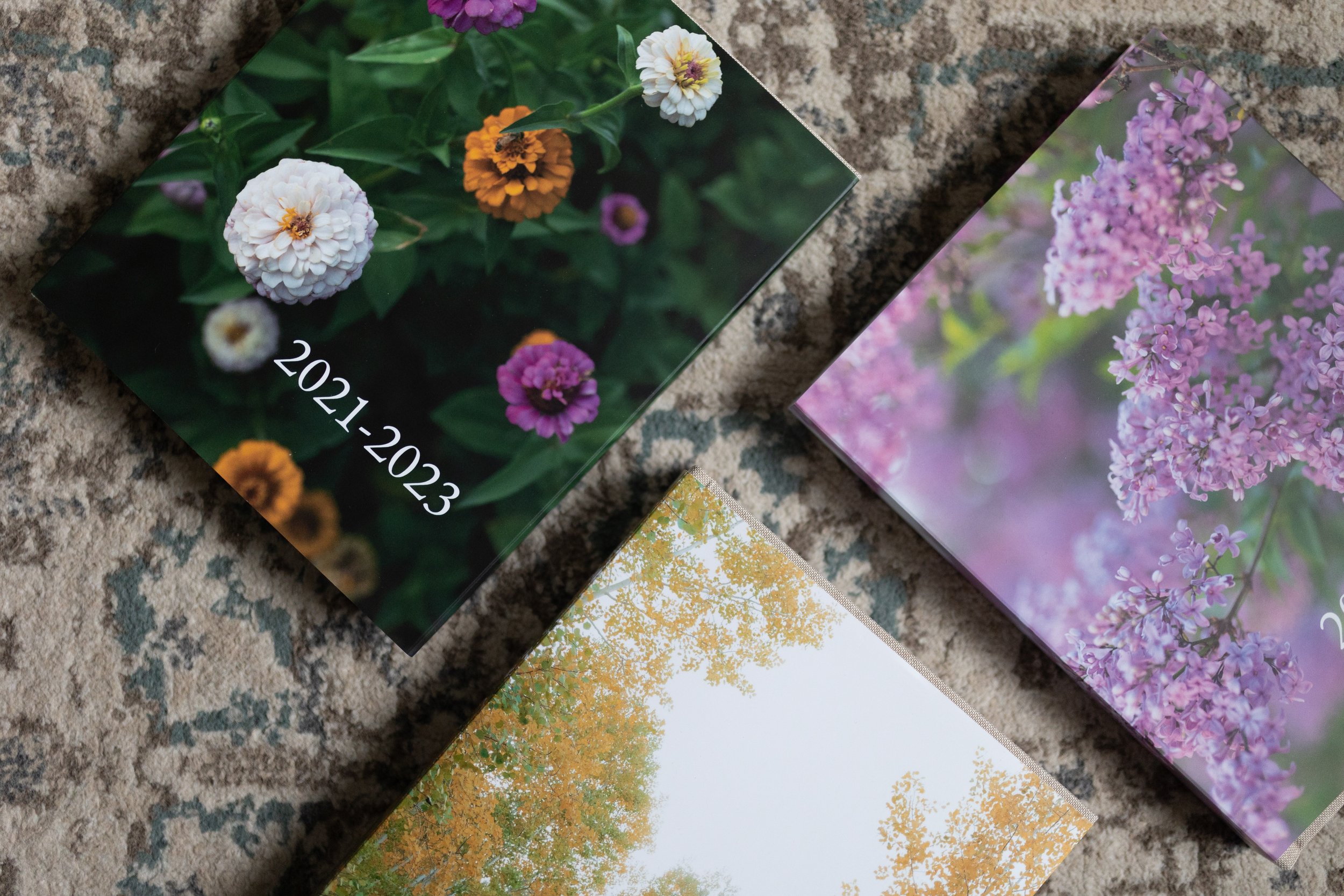
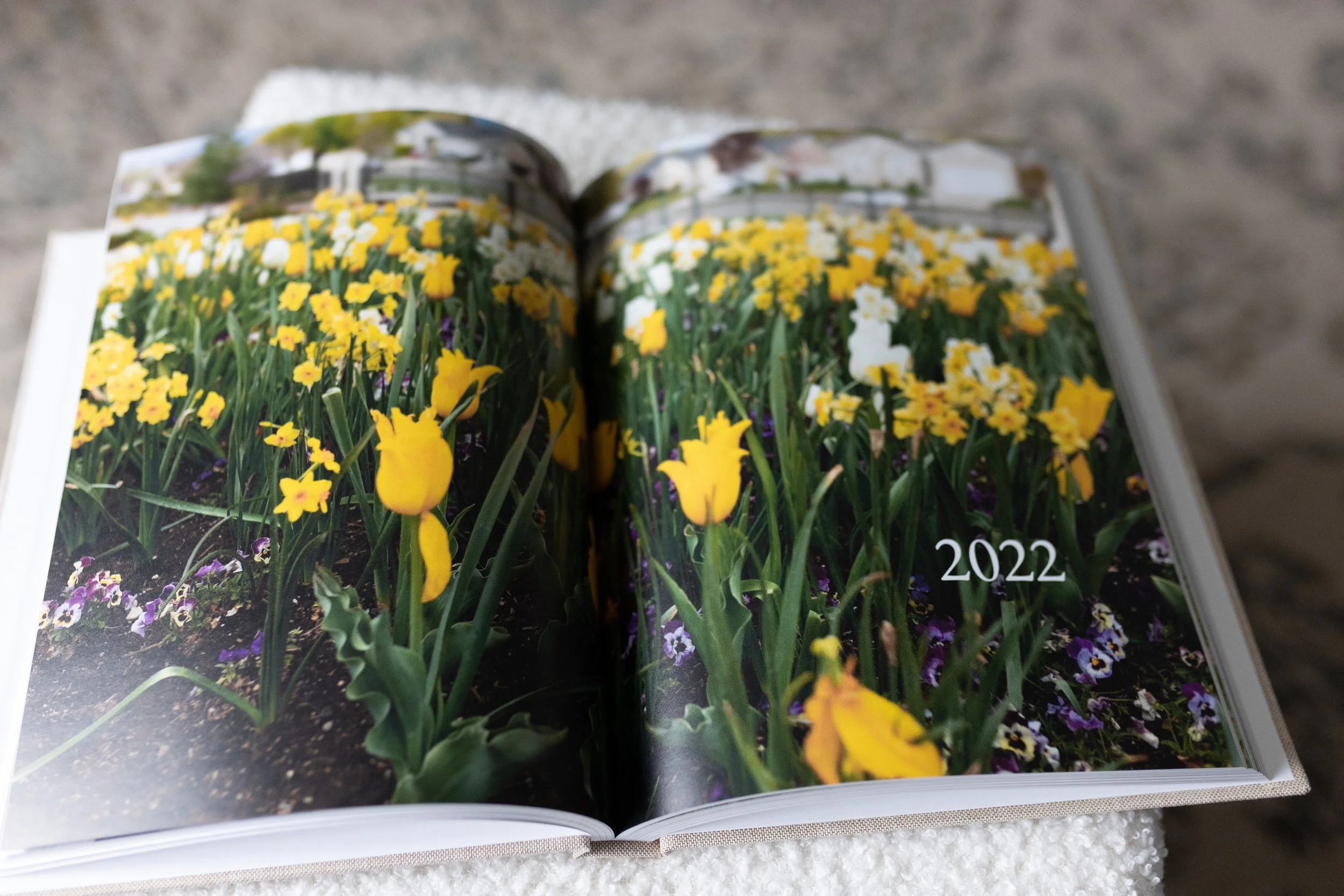
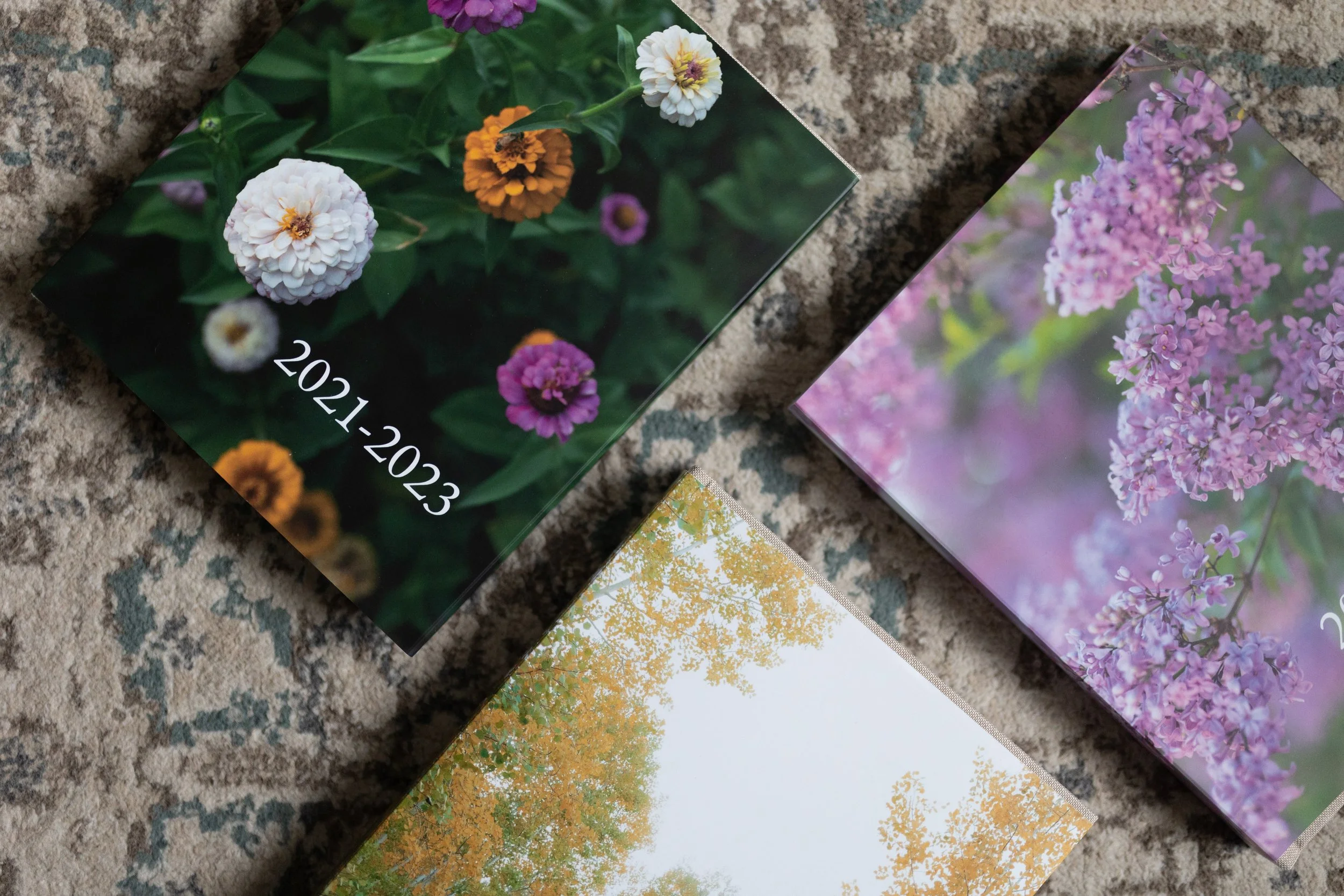
I went with 8x10 linen hardcover book in Oatmeal. A few days ago our archive arrived in the mail and wow, Blurb delivered. I couldn’t love our books more. They are durable and timeless and I know we will hold onto them until we die. (!!!)
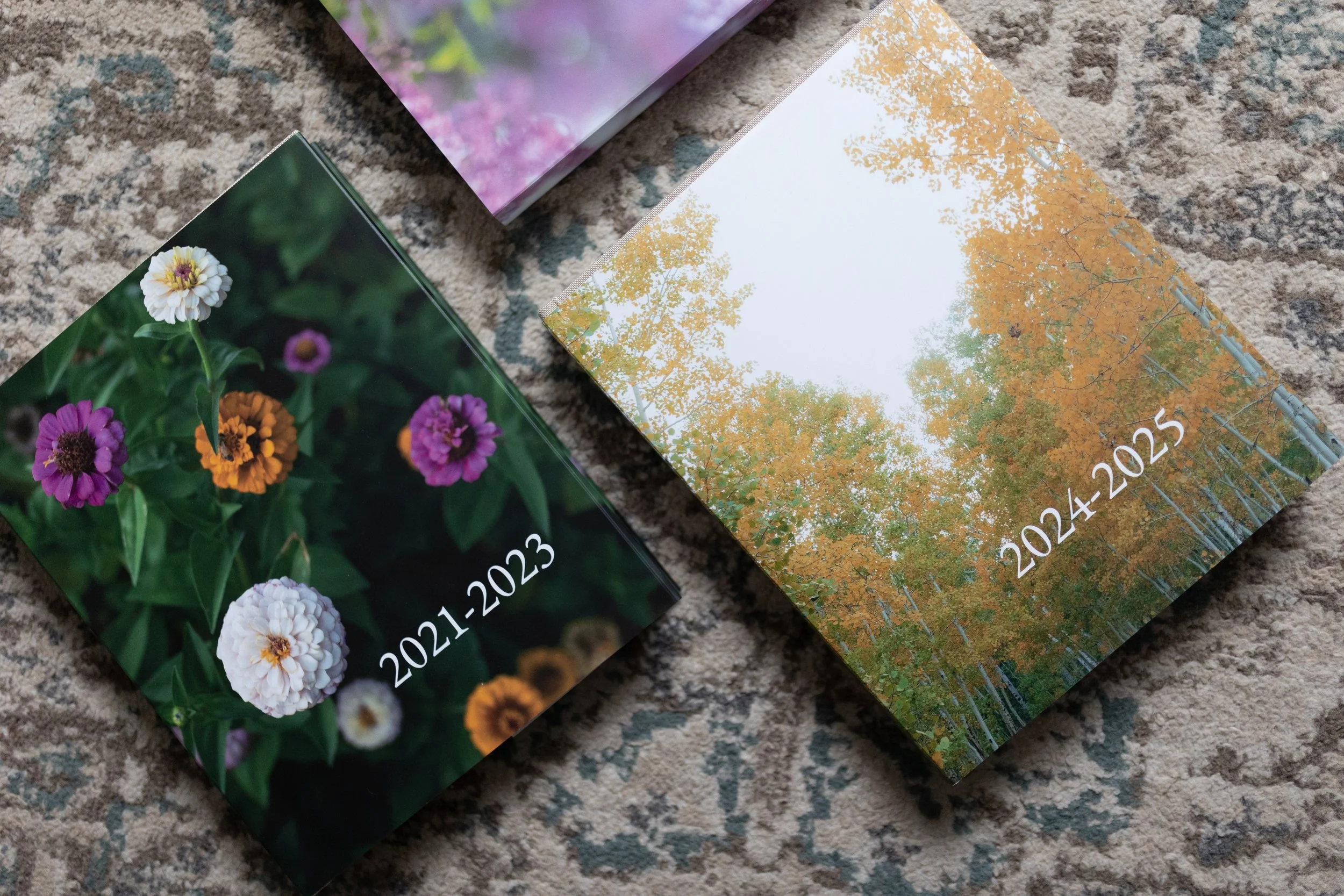
Here are the stats for each volume if you’re curious.
Volume 1: 2018-2020, 306 pages, $98.97
Volume 2: 2021-2023, 340 pages, $106.82
Volume 3: 2024-2025, 404 pages, $121.60
(All of these were purchased with a 30% off coupon!)
So if you’re interested in creating something similar, here is everything I know!
(Blurb doesn’t offer any affiliate partnerships, so I’m genuinely just sharing all the details about the best company out there for printing photo albums.)
Here are my top tips to make this process as easy as possible!
Combine multiple years into one book. Use each year as chapters for your book. I avoided dividing my book up by months because it was going to make things 10x harder and more complicated, without adding more value.
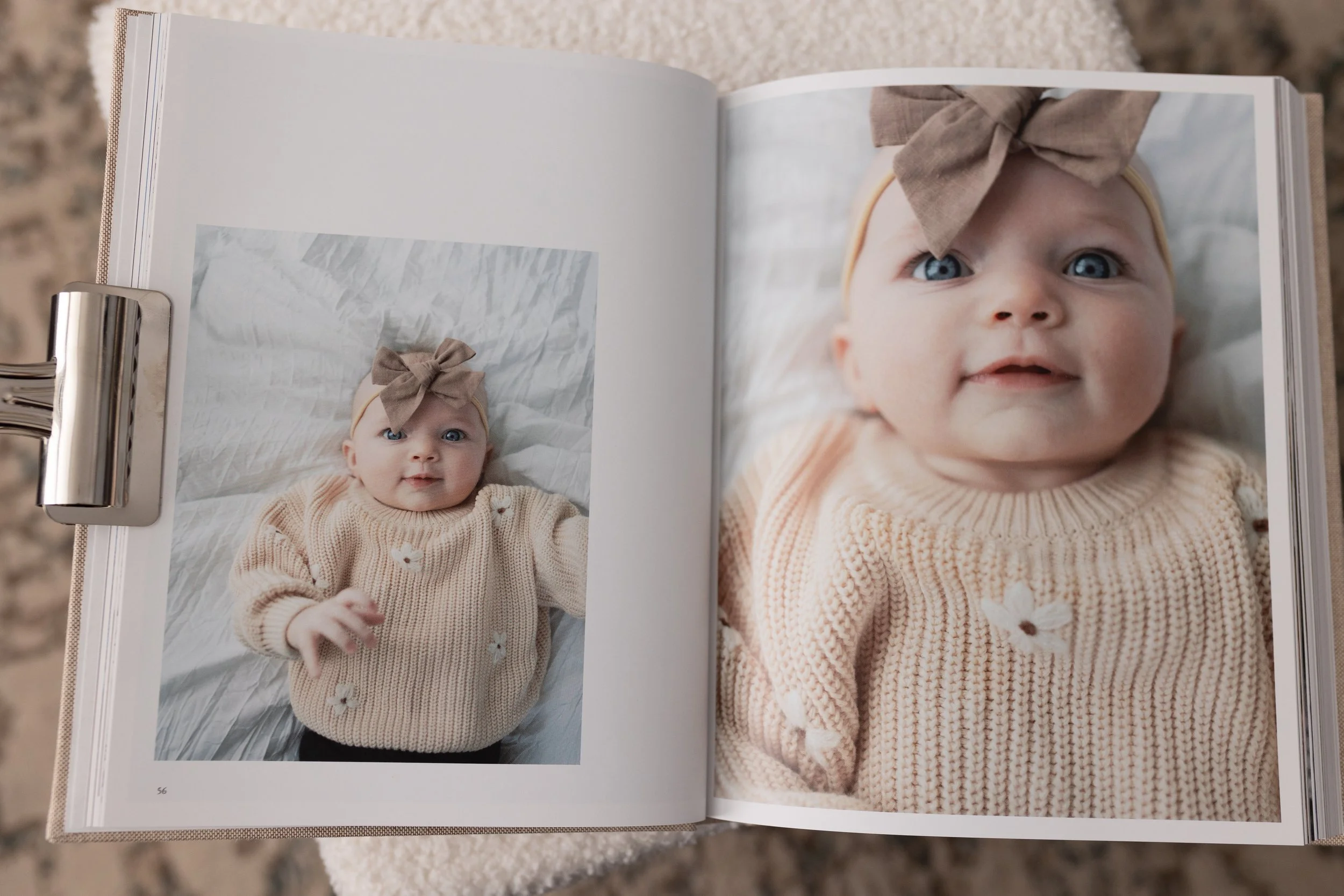
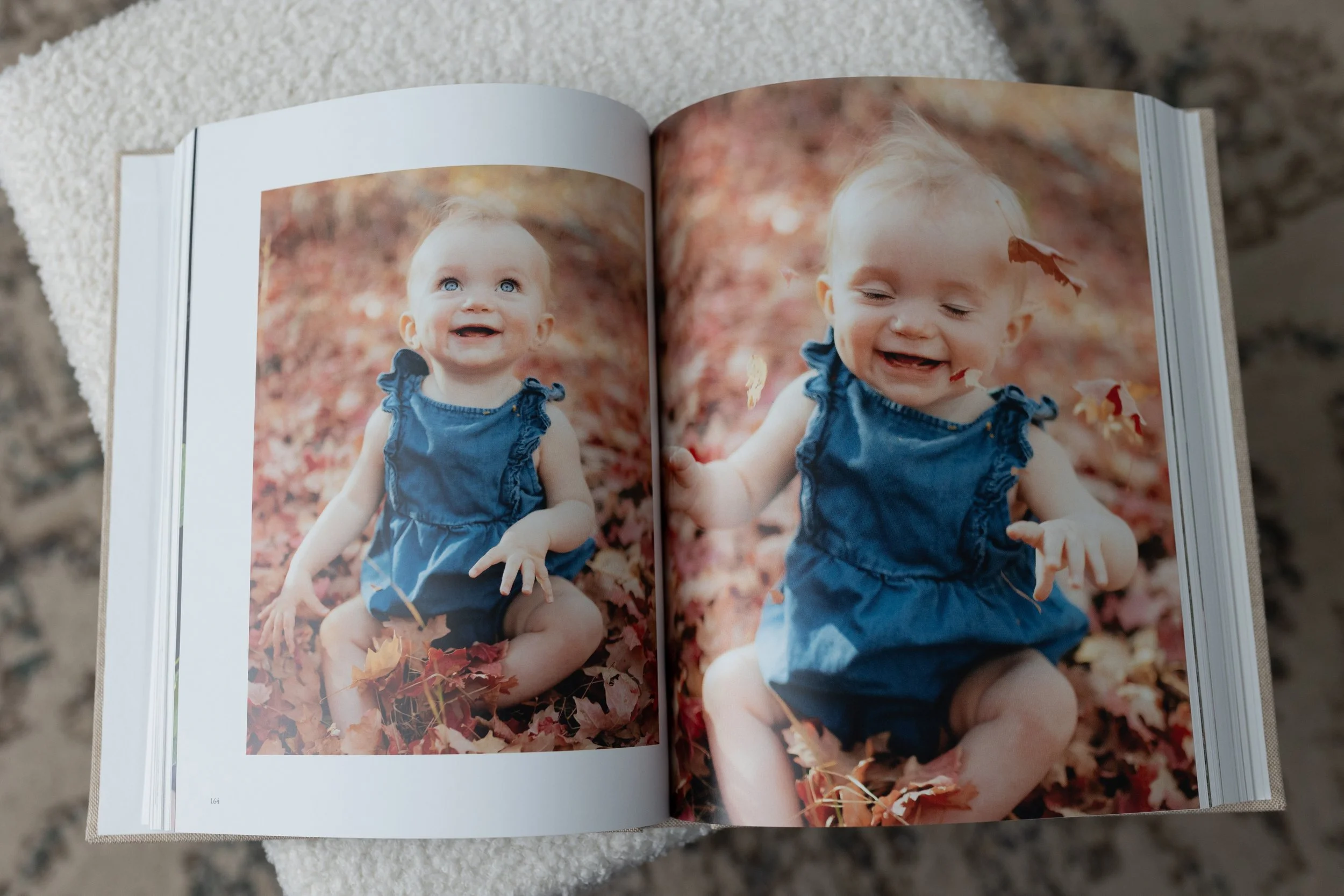
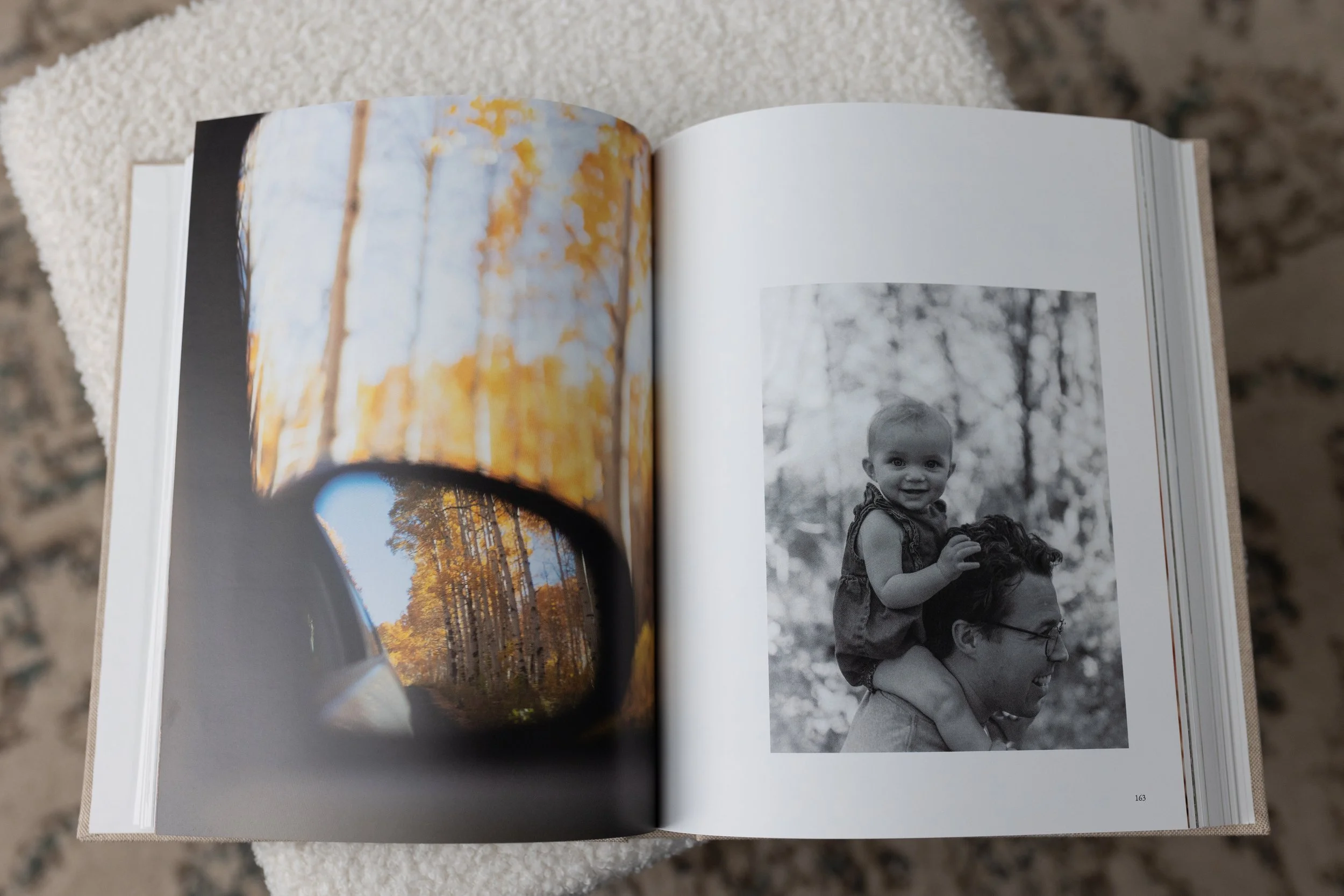
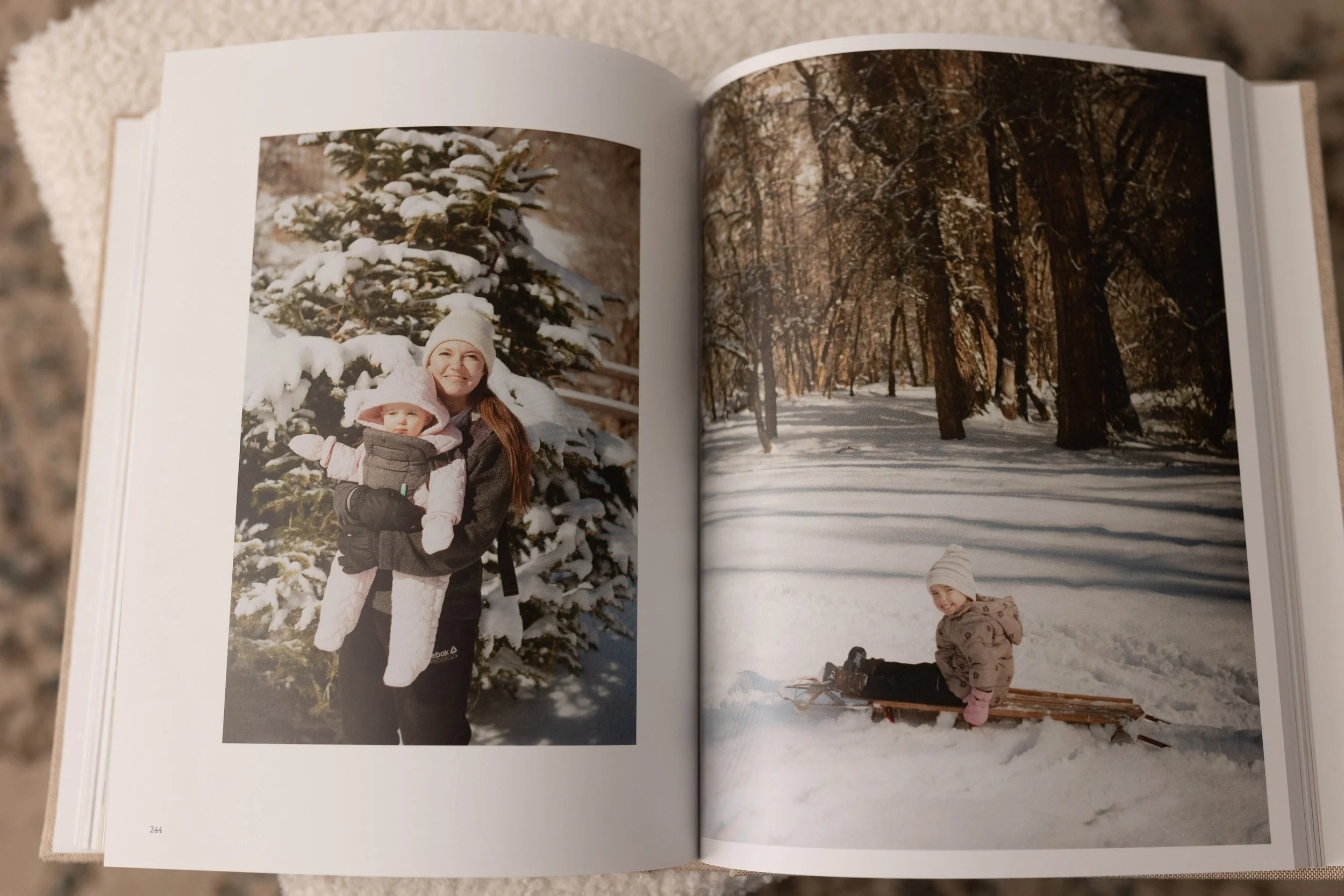
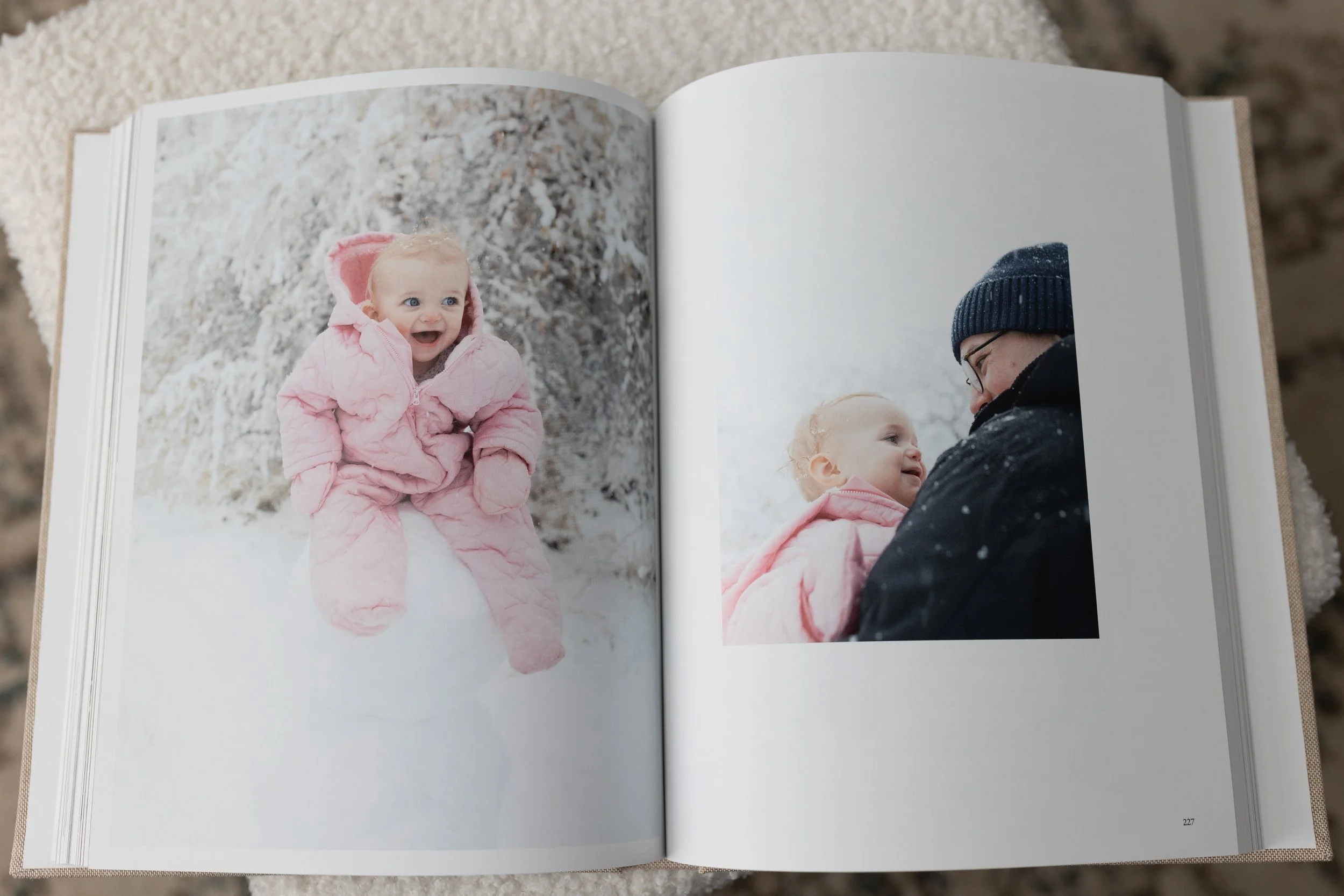
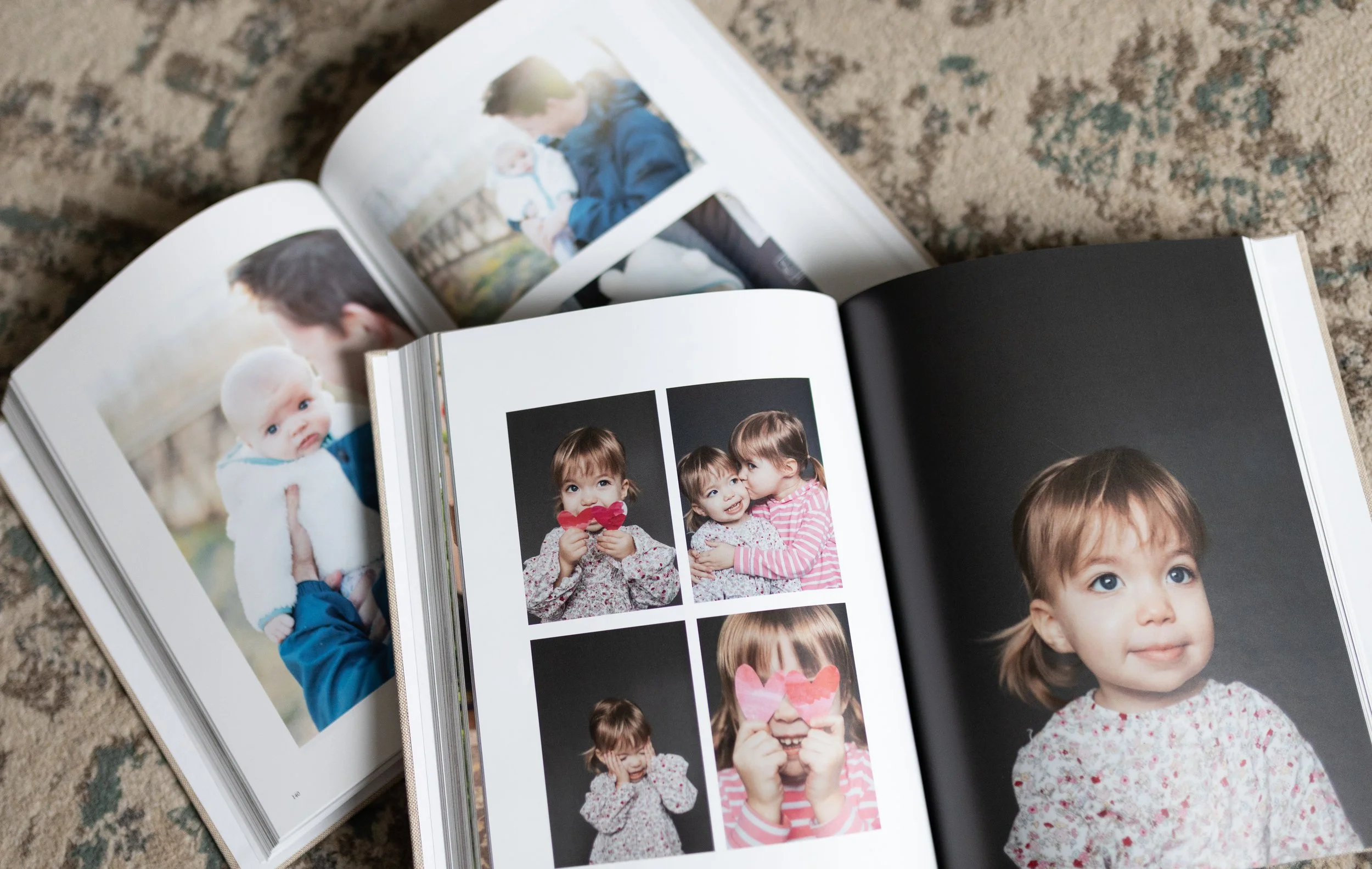
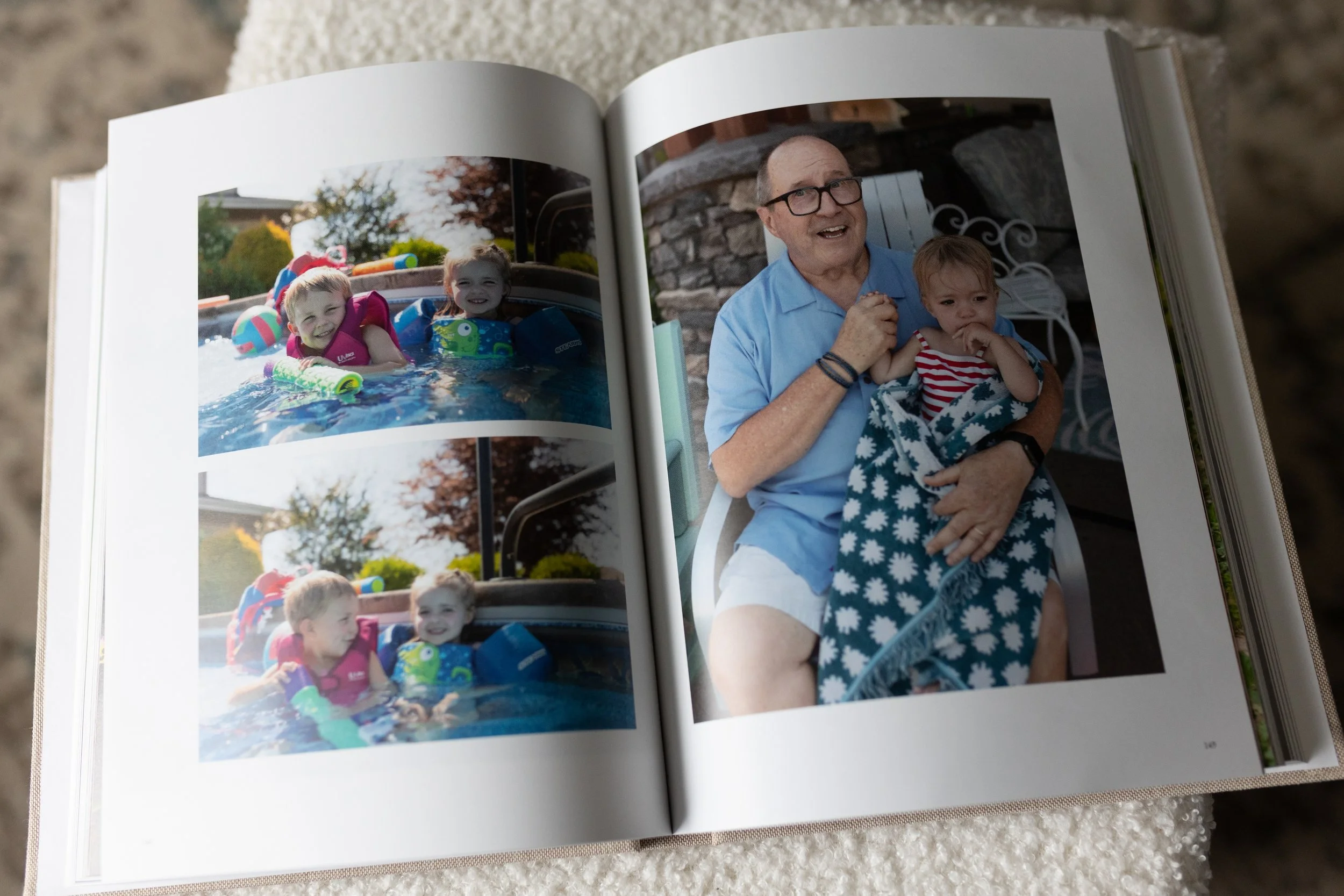
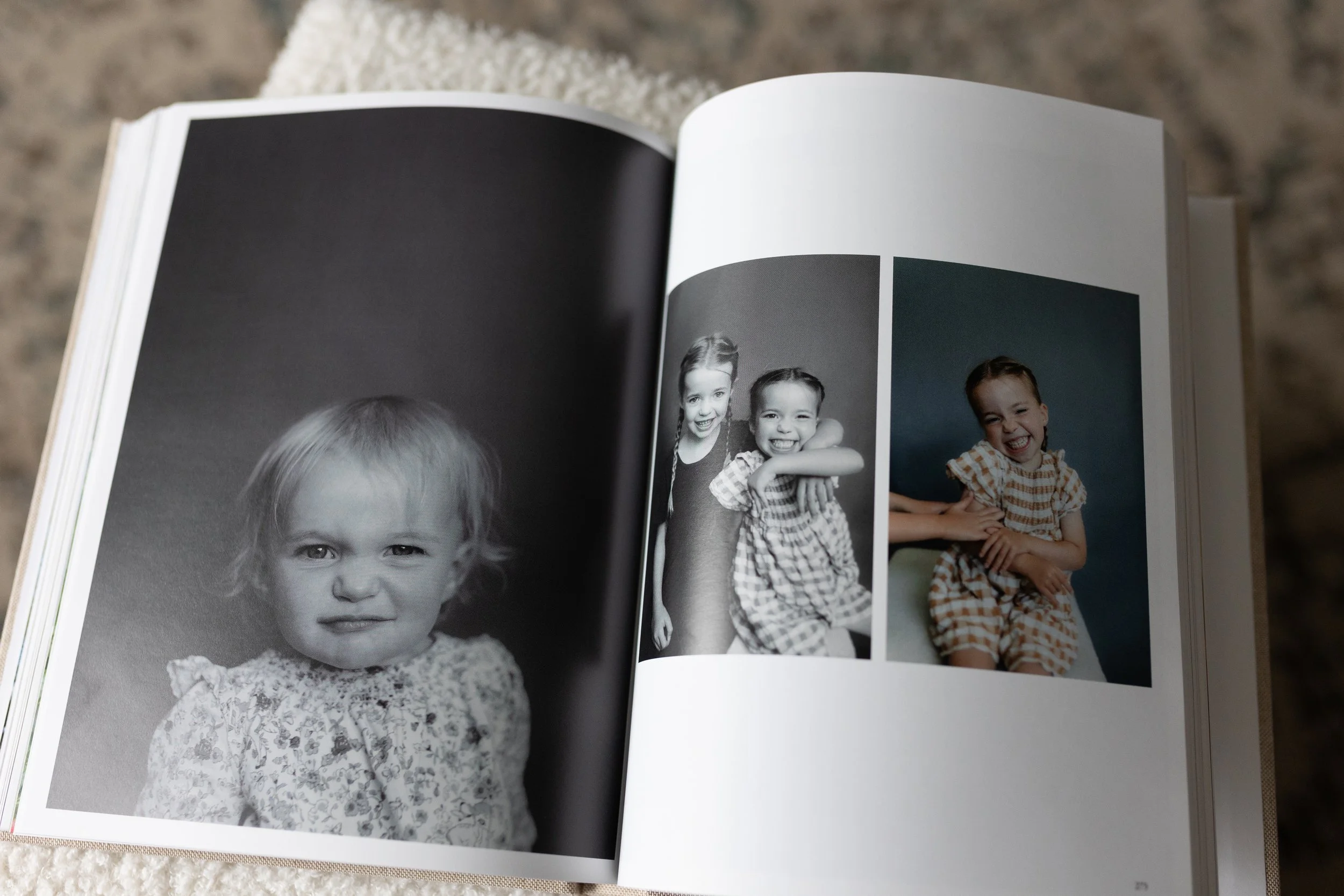
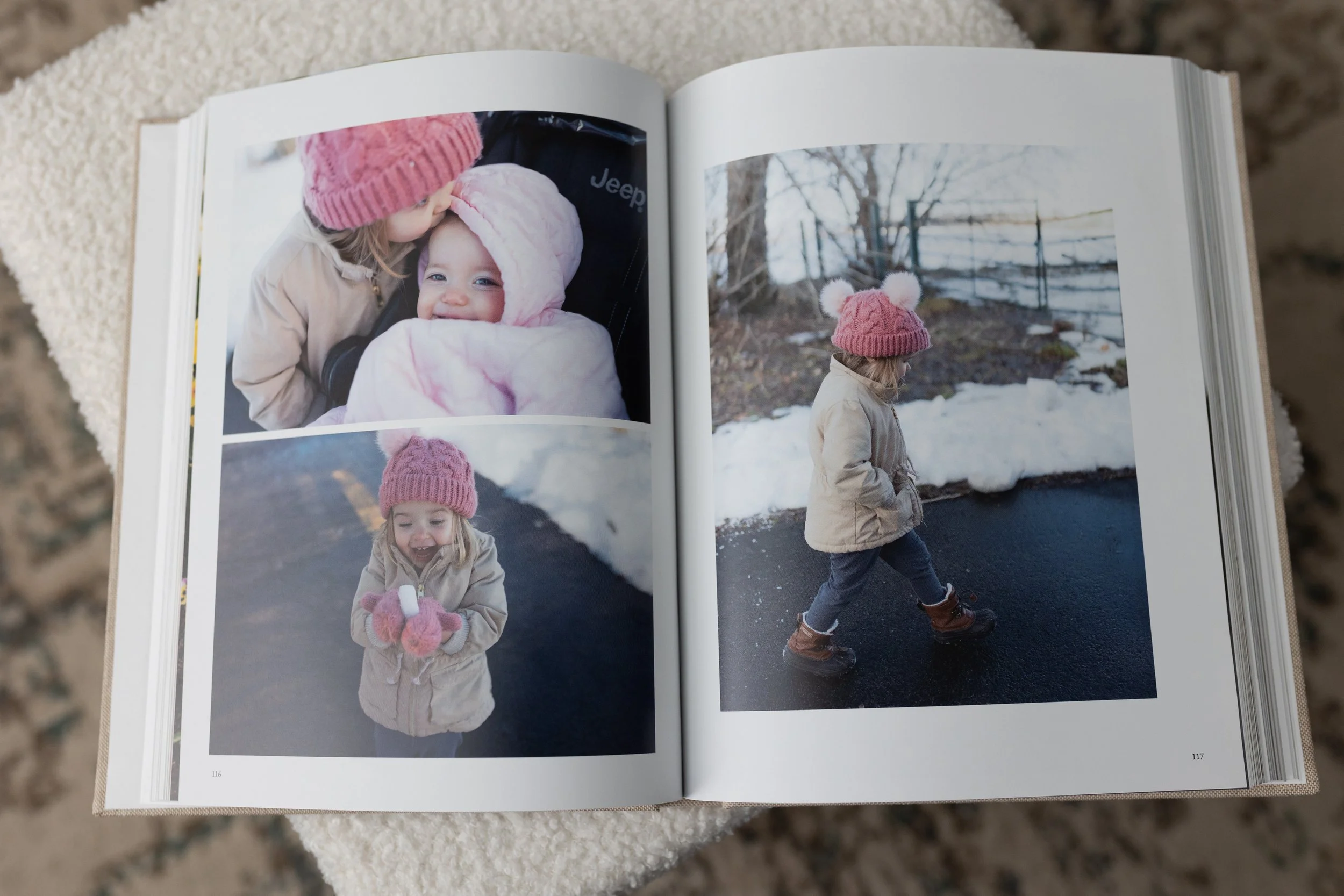
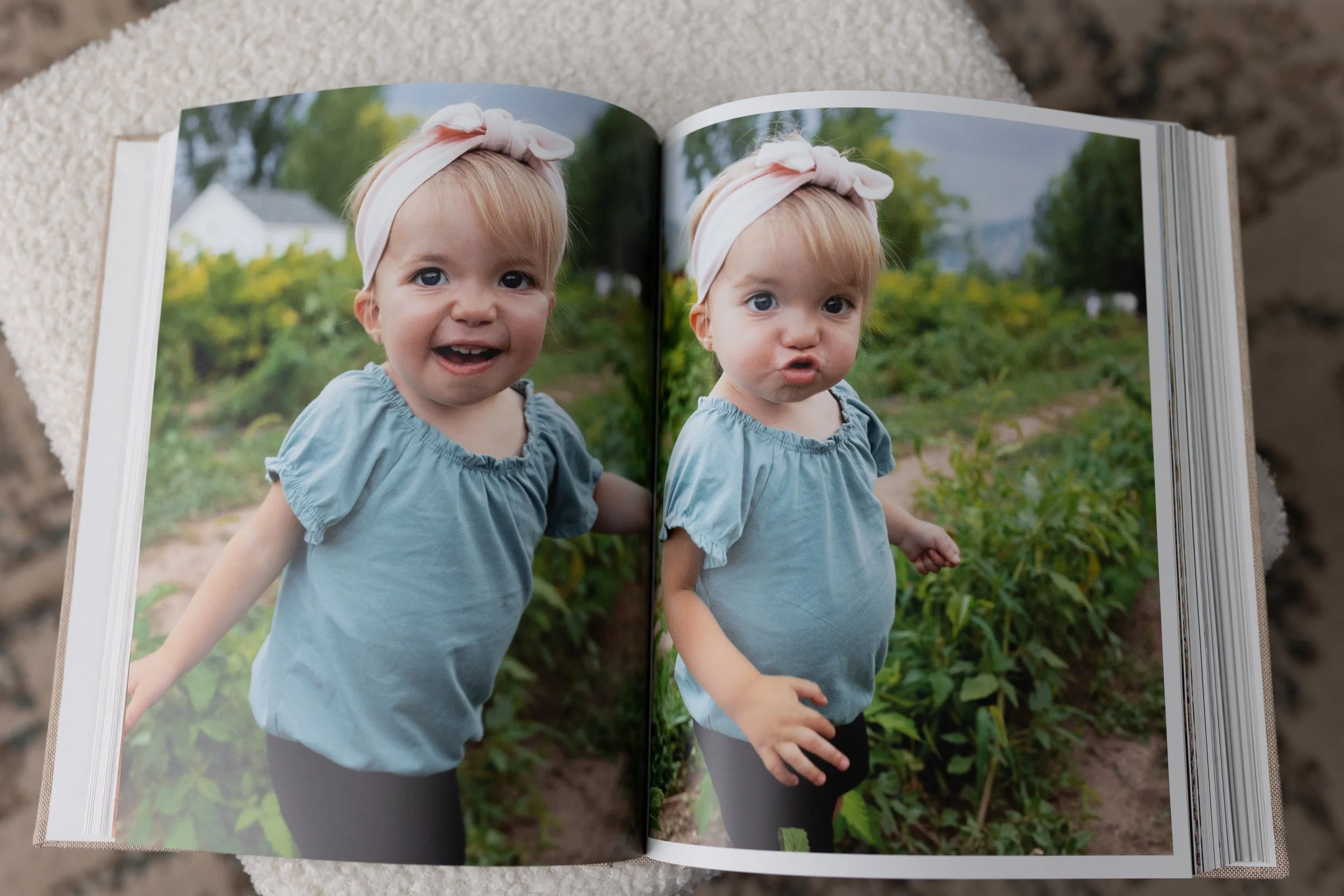
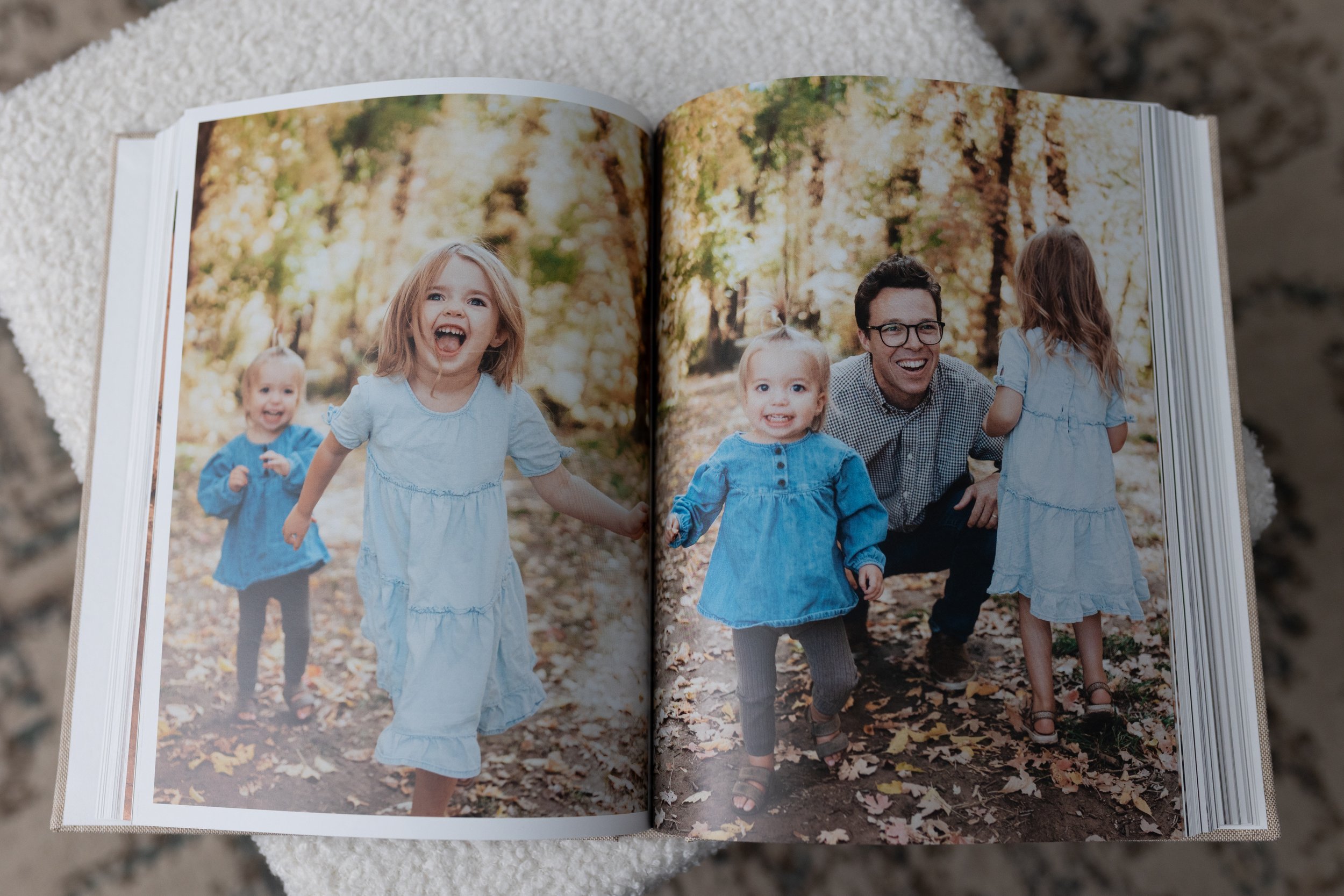
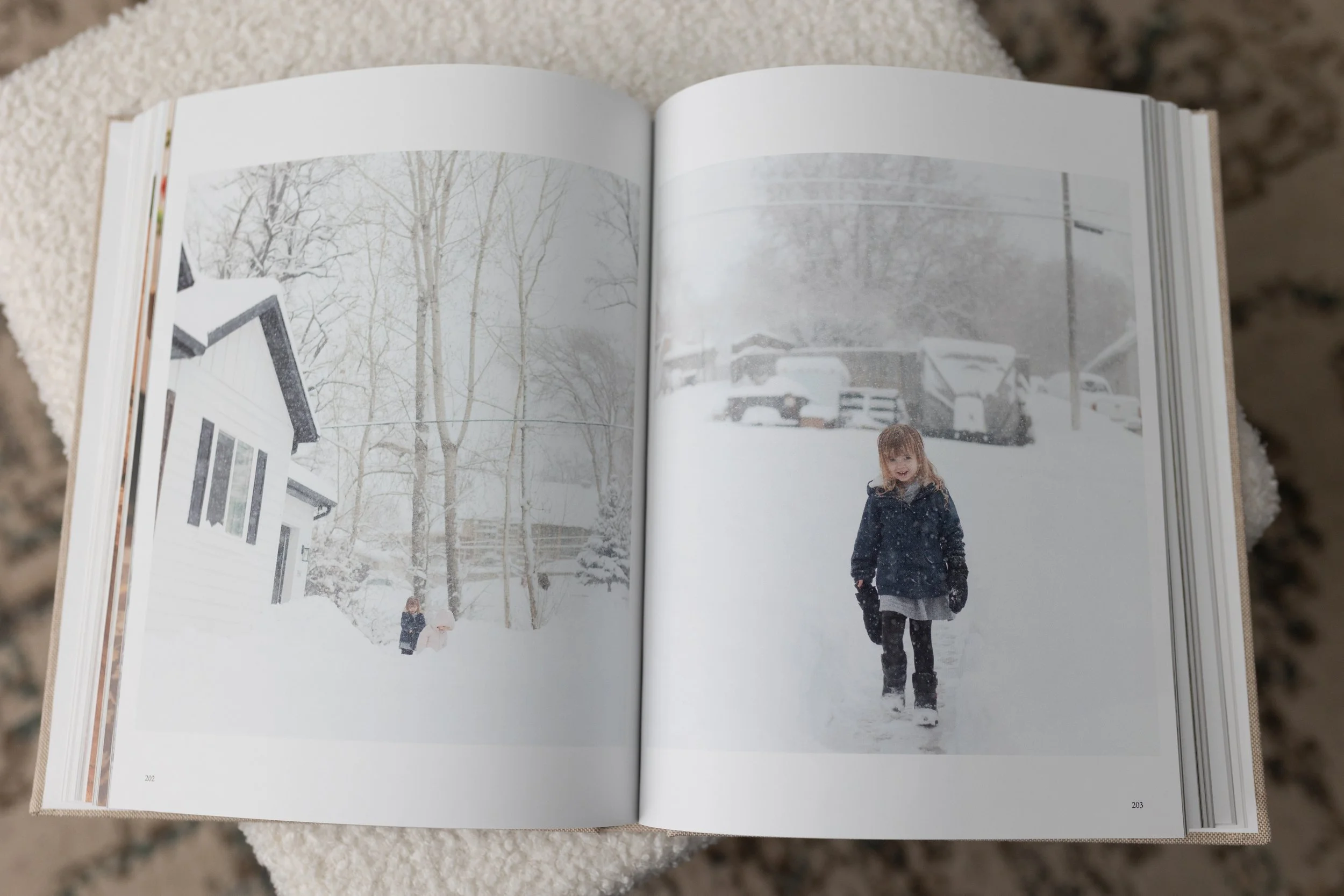
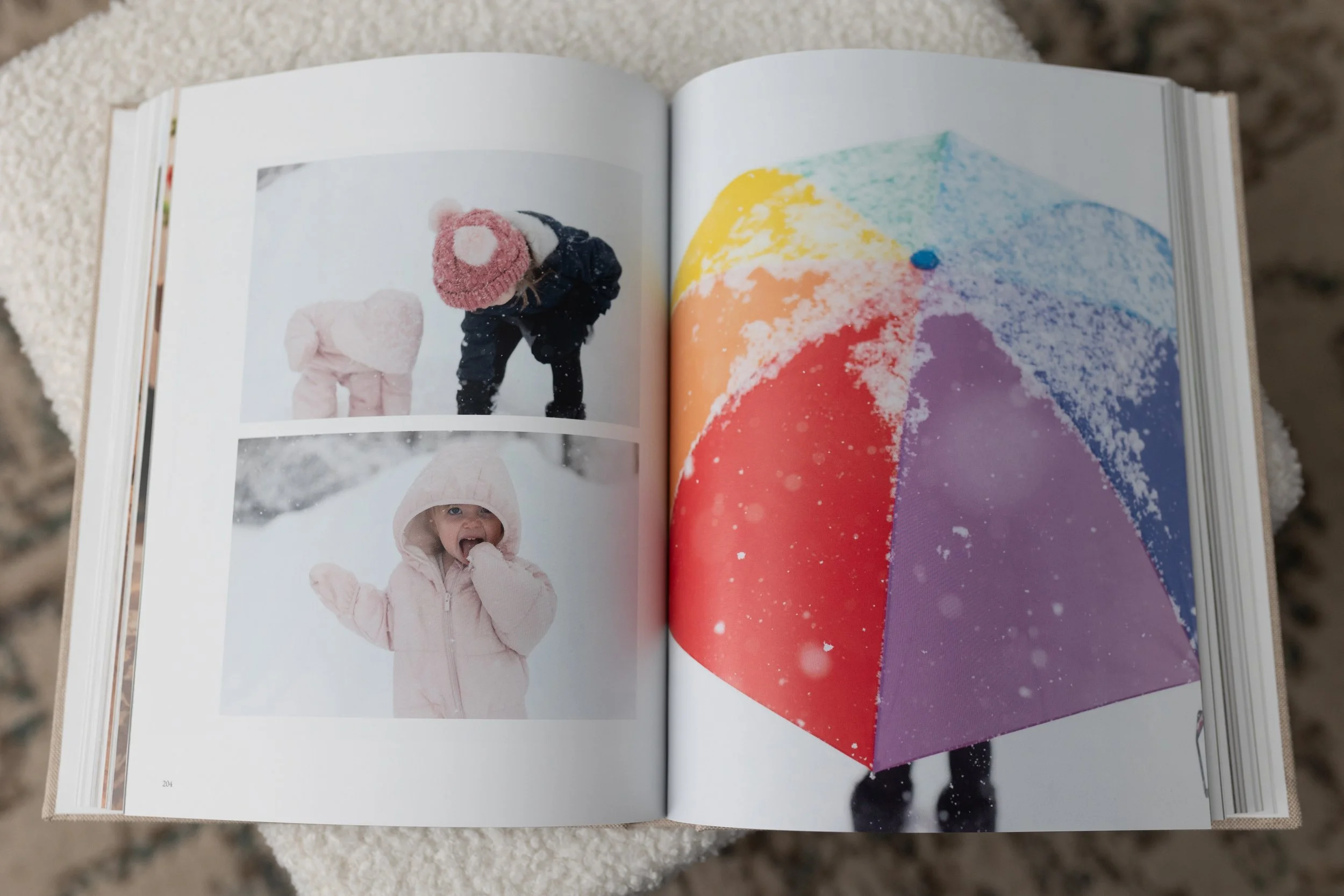
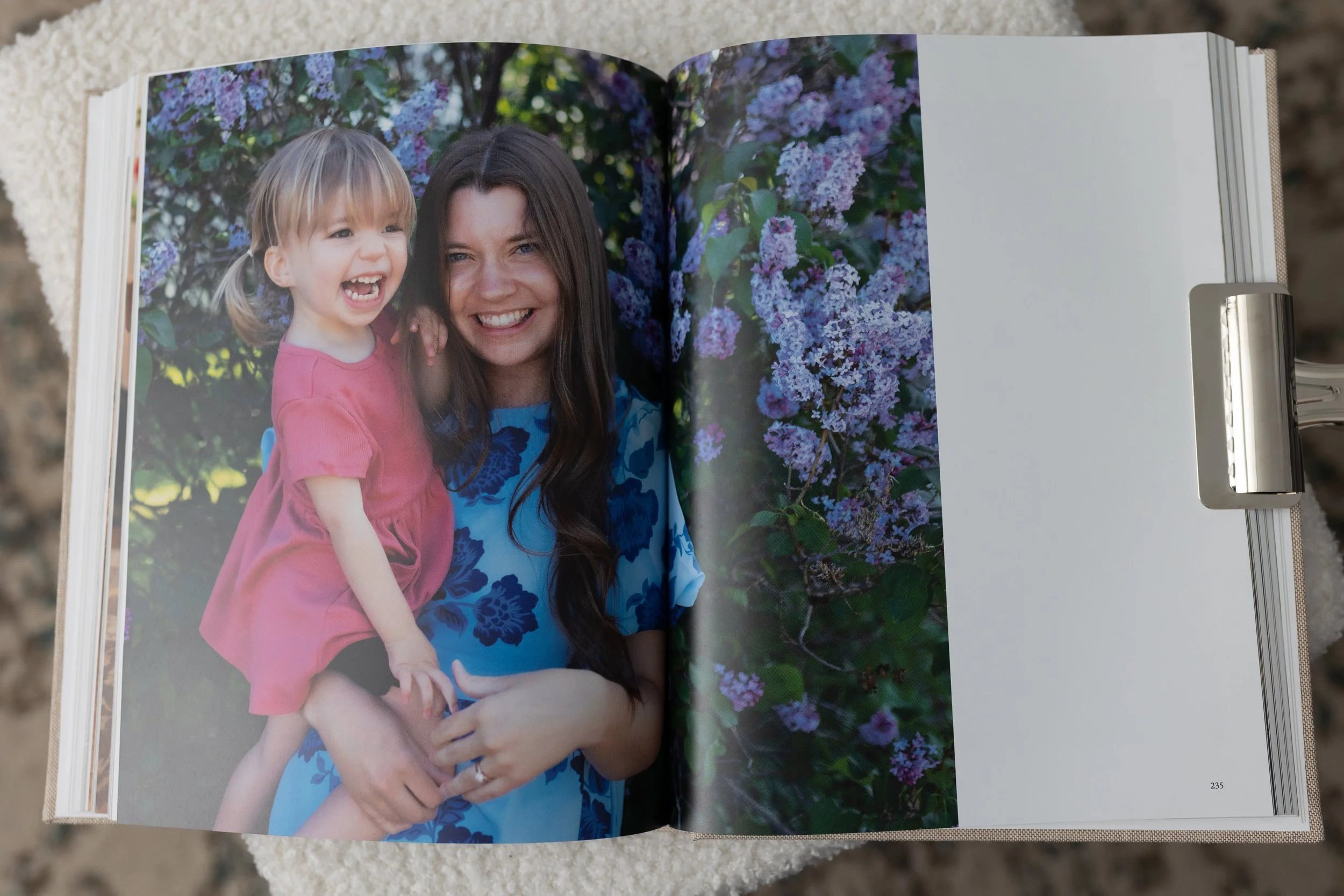
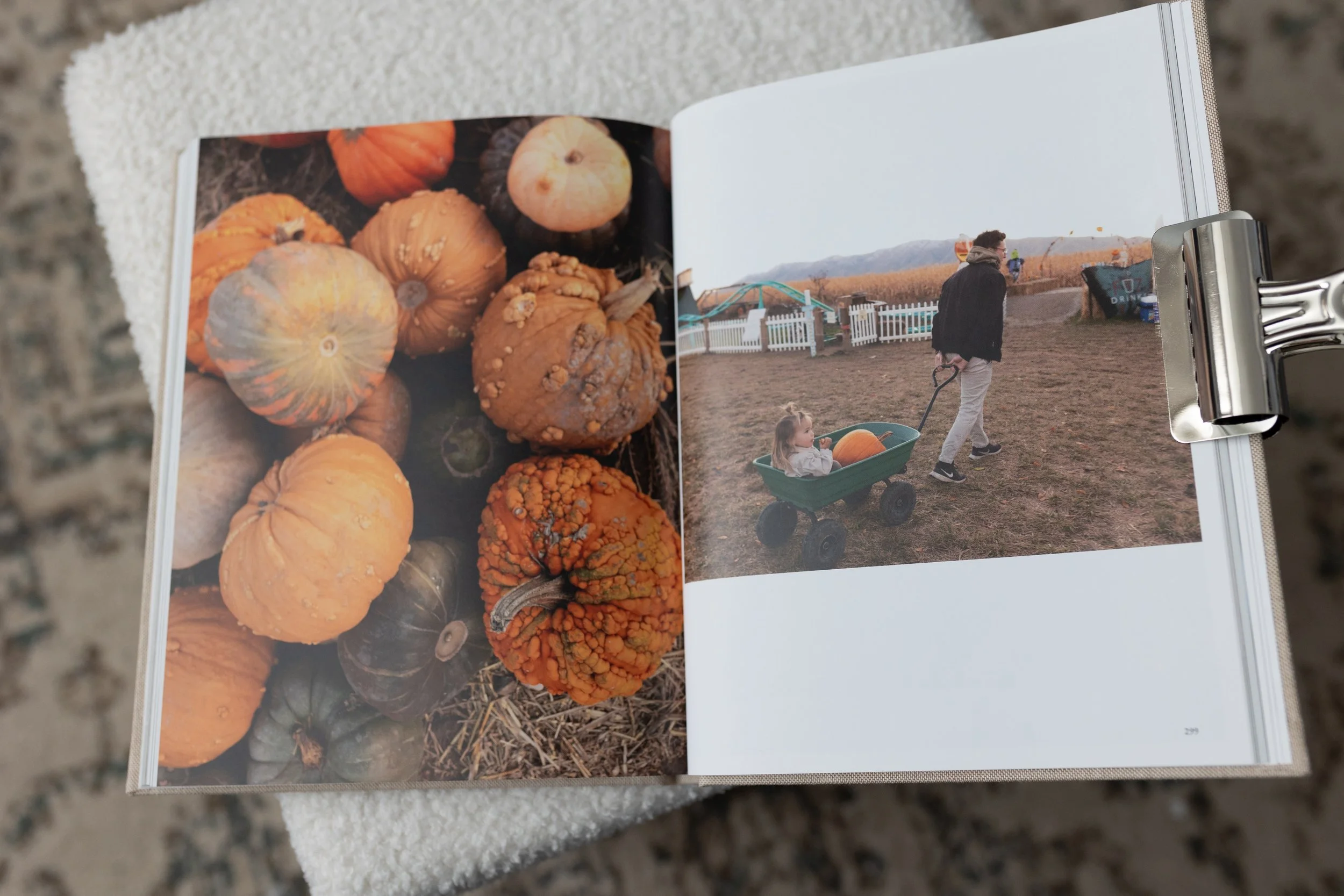
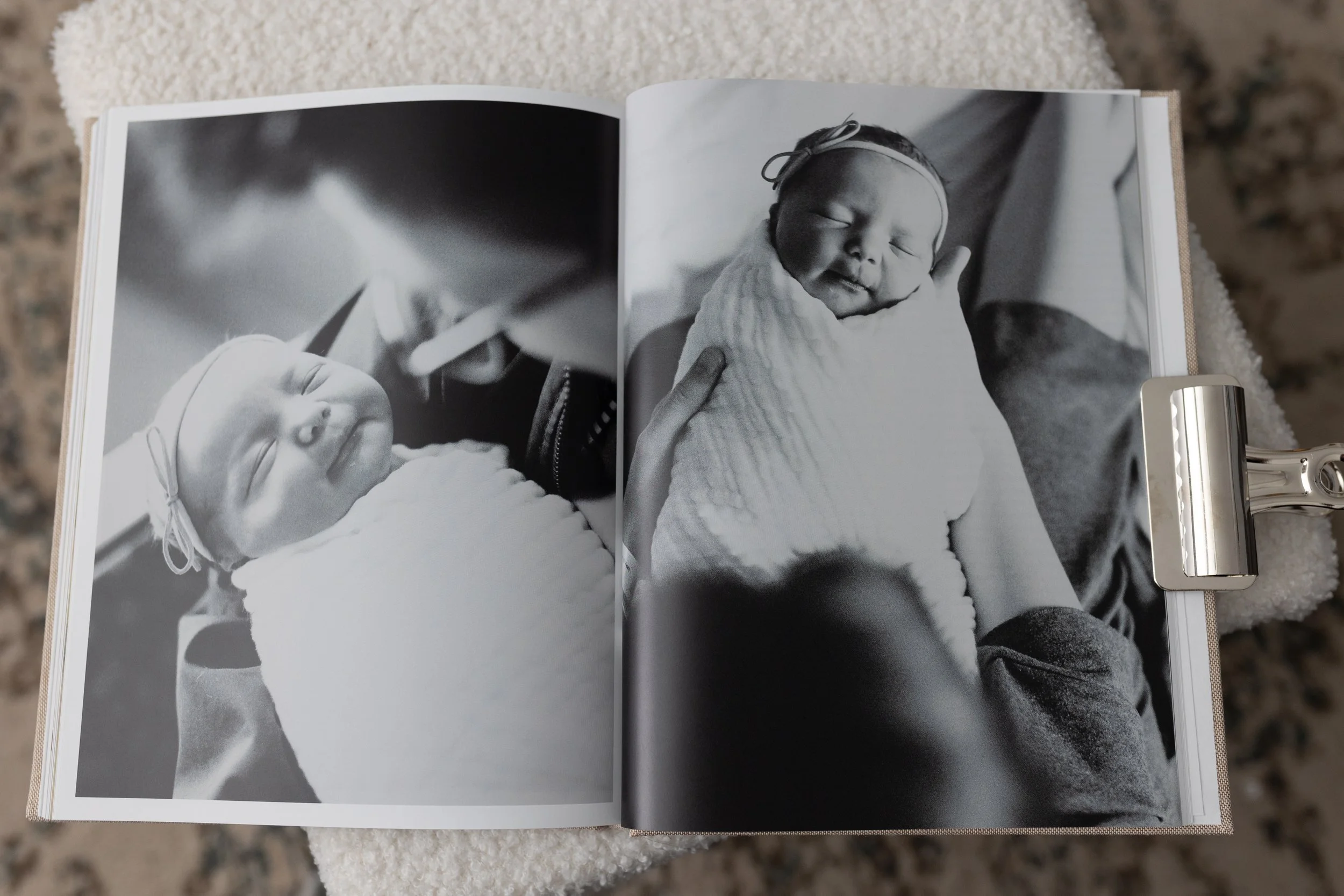
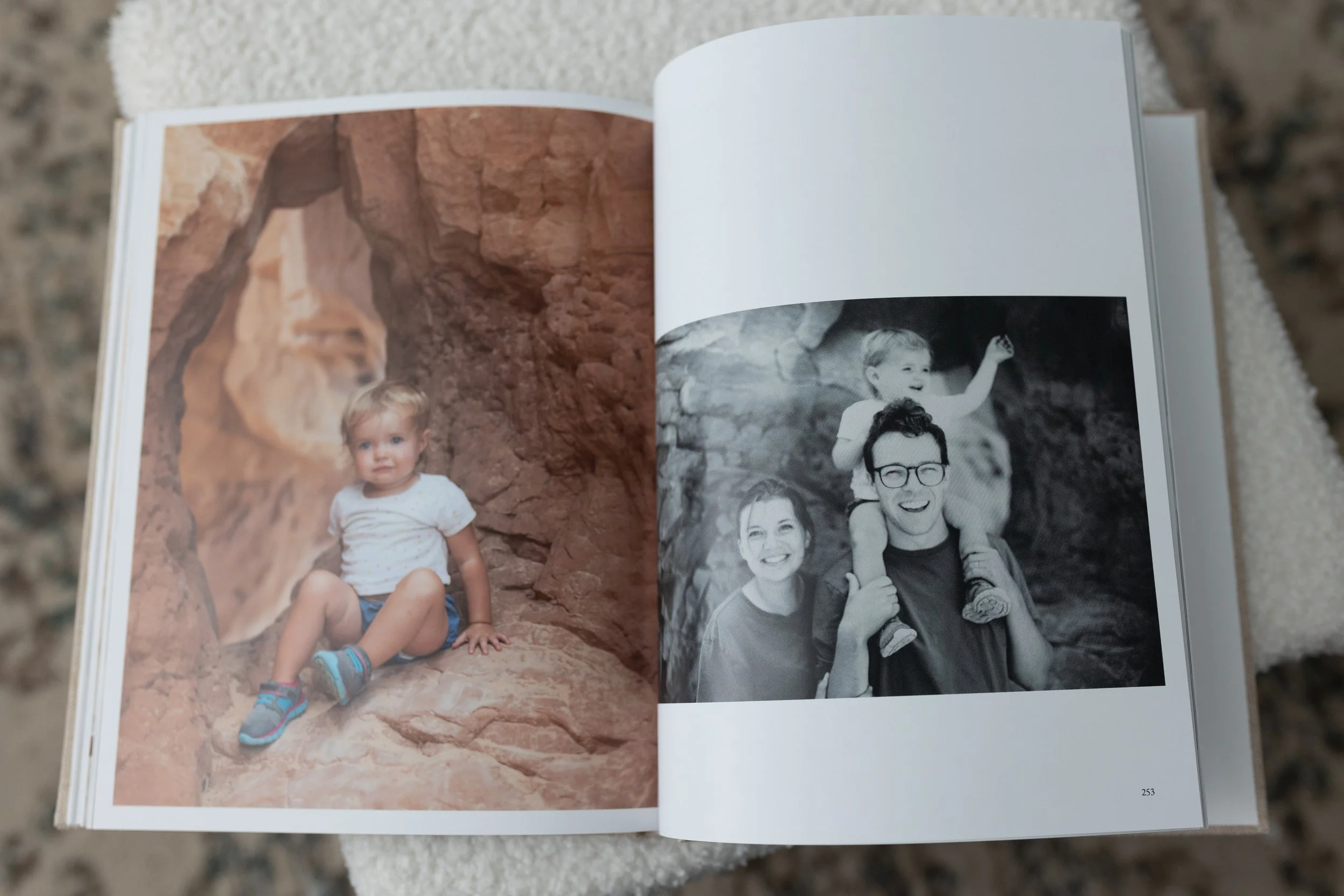
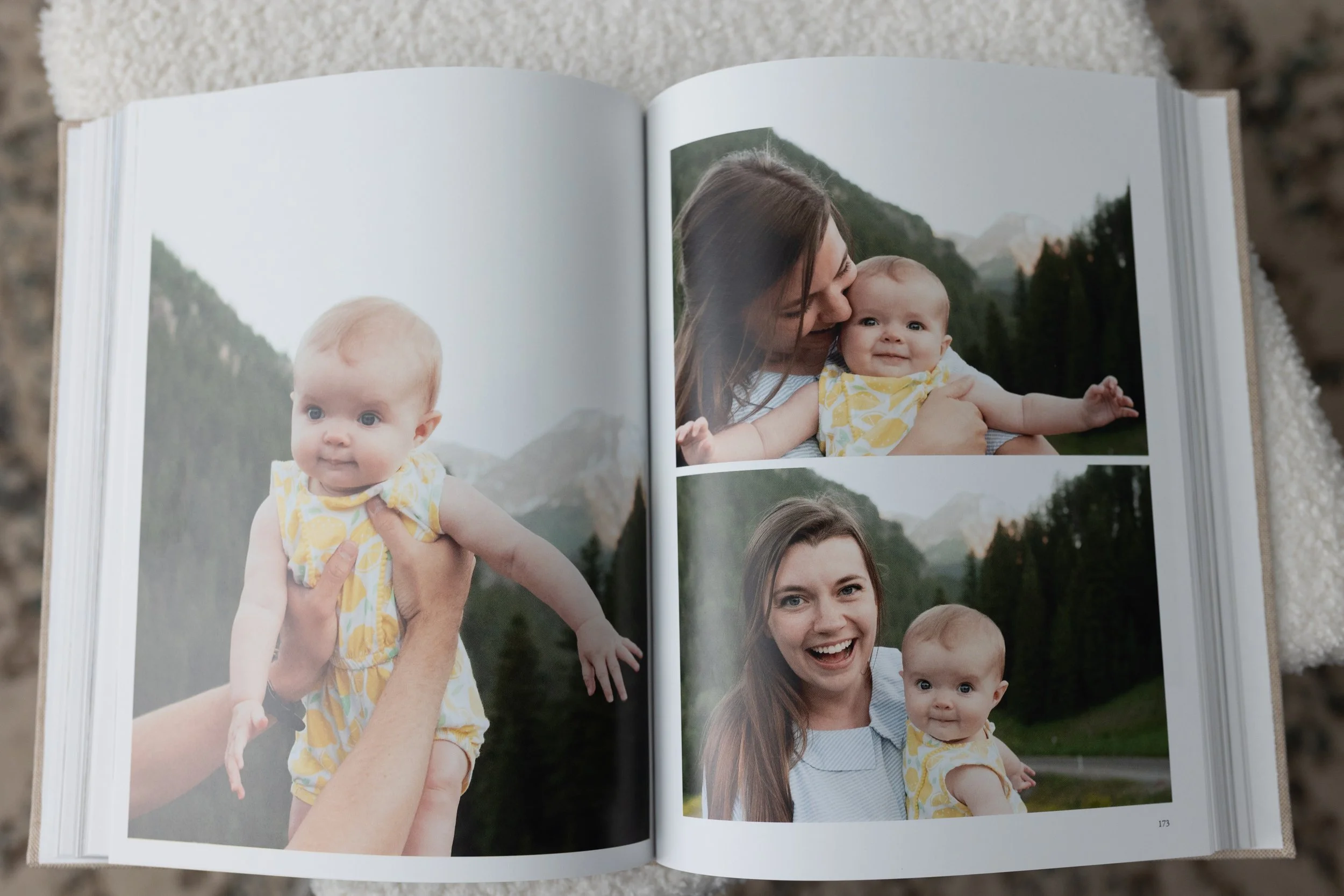
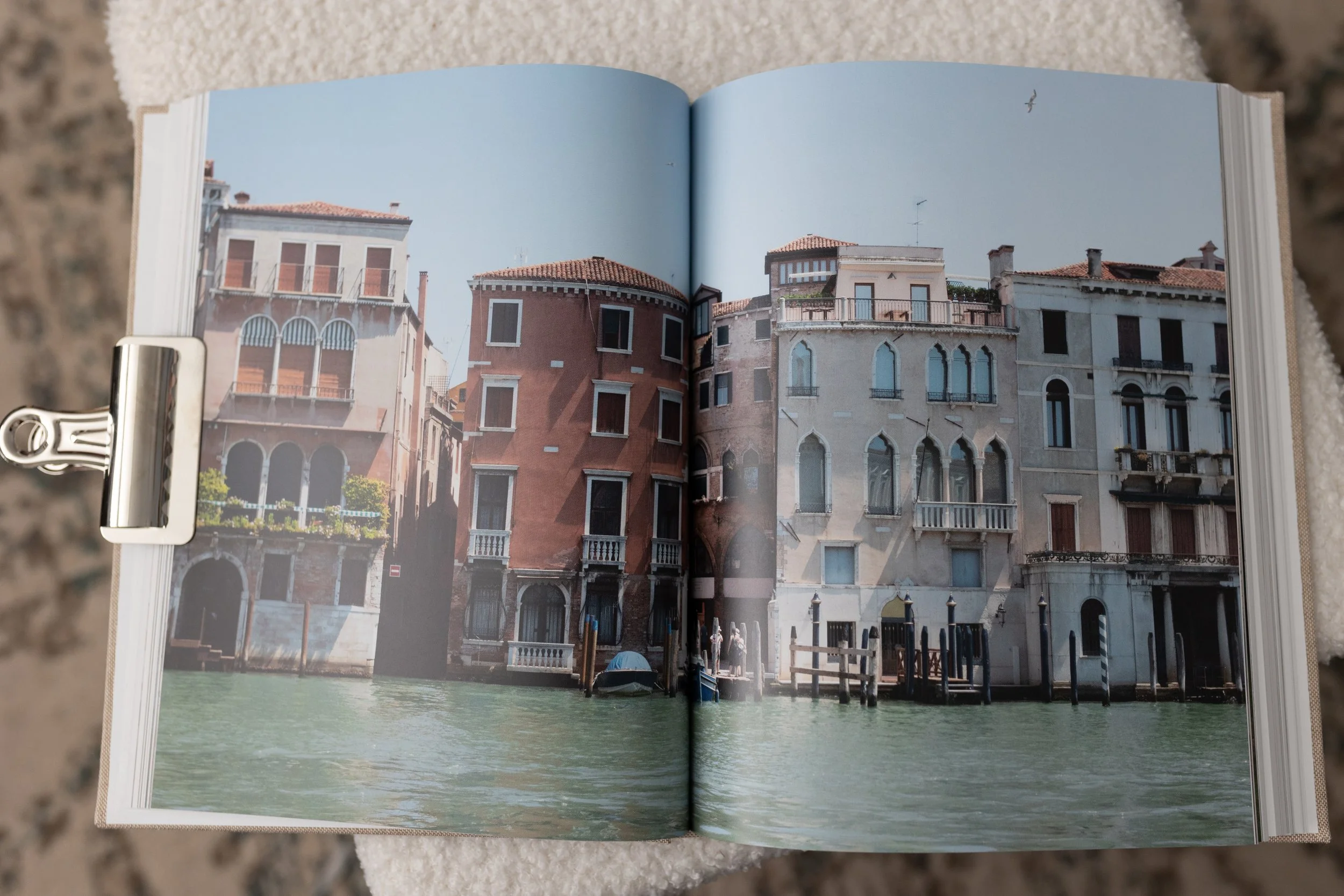
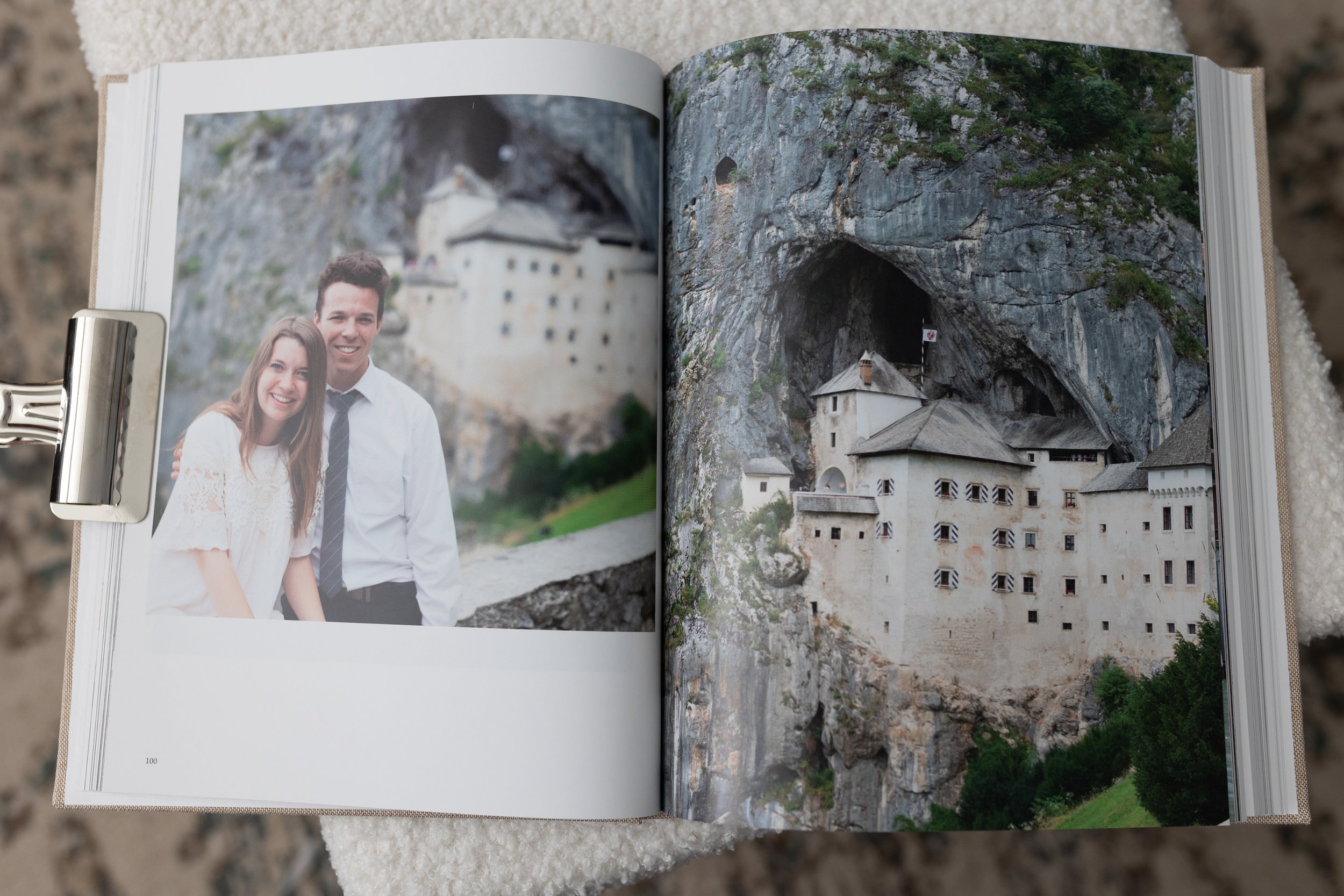
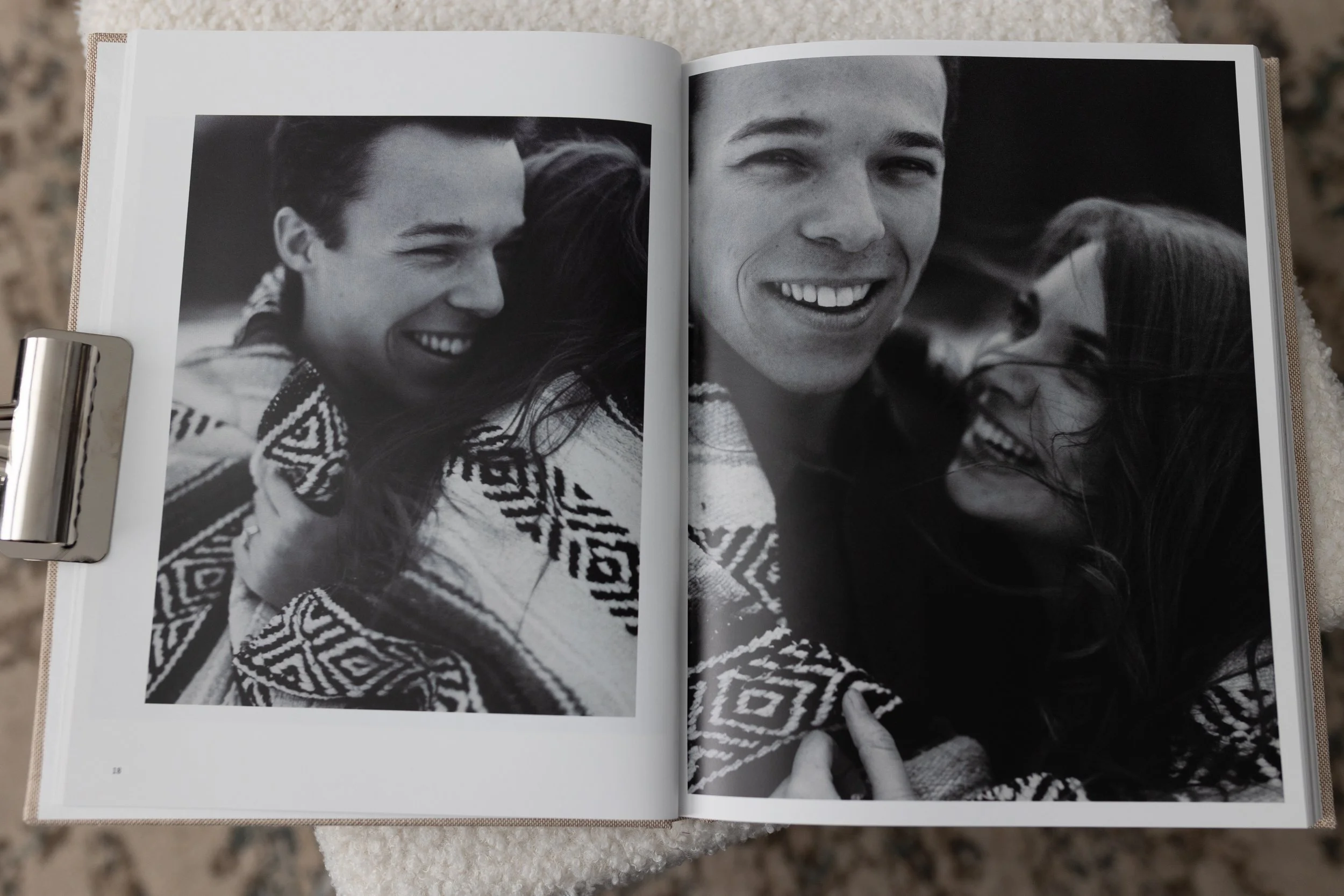
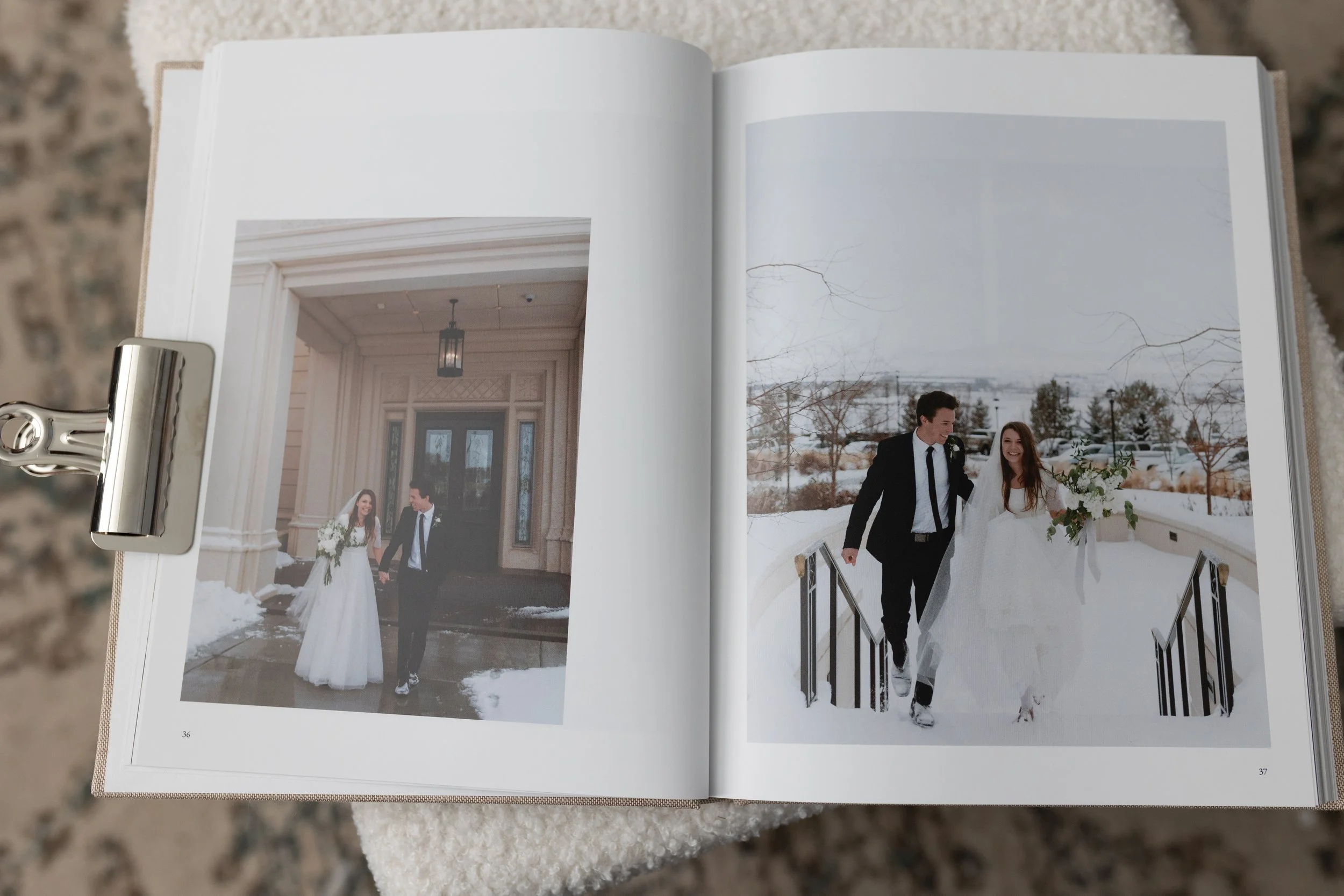
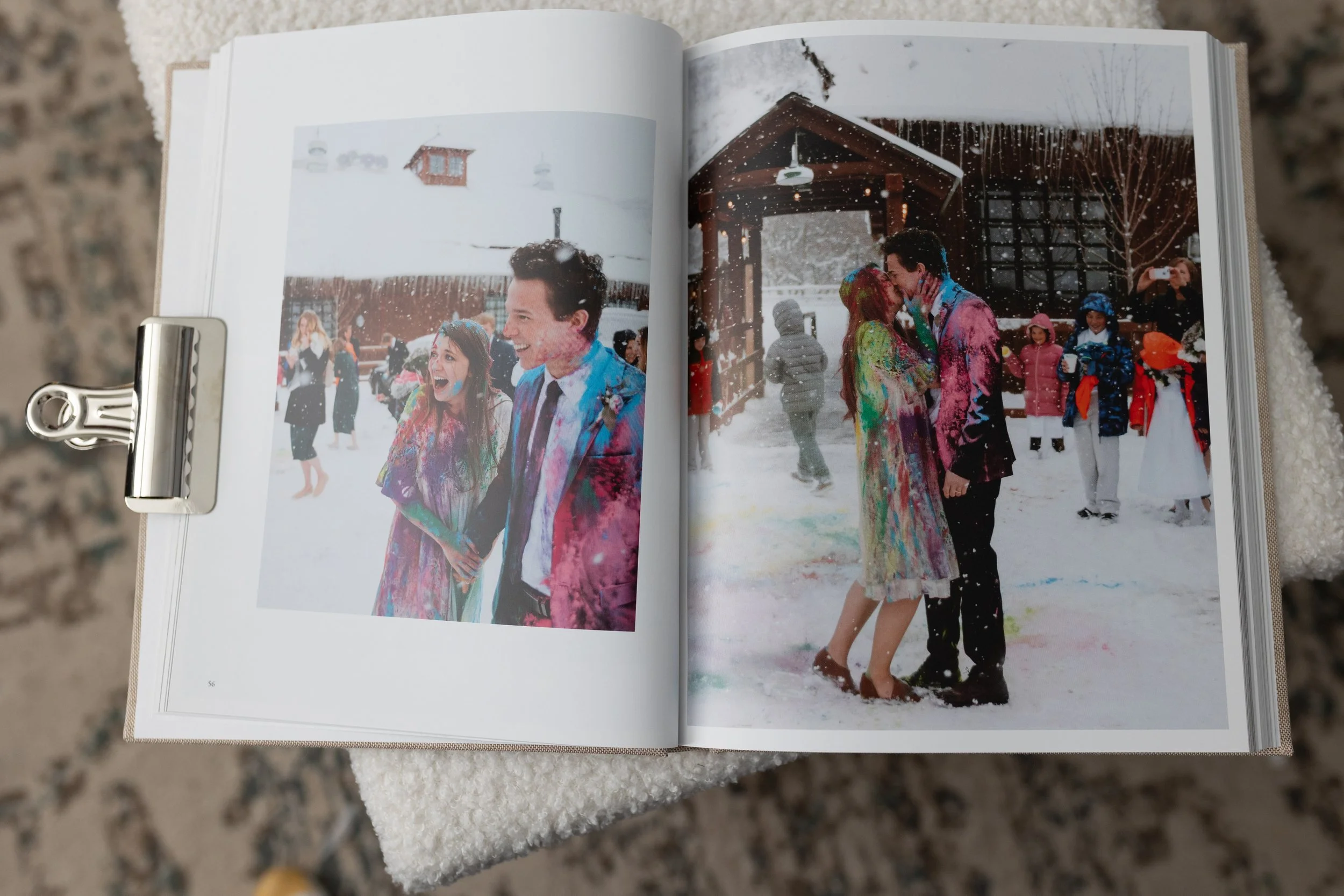
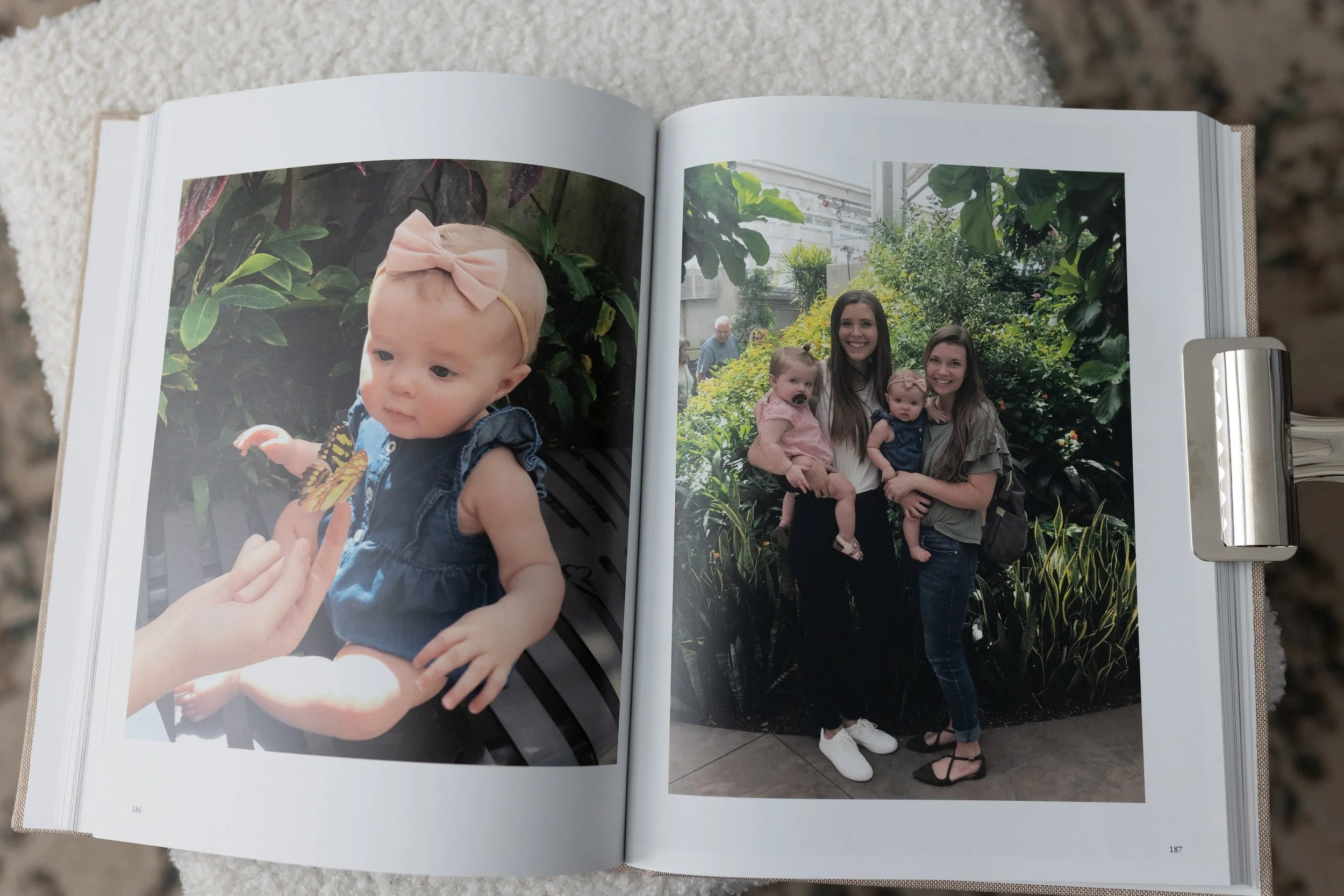
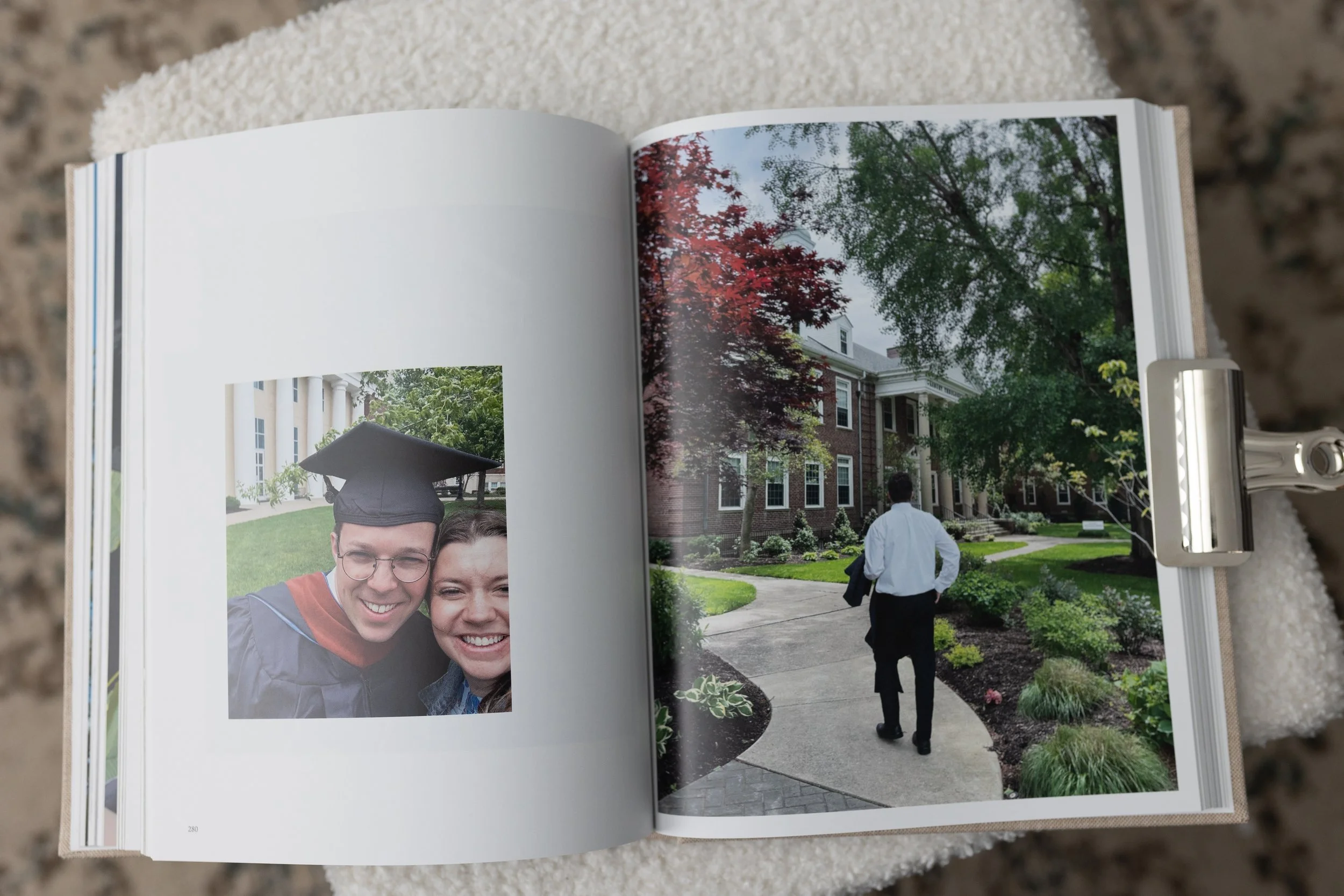
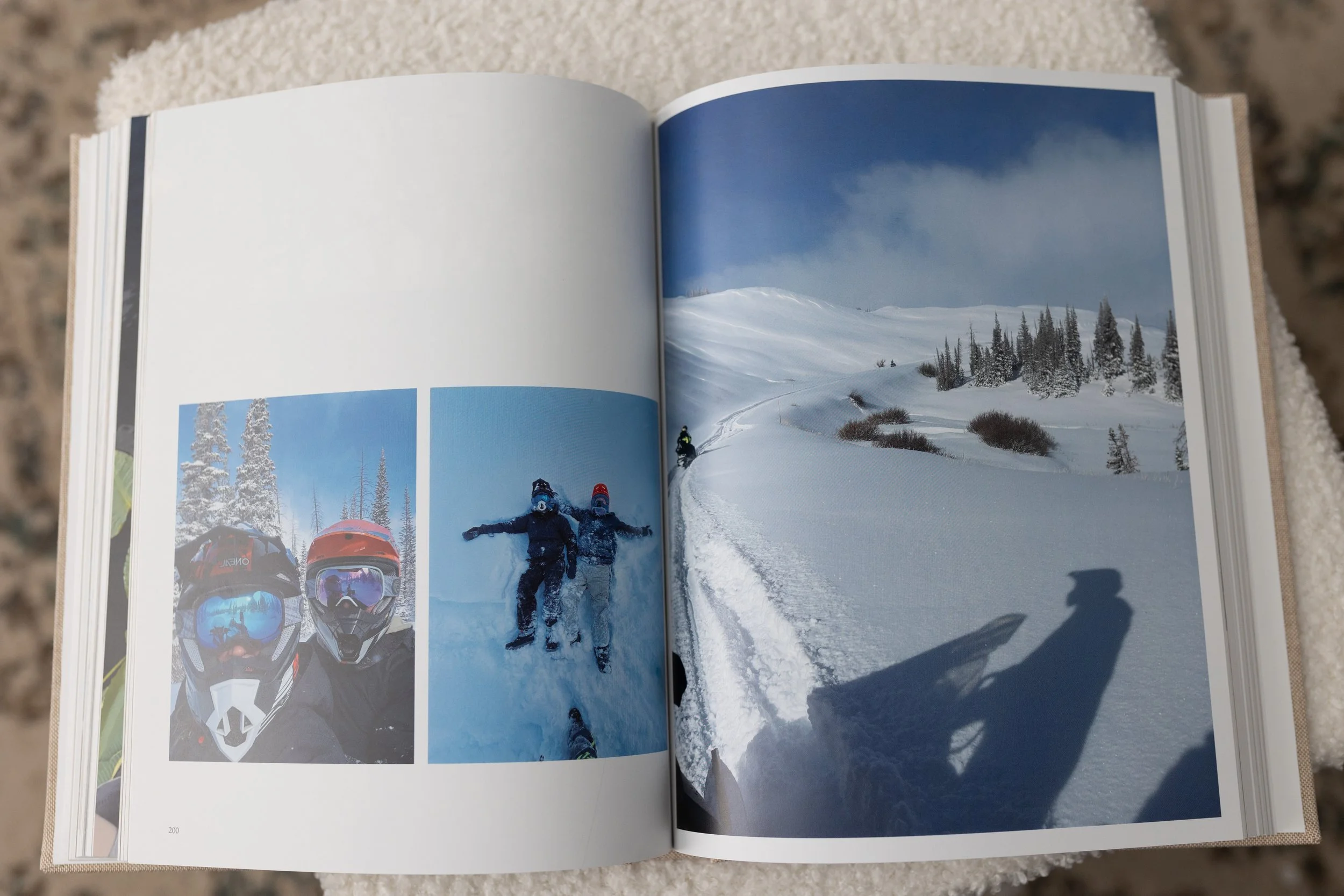
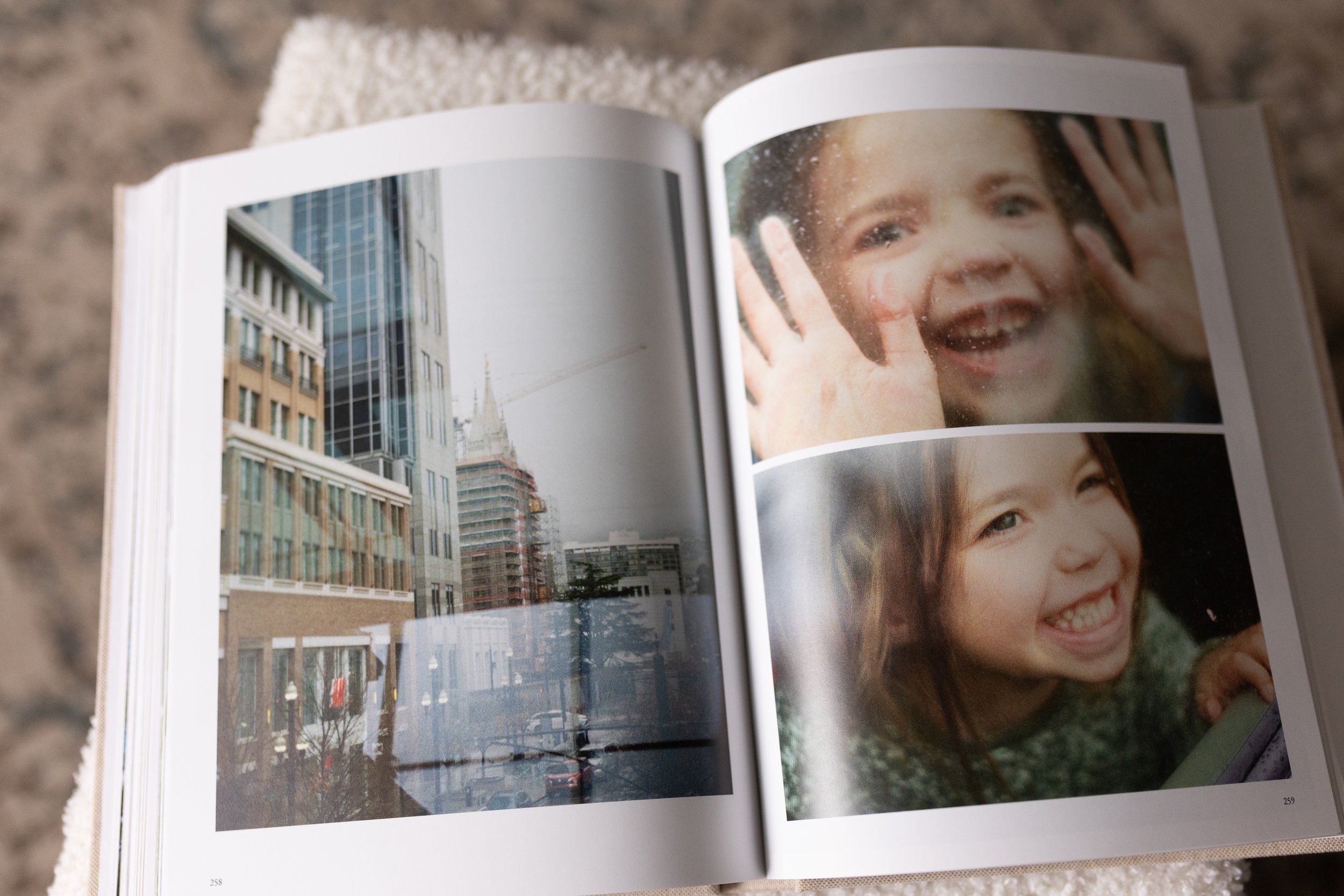
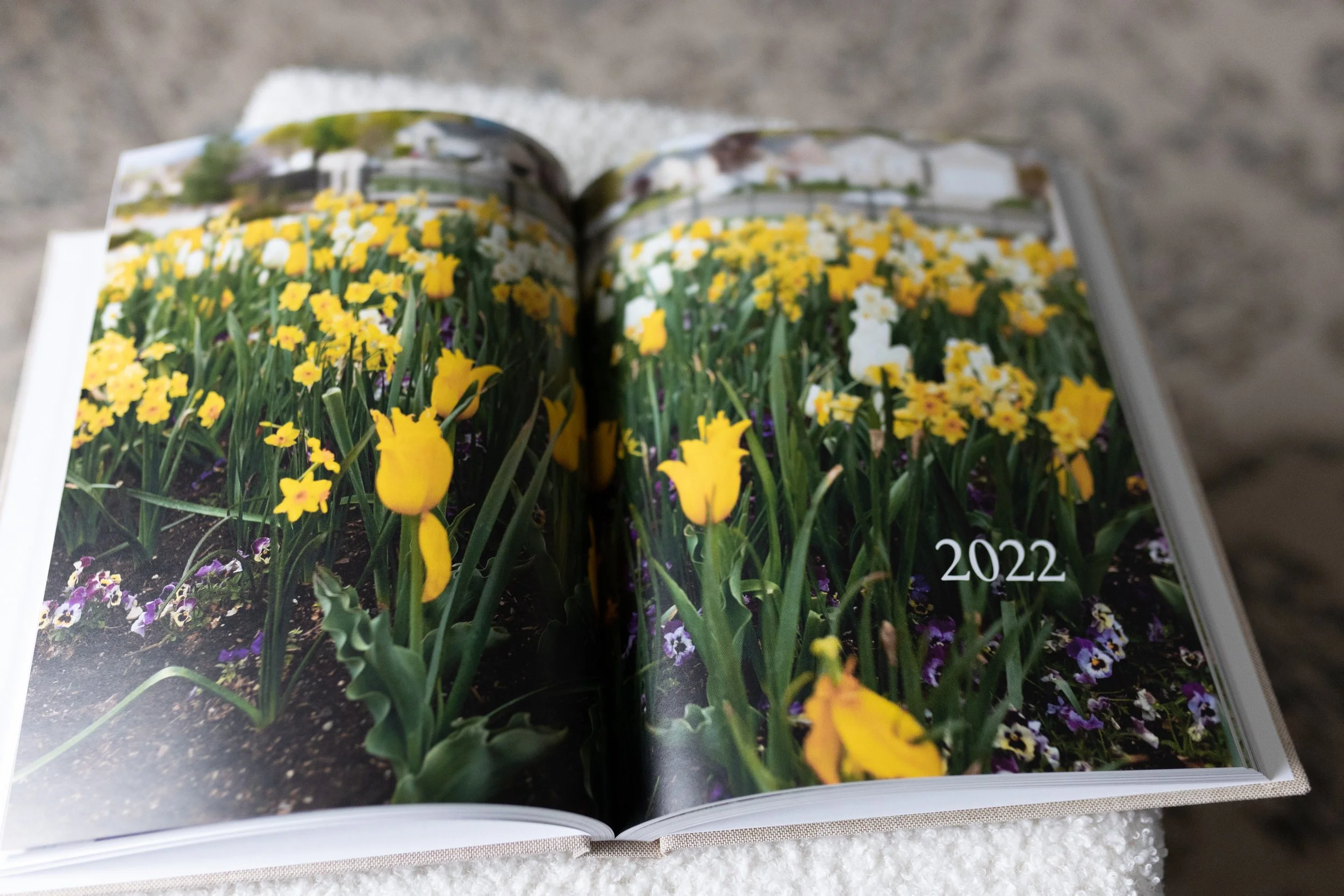
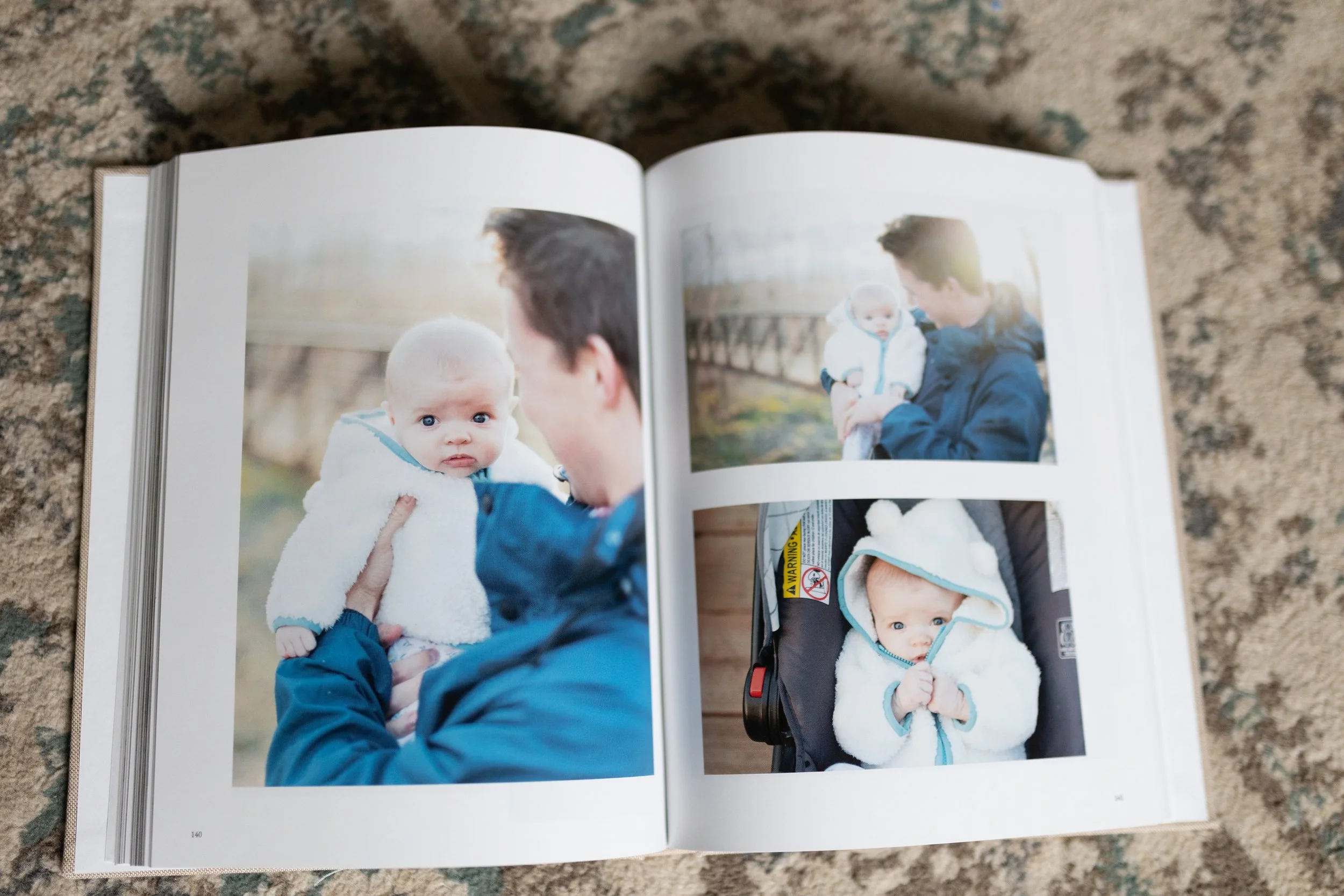
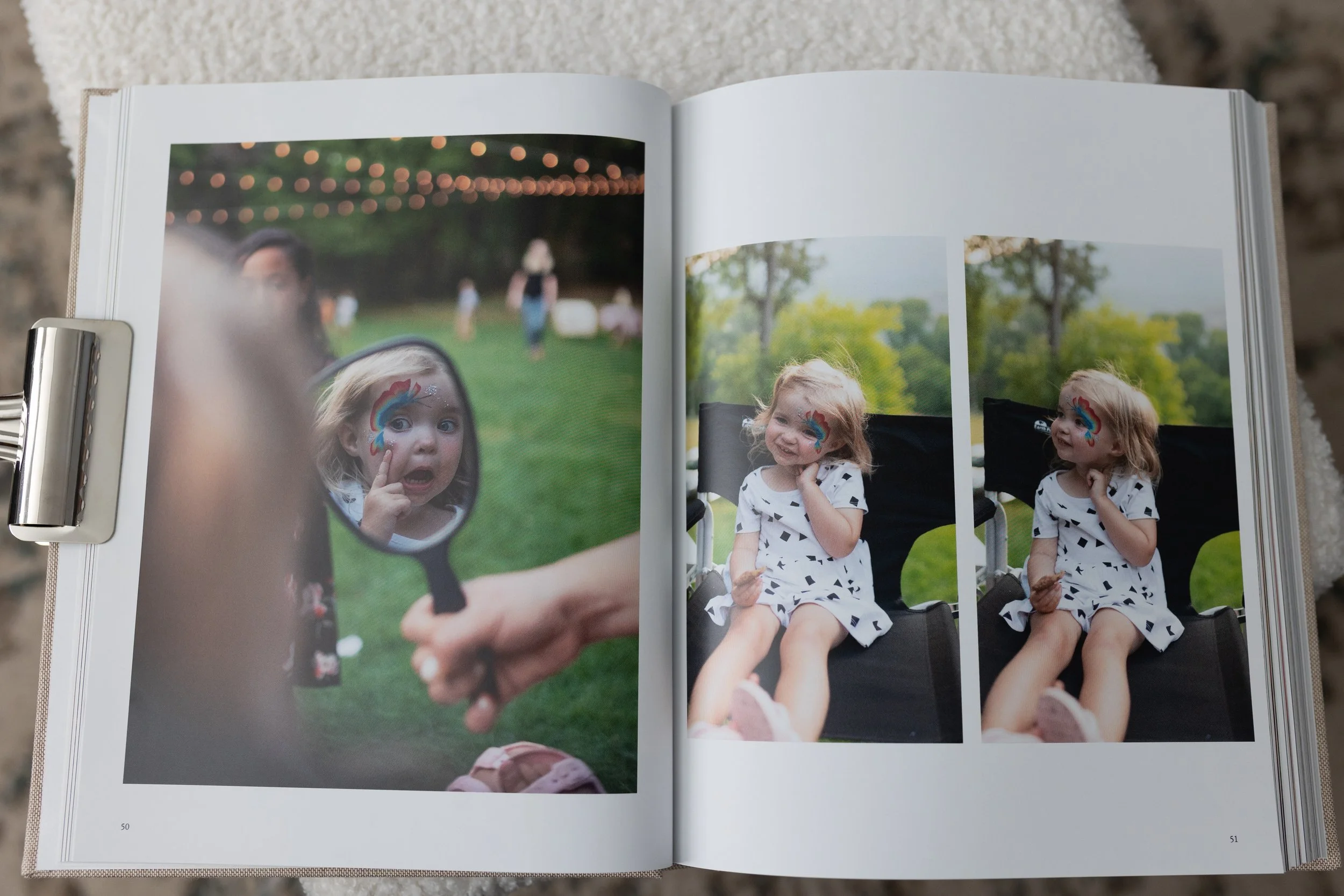
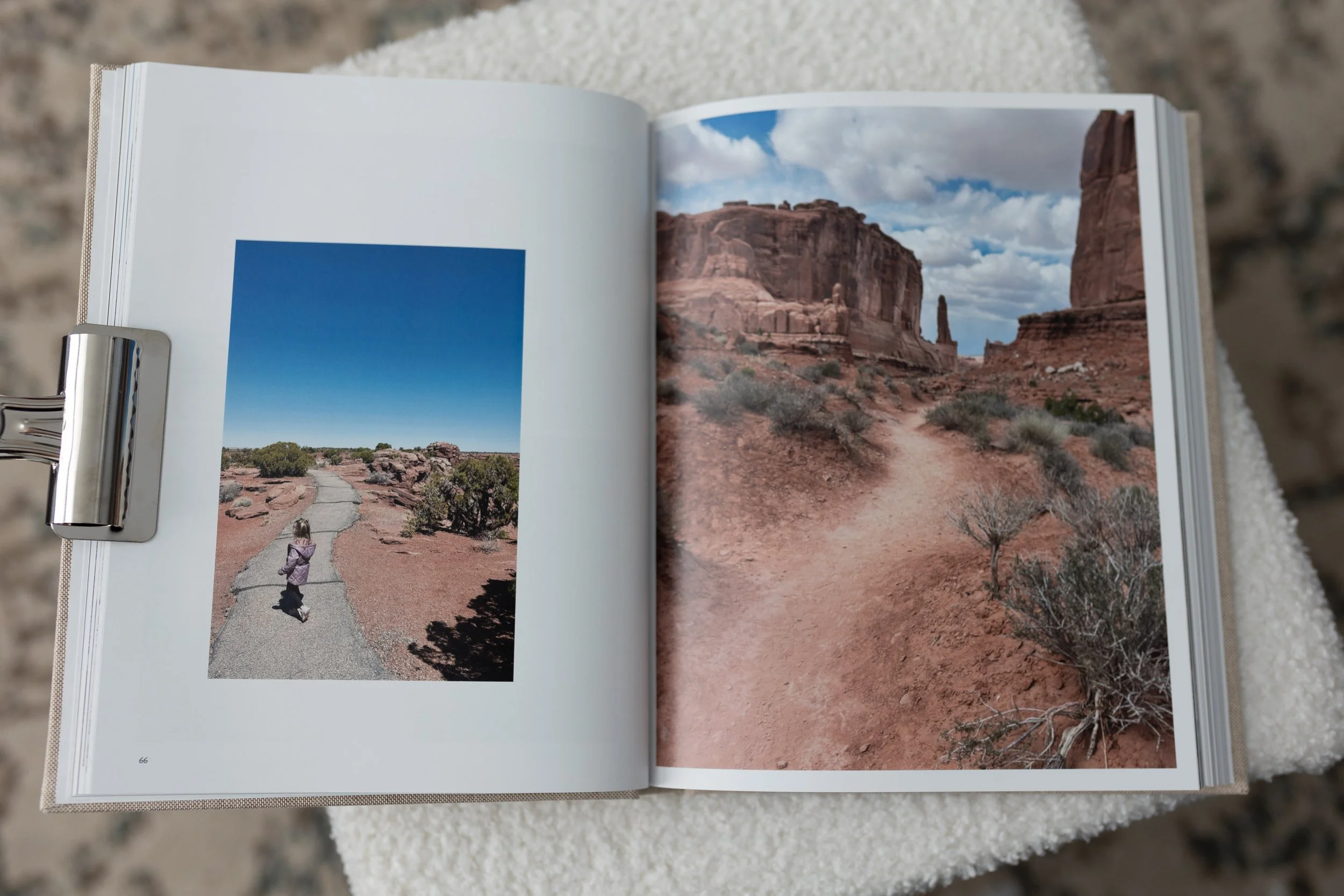
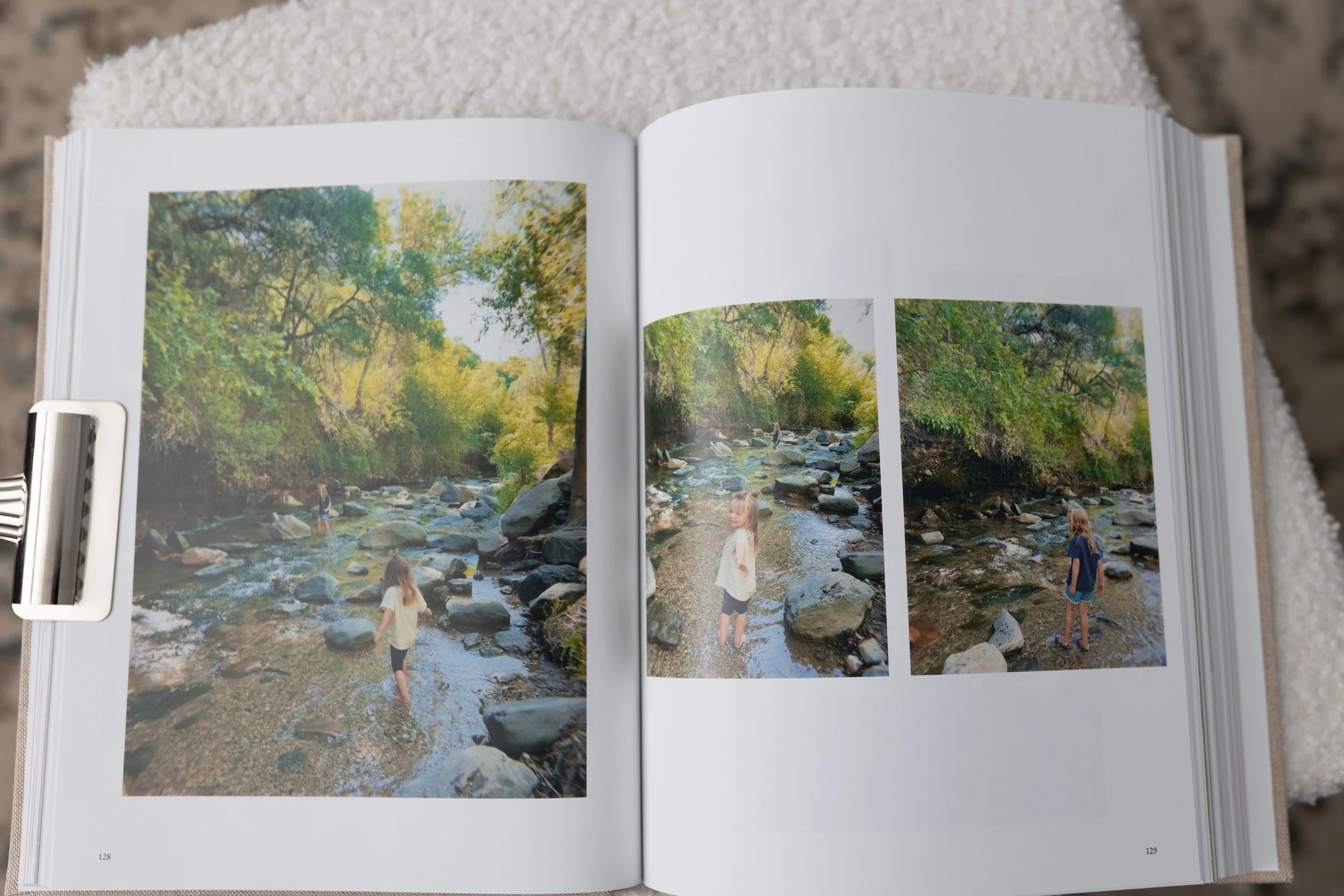
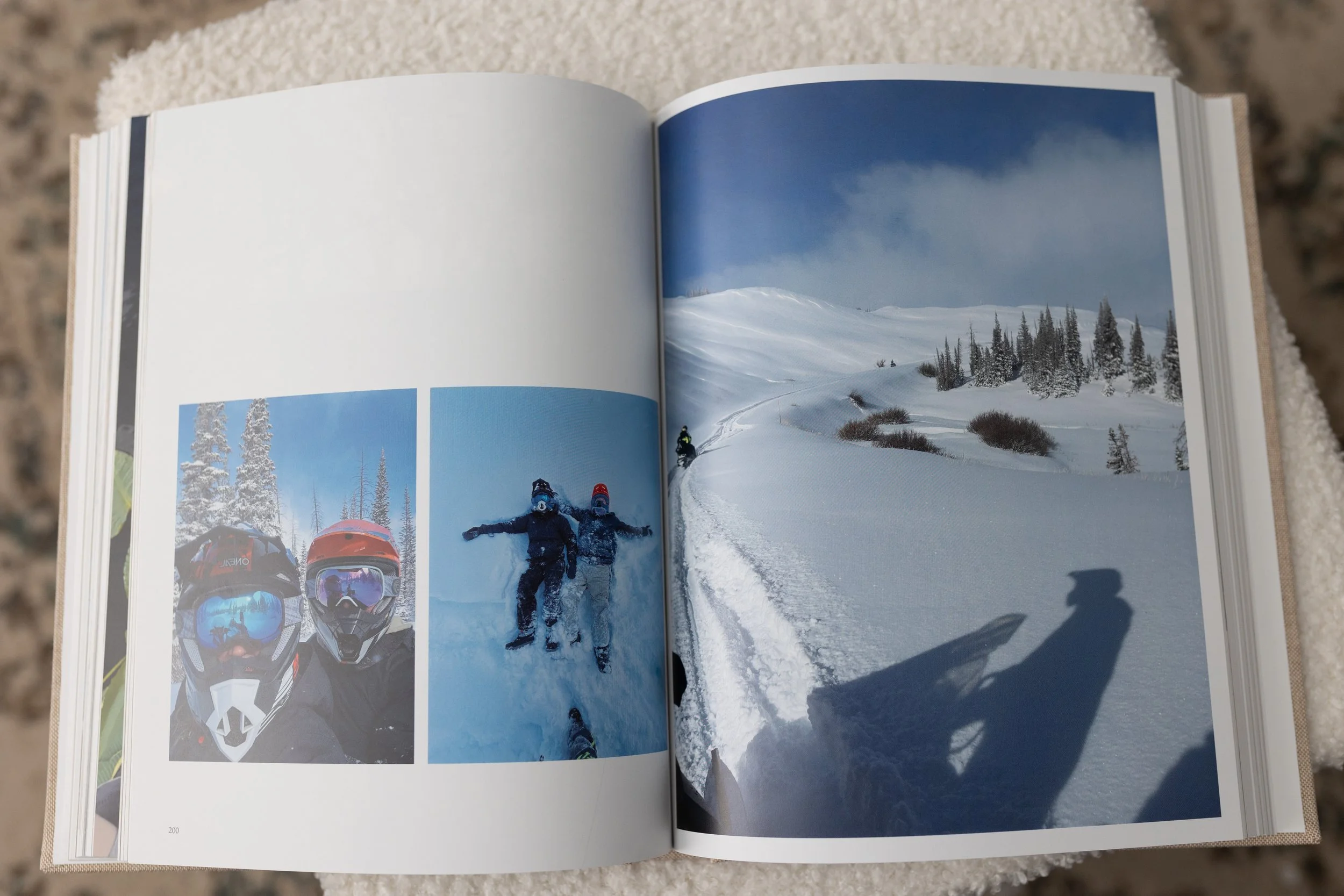
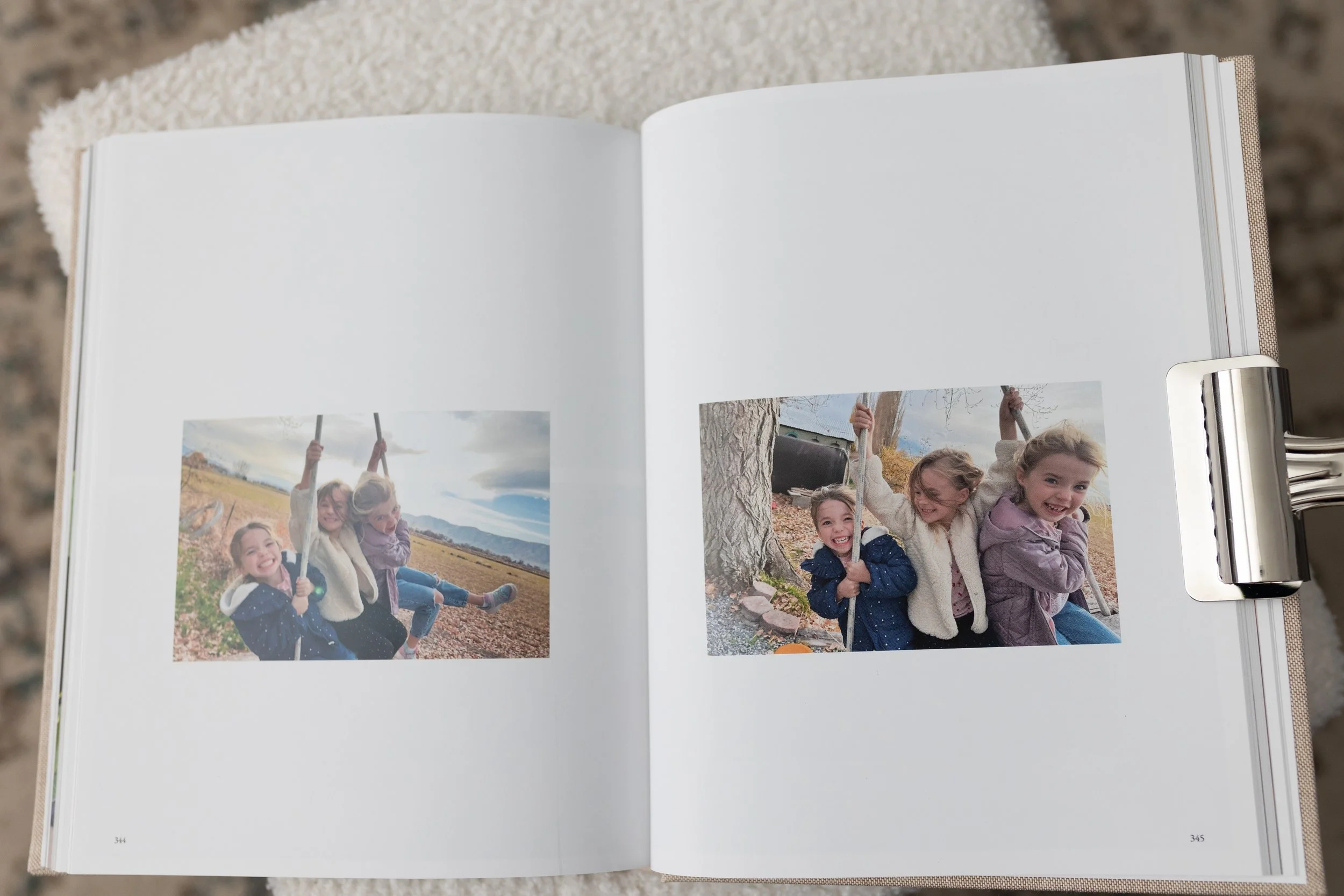
Use large images instead of cramming multiple photos on each spread. This makes your book so much easier to design and gives it a more luxurious look.
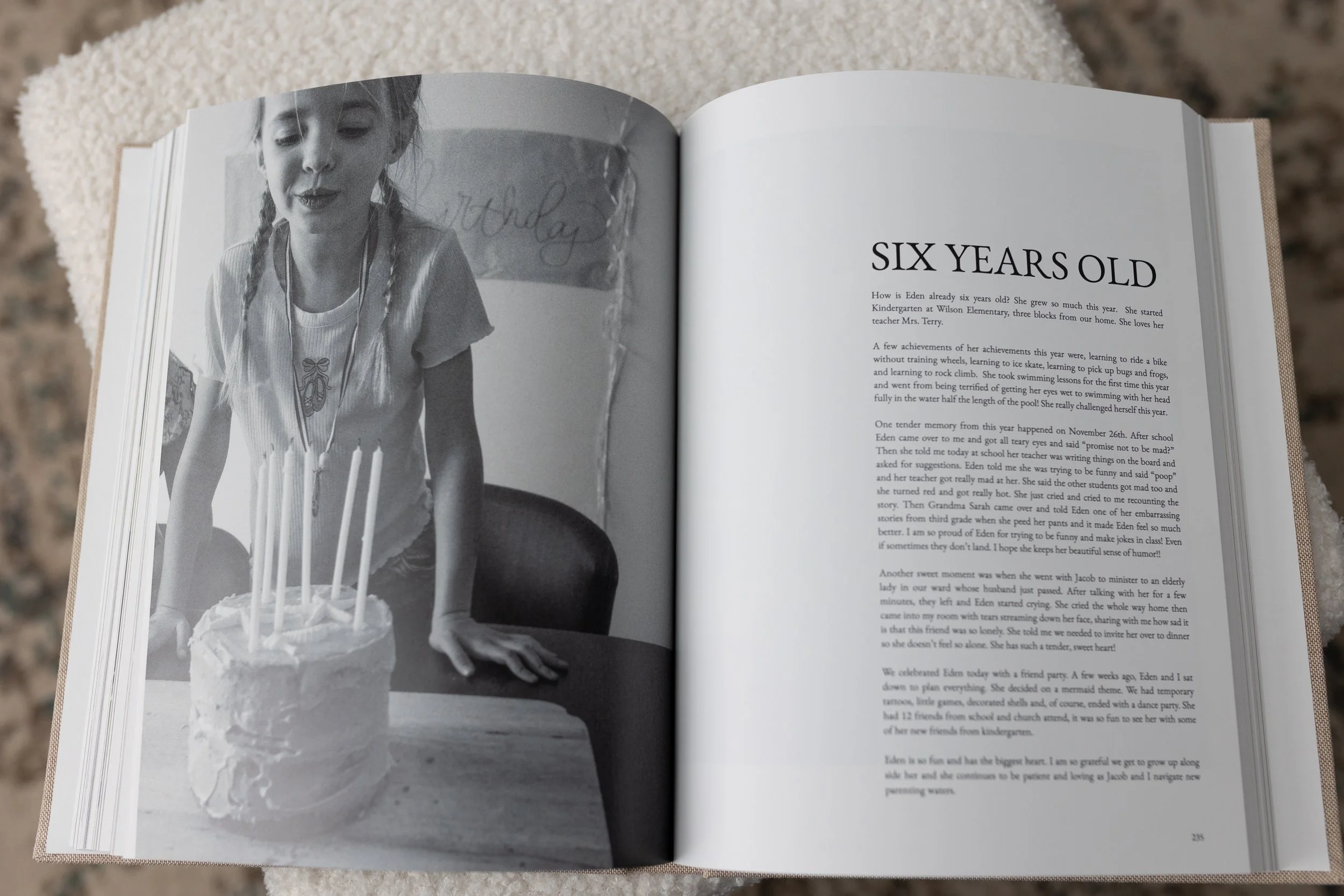
Use consistent spreads and layouts. Don’t reinvent the wheel every time you design a page. I use my favorite 20 spreads on repeat. This makes the process easier and brings cohesion and flow your book. Bookwright lets you save your favorite spreads, making it easy to repeat as you go.
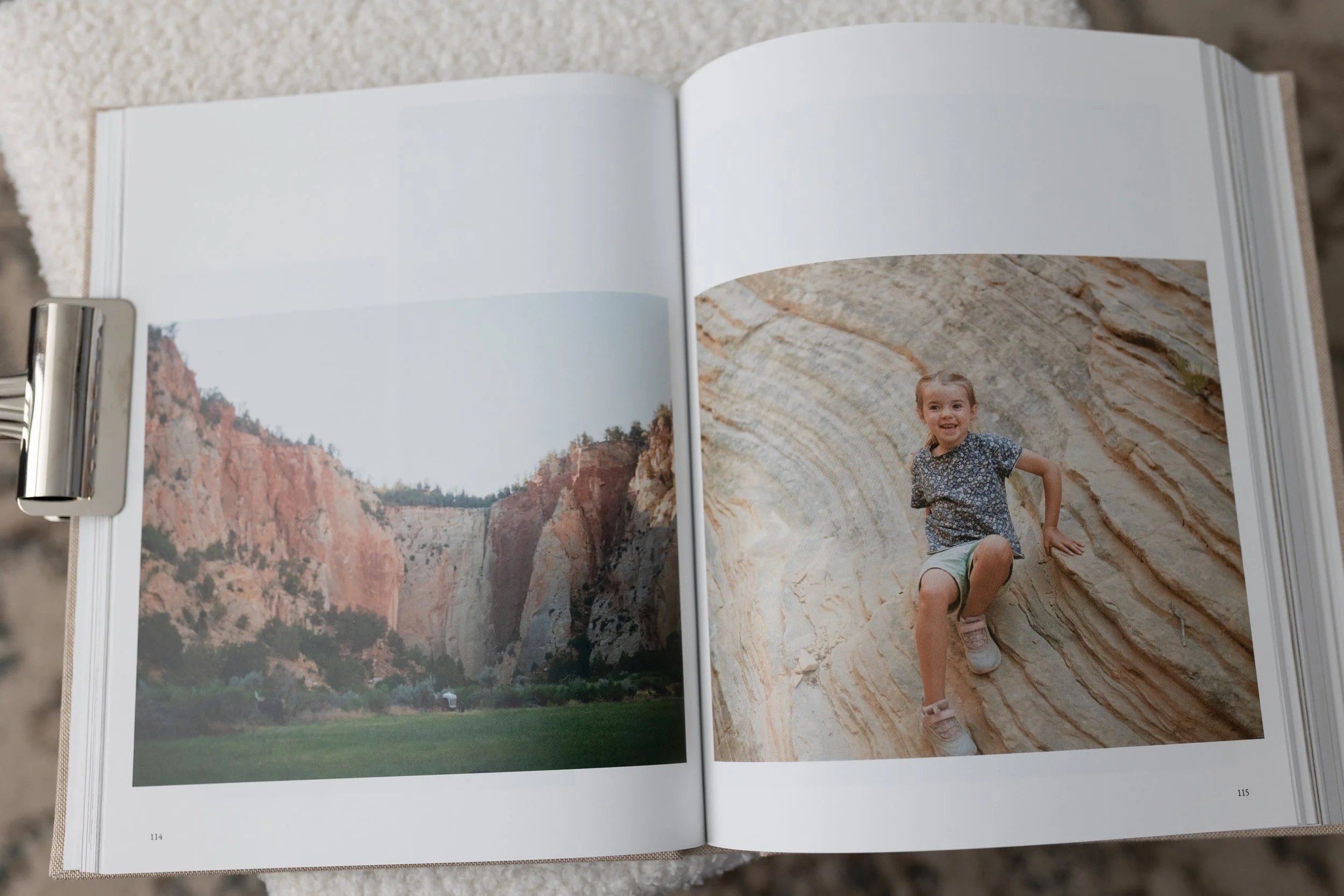
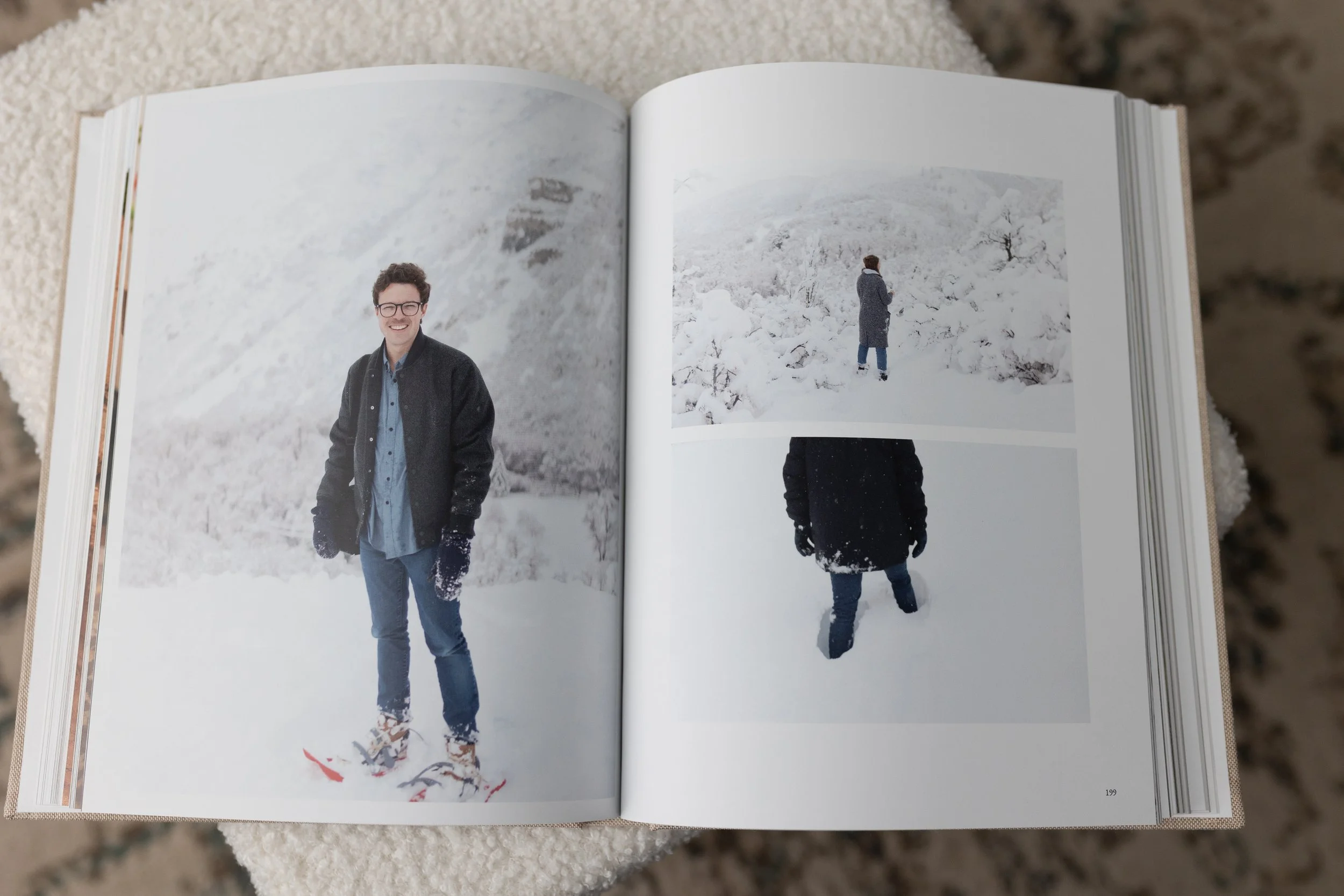
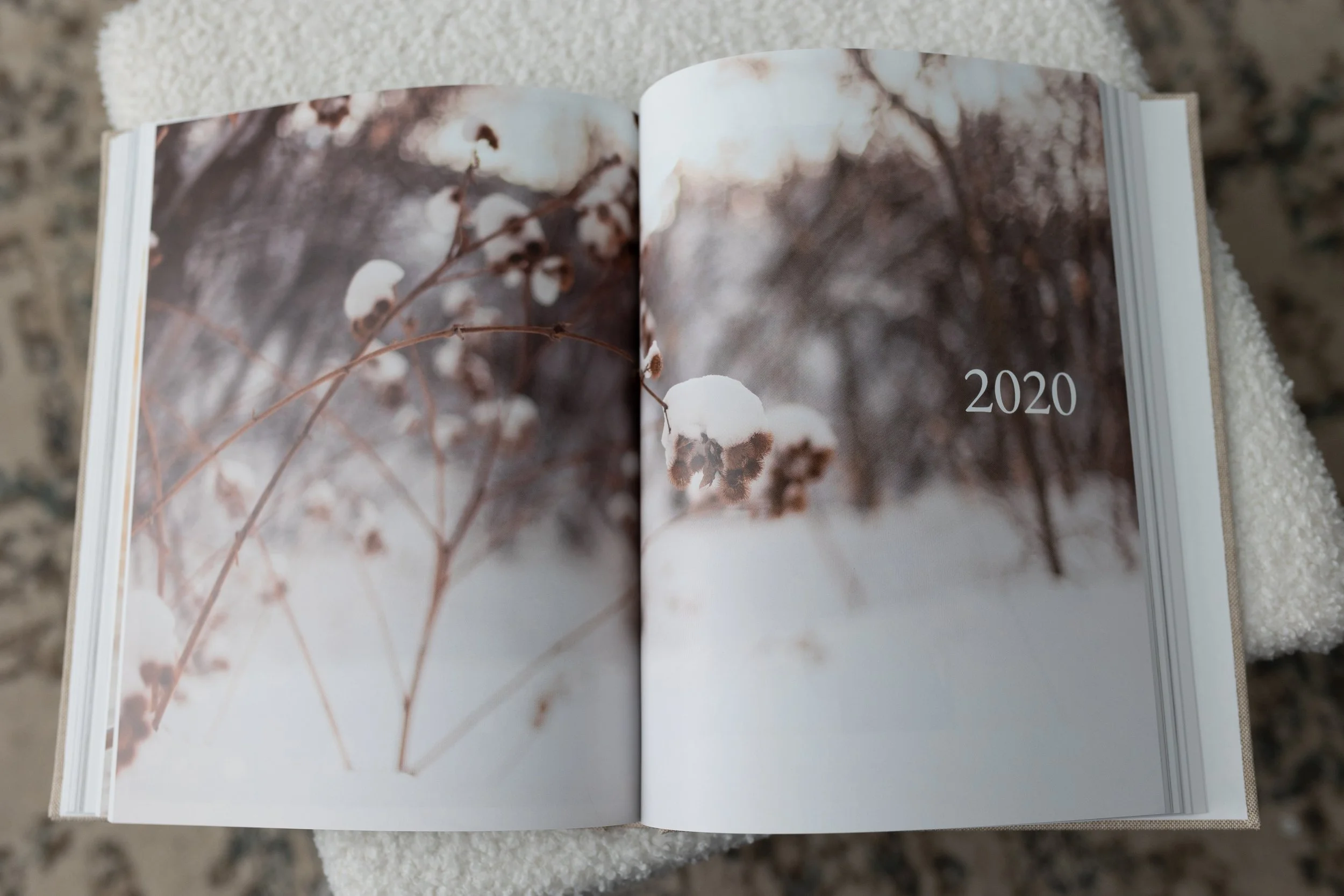
Include white space. White space is powerful because it gives the eyes a chance to pause and lets you highlight the images you want to showcase. To make this easy, I’ve included white space in all my saved layouts that I repeat throughout my books.
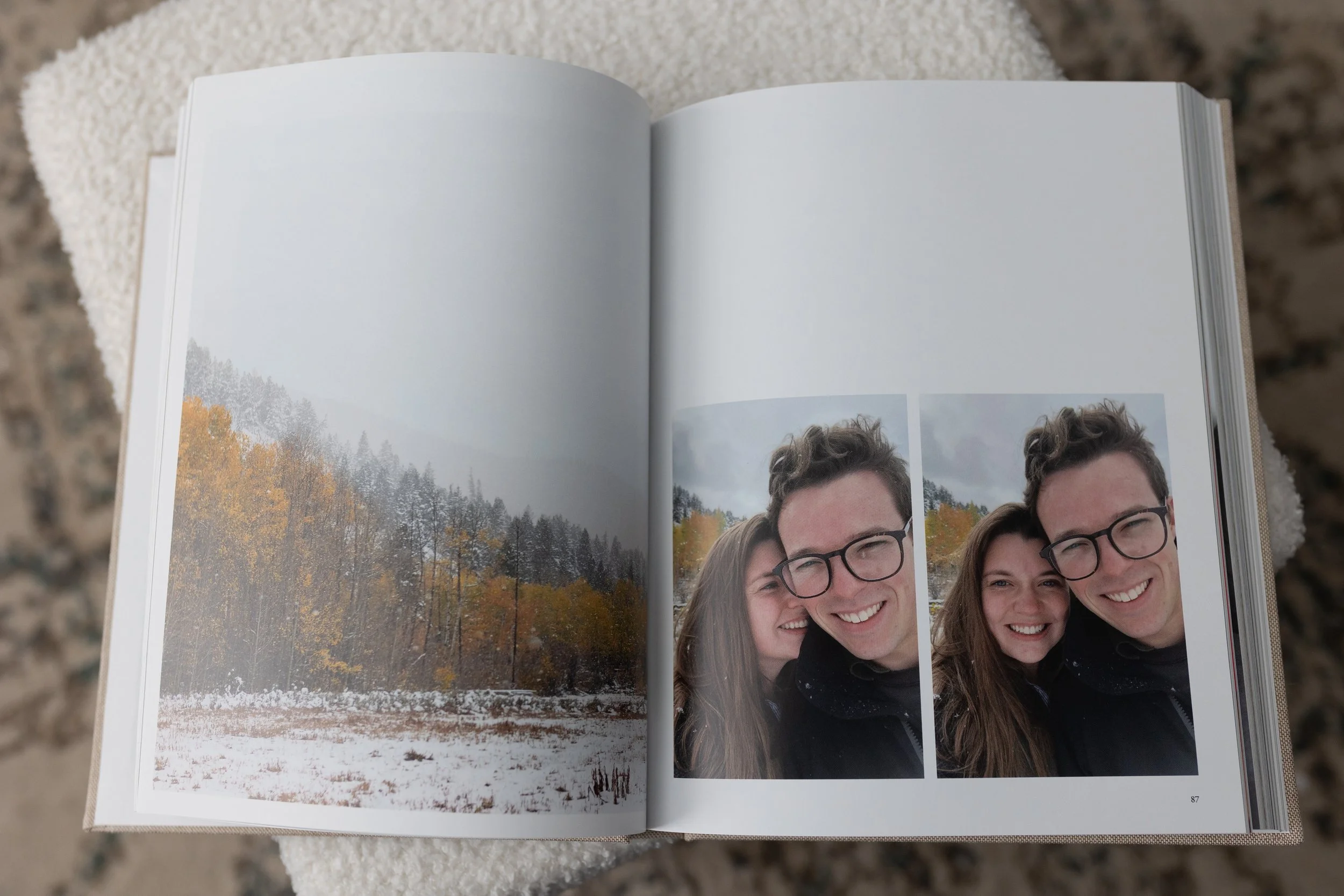
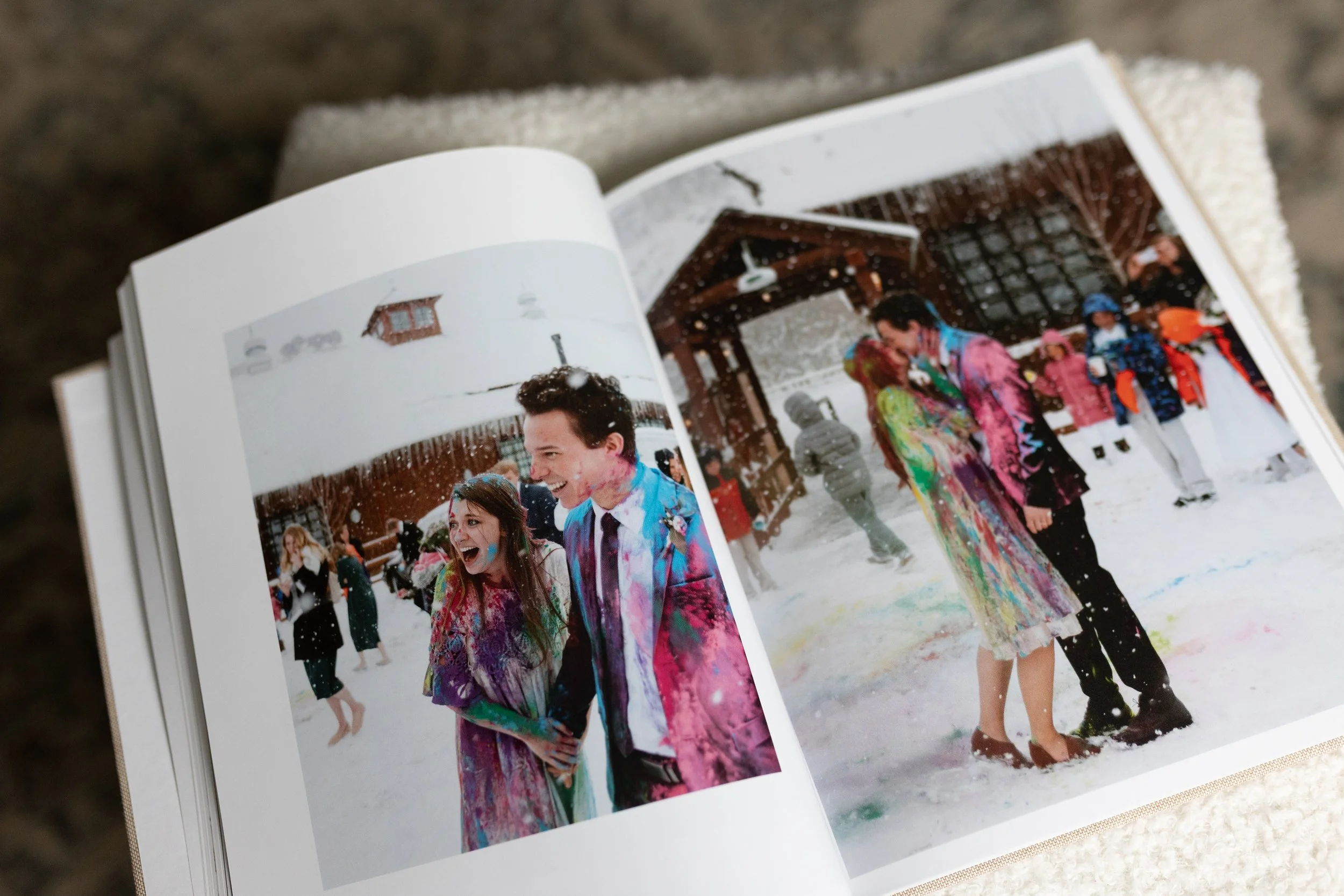
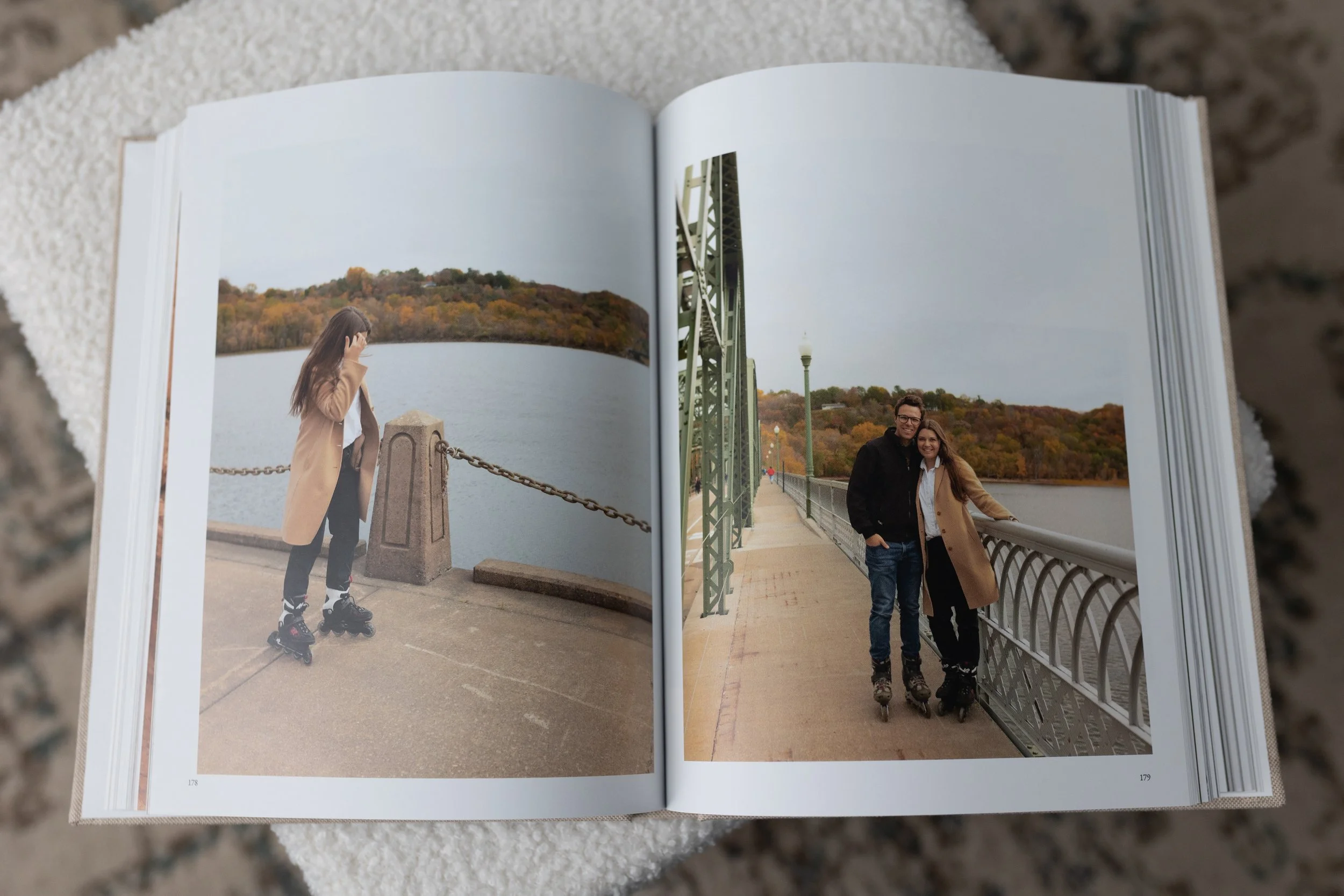
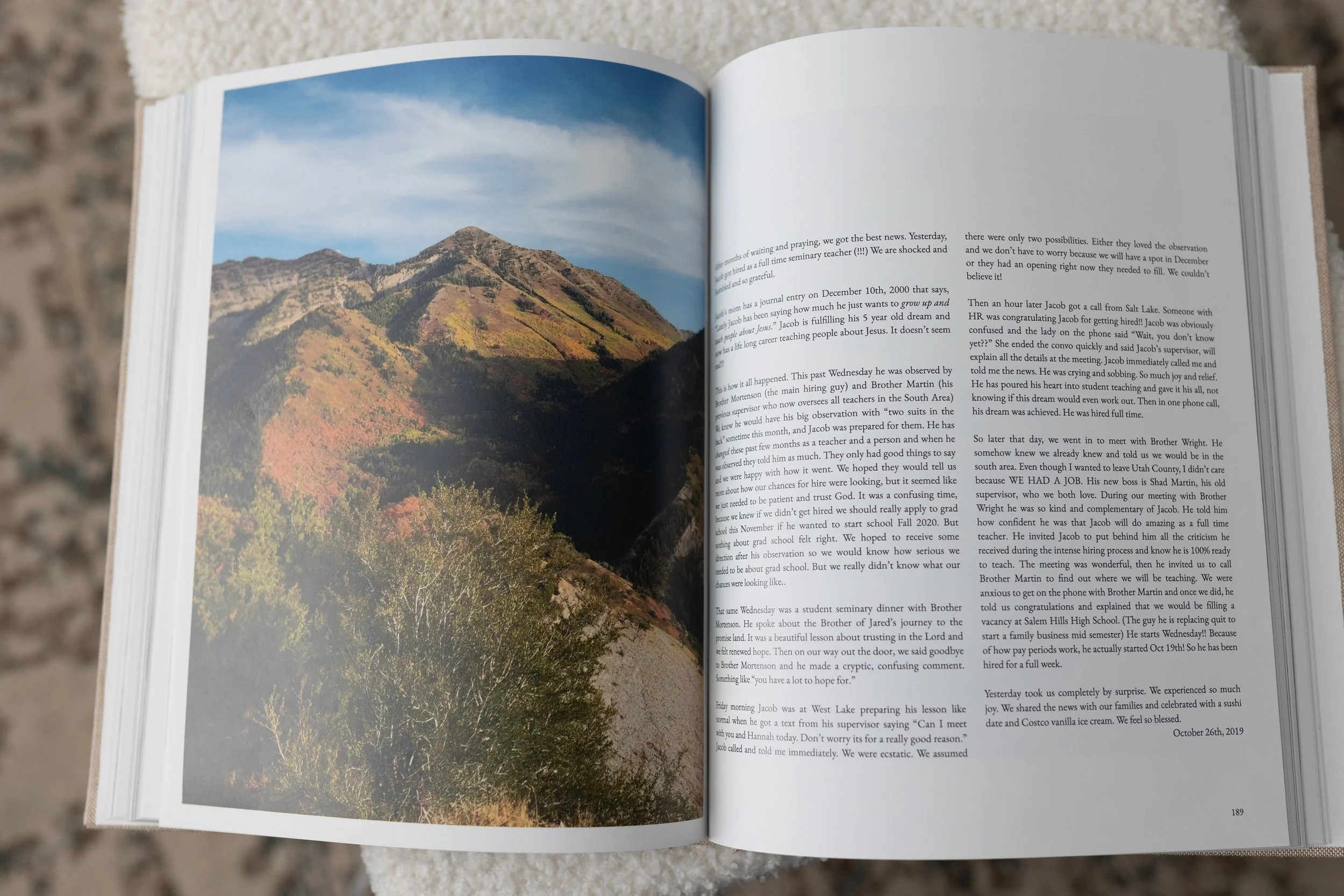
Include a variety of photos. Don’t just include smiling faces. Include location shots, detail photos, or anything that can bring variety into your album. I love that blurb has such a high page count so there is plenty of room to include landscape photos throughout your album.
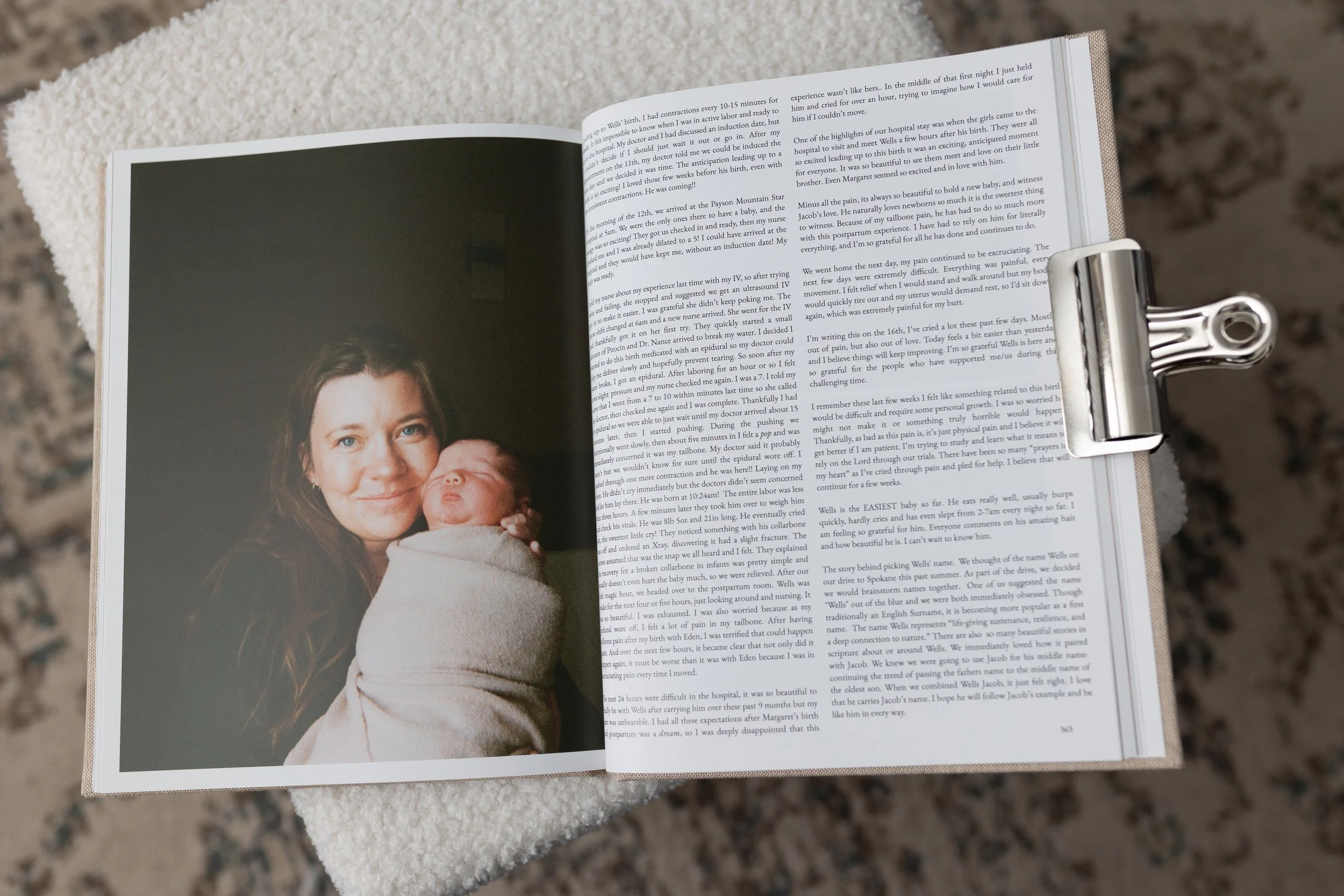
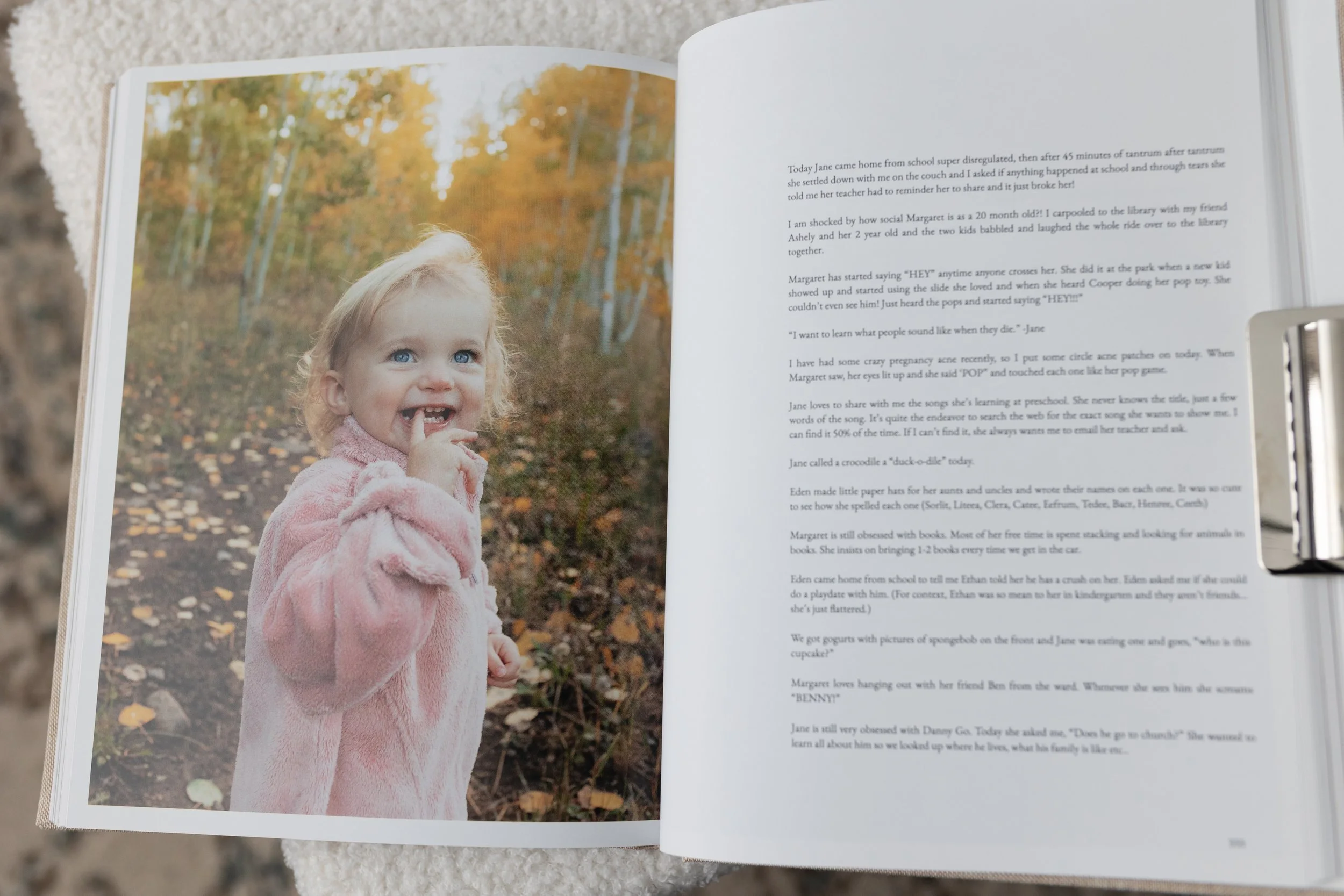
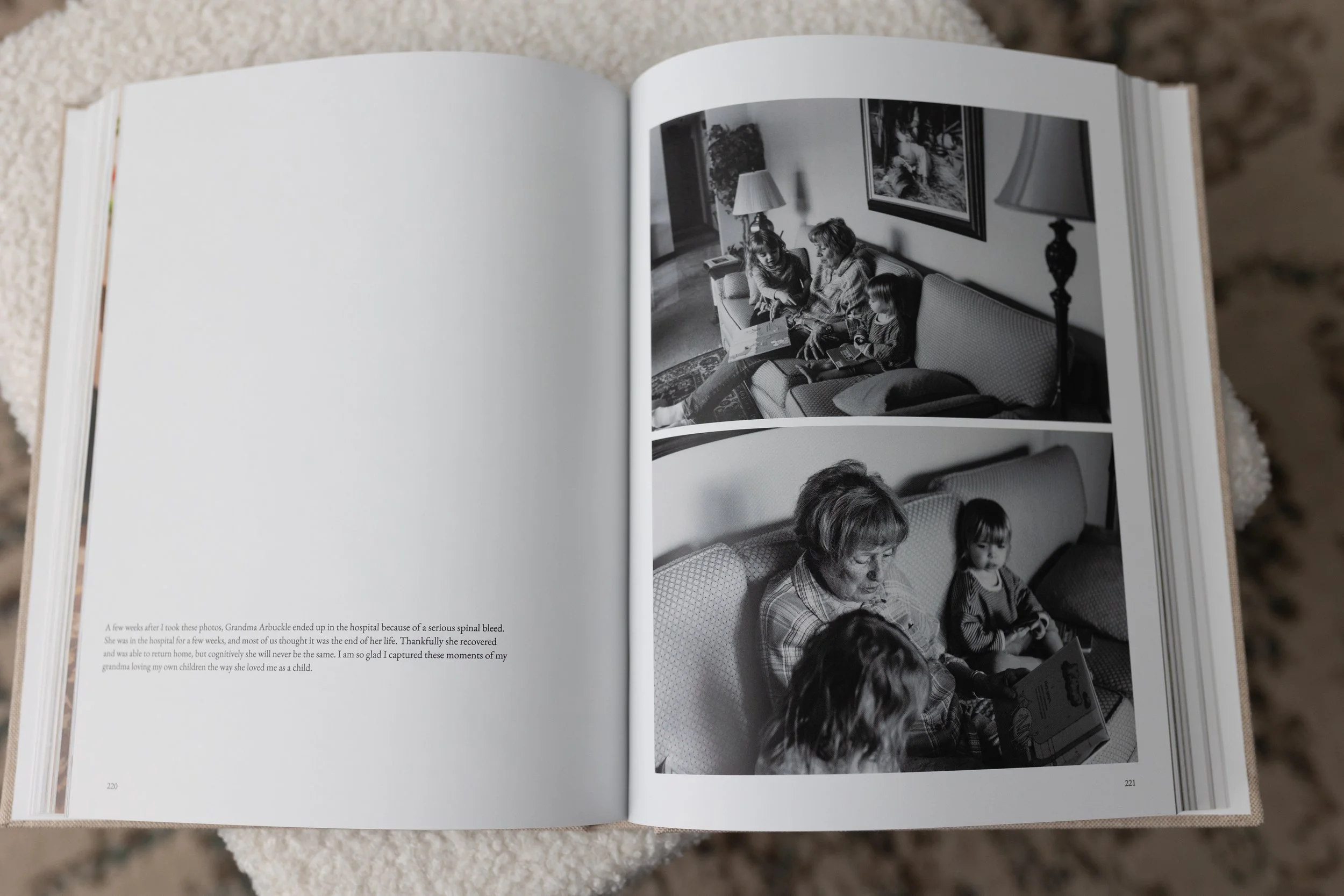
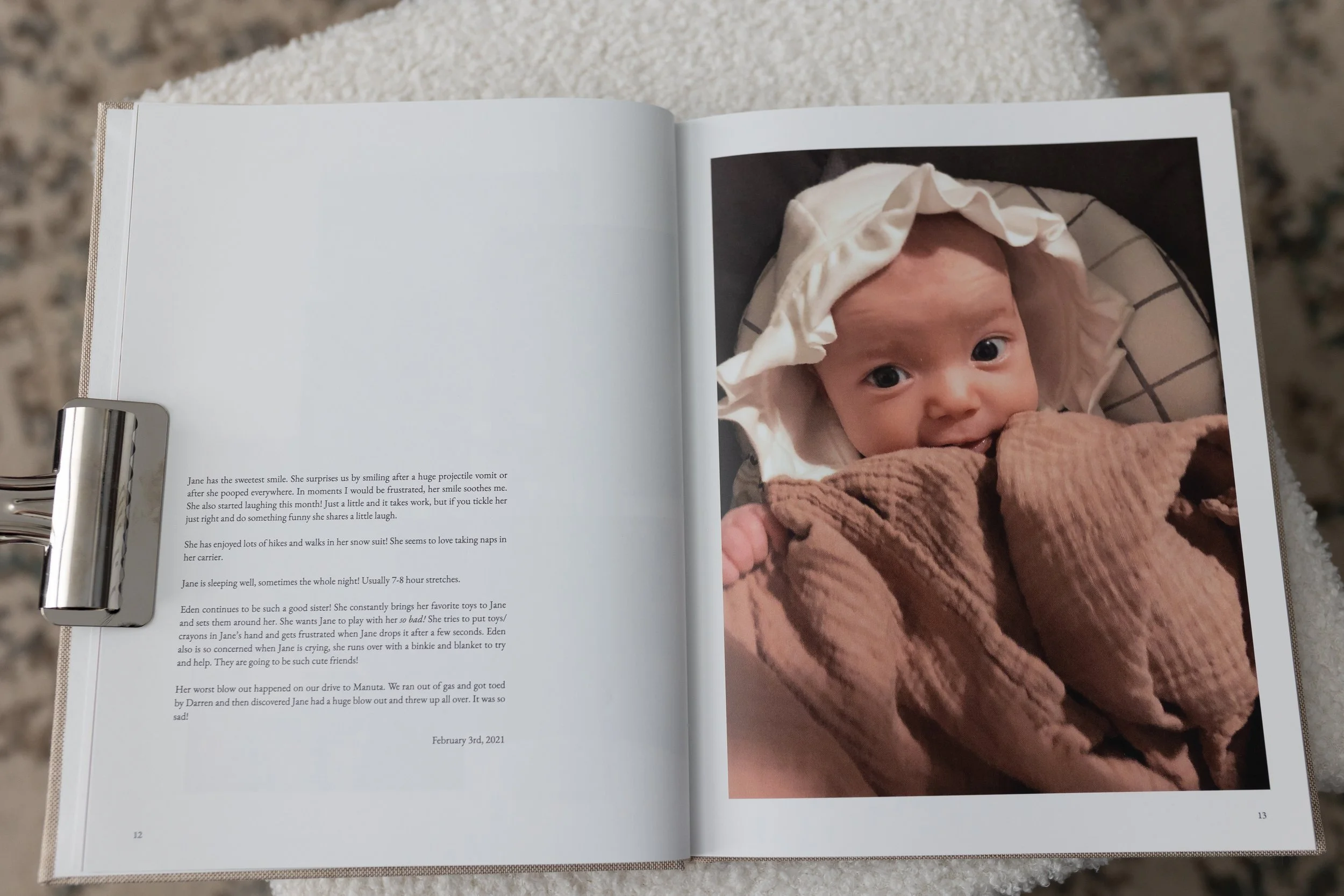
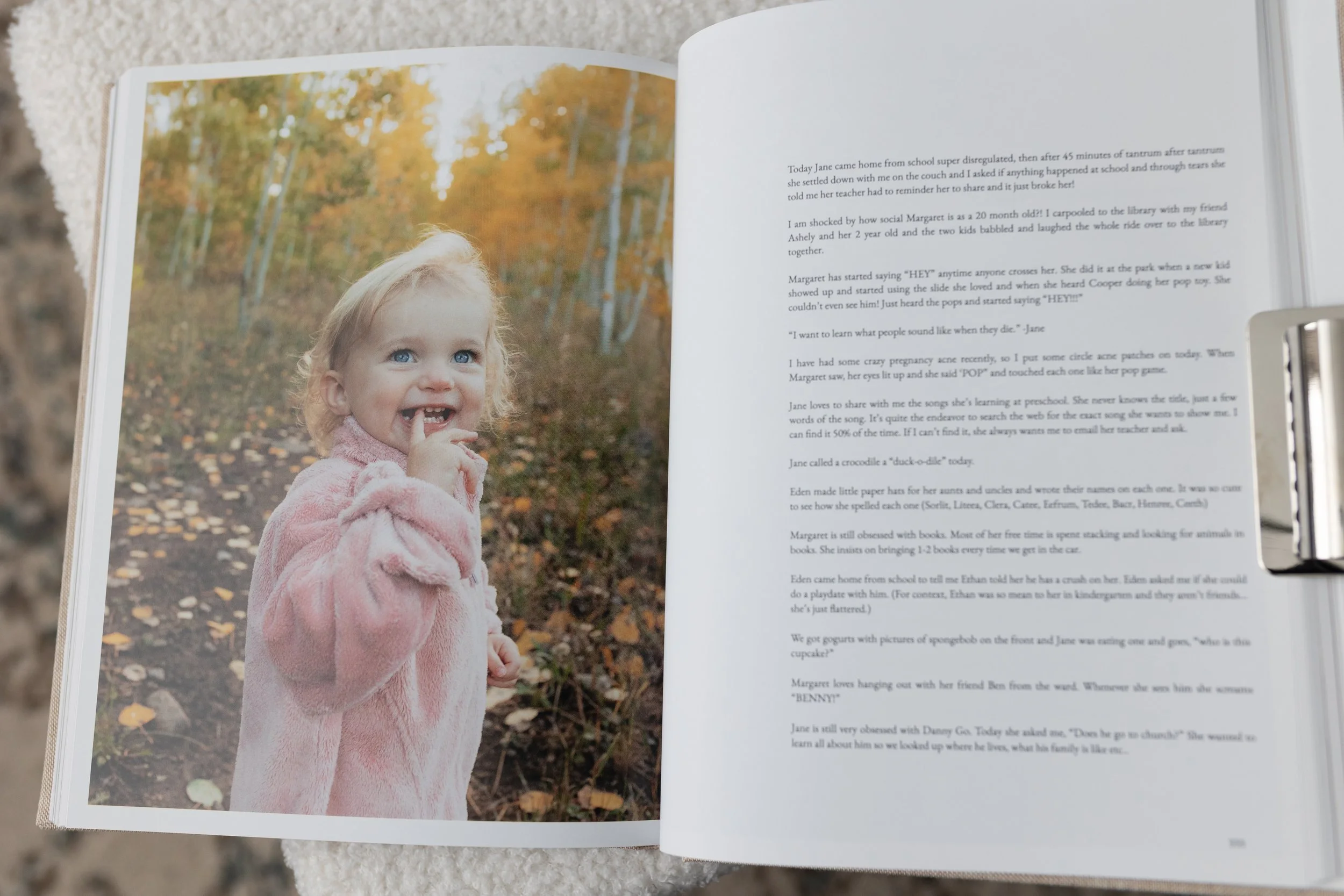
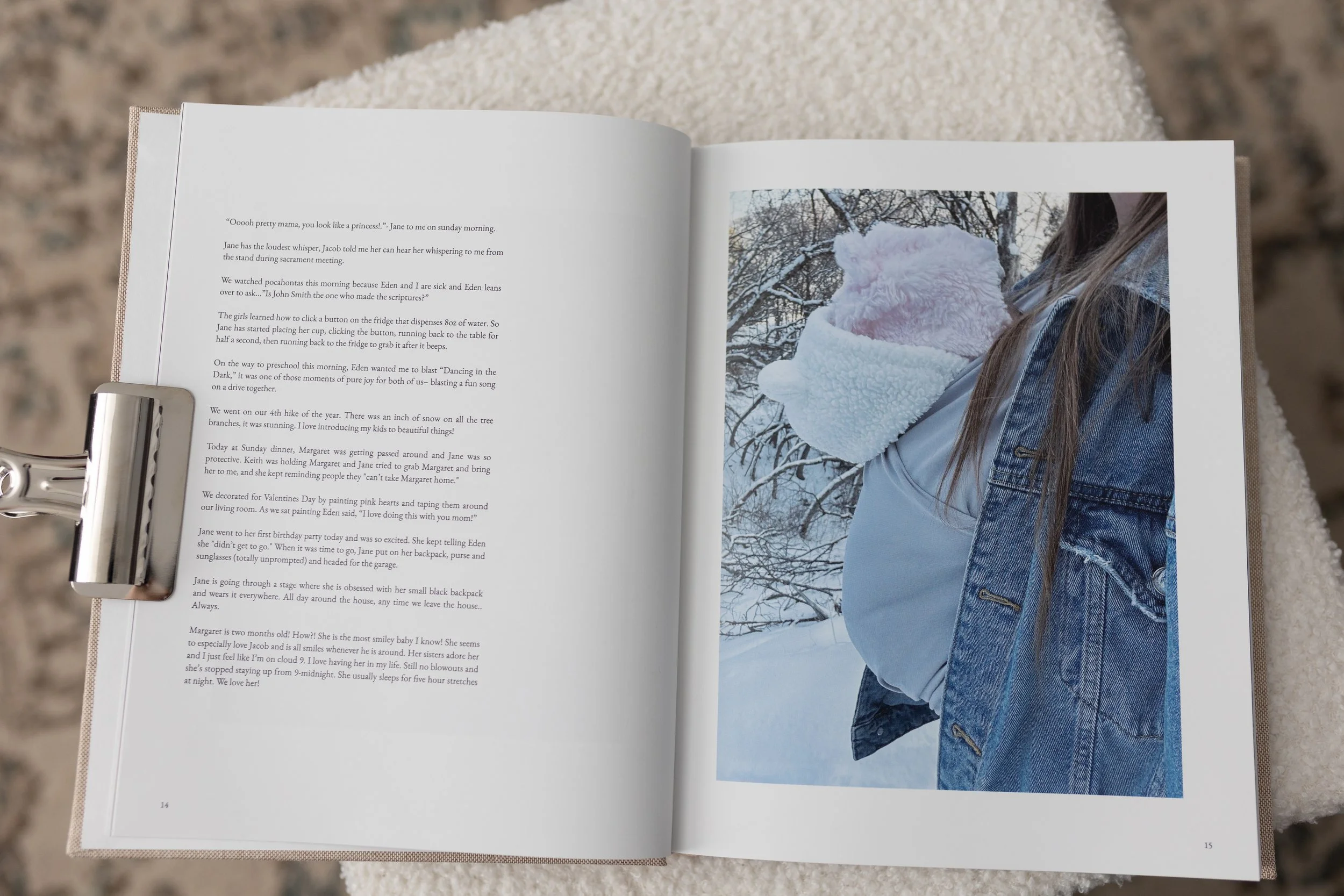
Add journal entries!!! I add all my journal entries from my Motherhood365 journal each year. It brings so much depth to our books and makes them 100x more fun to page through. If you don’t have journal entires that’s okay too! But add what you have!
Use the same font and font size throughout the entire book!! I can’t stress this enough. I use EB Garamond, size 9 for everything! The only time I increase the size is for a few headings.
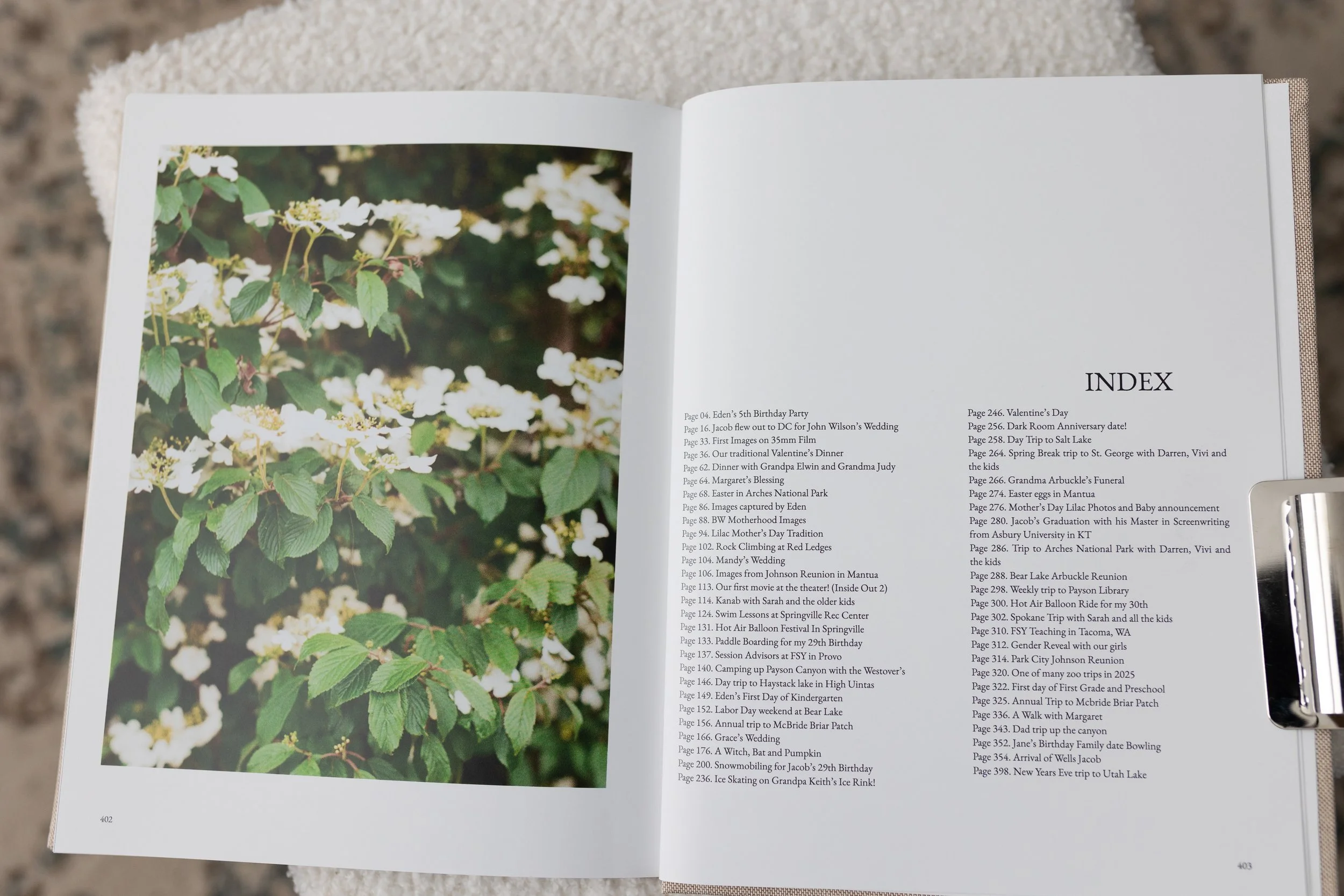
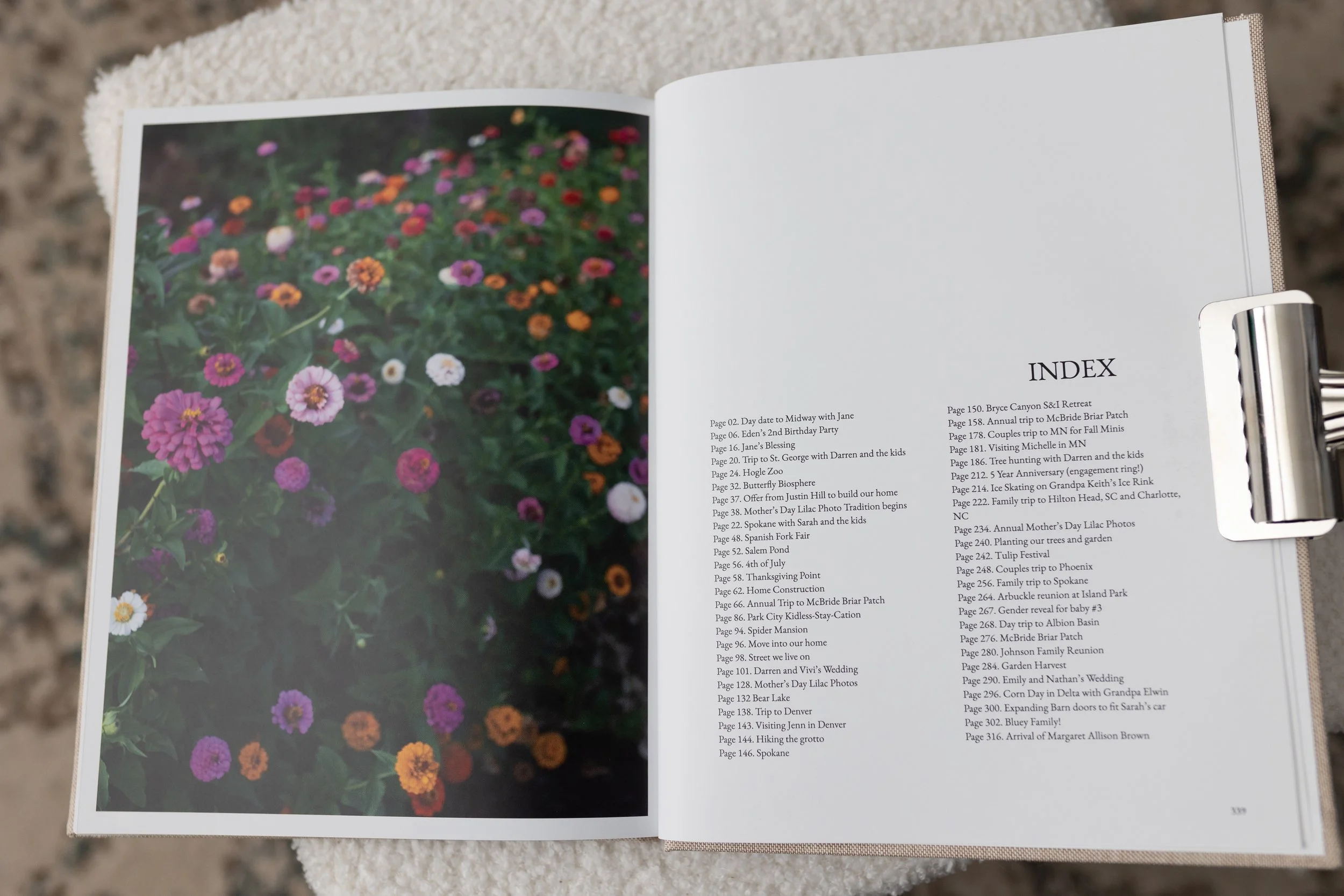
Consider adding an index at the end of your book instead of captions throughout. It will simplify your designing and help the book look more high-end. If your photos need explanation, you can add context or details to an index at the back of your book.
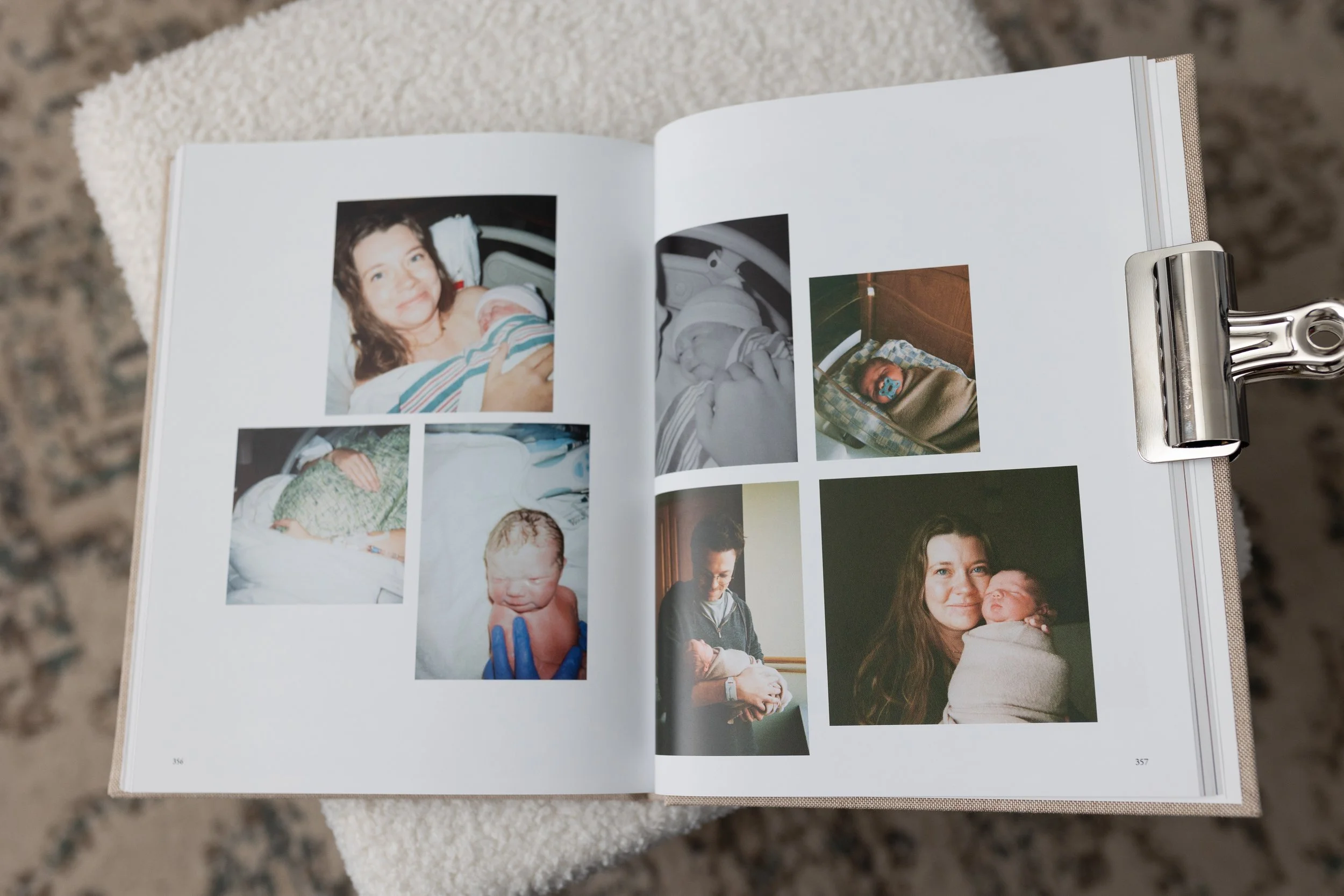
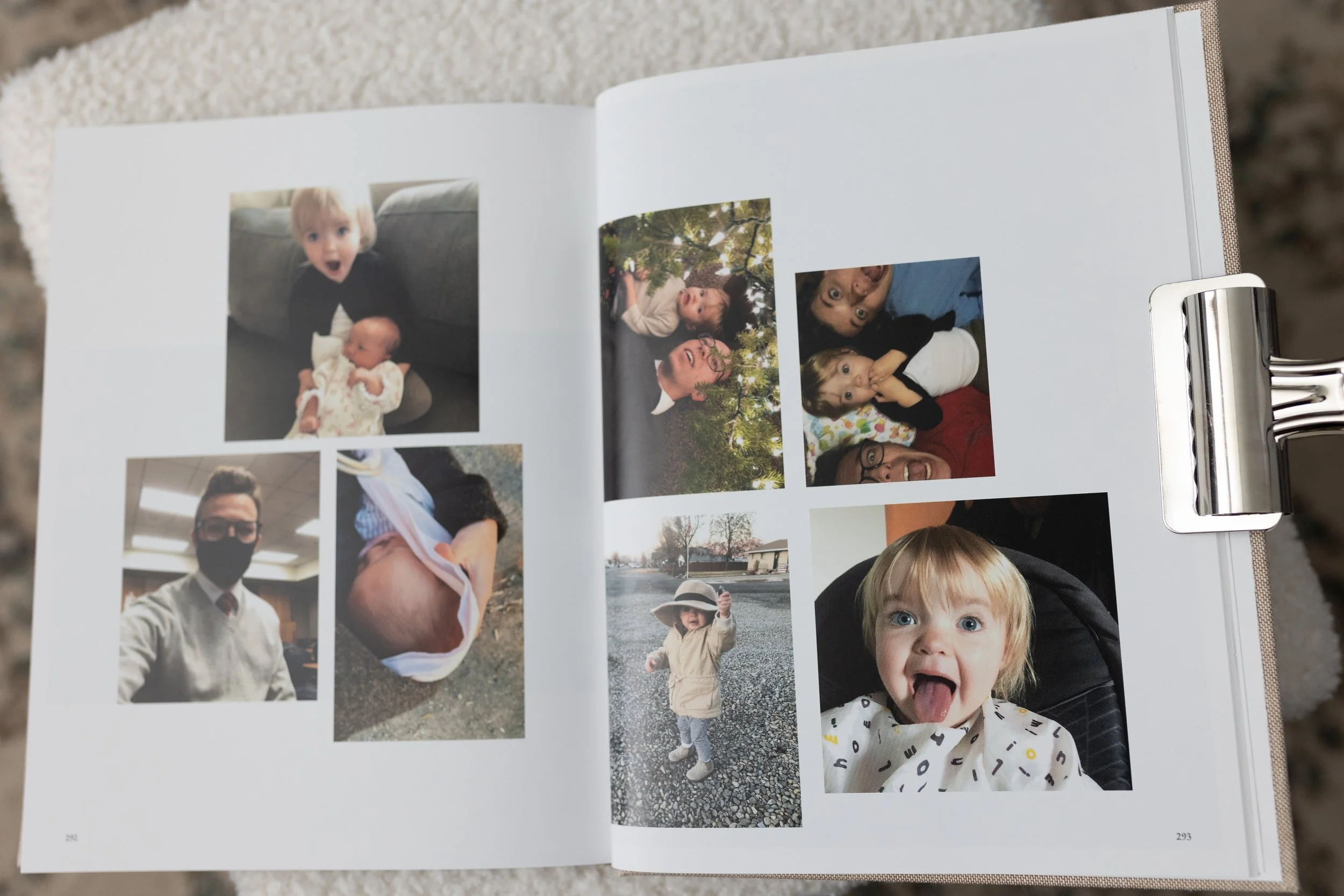
Include a few random iPhone photo dump pages. Most of us have random photos of our kids we want to include but might not know where they fit in the album. To keep things simple, I include a few random iPhone photo dump pages. Instead of stressing about what to do with an image, I just throw it in my random dump page.
Don’t be a perfectionist. You will make mistakes and have typos, I promise it’s okay. “Done” is better than “Perfect”!!
Wait for a deal. Don’t pay more than 30% off.
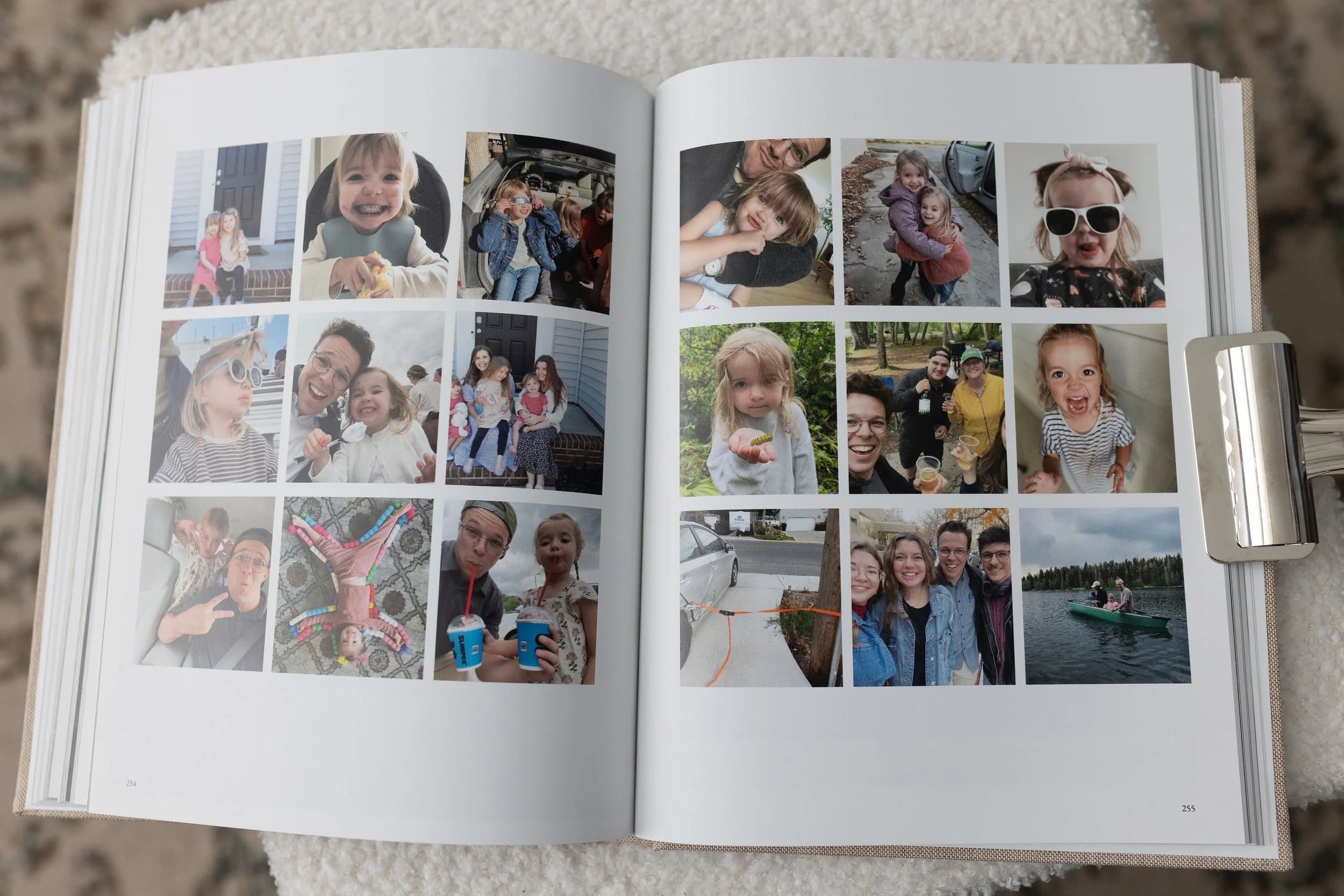
Hopefully these tips help you feel empowered and ready to create a photo book that feels like a luxurious coffee table book, infused with intention and meaning.
If you create a photo book, I’d love to see it and hear how it goes!! I hope these tips are helpful as you get started.
And if you’re worried you need a fancy camera to create a photo album like this, you’re wrong! here are some of my favorite iPhone spreads! I’ll link my blog post that showcases all the iPhone spreads in my book.
And if you want extra accountability, tutorials and my custom layouts consider joining the Photo Book Archive for $37/month. I’ll teach you how to conquer the photo overwhelm to select photos quickly, alllll the shortcuts to use with bookwright and give you my exact album so you can drag and drop your own images to skip the design process completely.
Seriously, if this blog post finds you I would love to see what you create. Send me an email at h18brown@gmail.com!
Here are a bunch more spreads I love!!