How to Download the Blurb Layouts
I’m so excited for you to start your photo book journey! I hope these layouts make designing your album effortless.
Here is how you download and use them!
Download the zip file you received after purchasing the layouts.
When you downloaded bookwright, your computer made a folder called “blurb” in your documents folder in finder. Locate this folder by opening finder, selecting documents, and opening the new folder titled “blurb.”
Move the folder titled “MyLayouts” that you received after opening your zip file into the folder titled “blurb.”
Open bookwright and start a new 8x10 portrait project. (These layouts are for the 8x10 size photo book!)
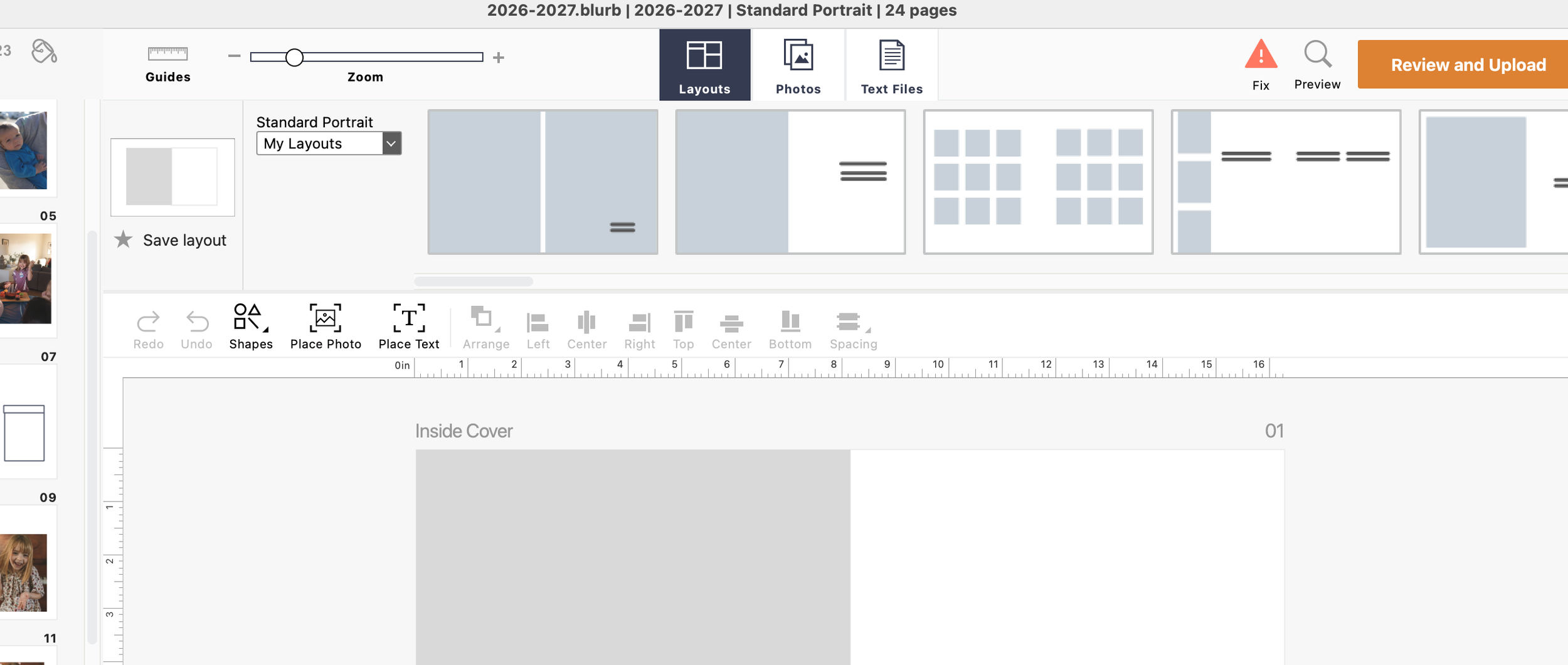
Start building your book by accessing my layouts on the top of bookwright.
If you have any questions or problems accessing your layouts, don’t hesitate to reach out!! I’d love to walk you through the process if you are getting stuck.
